

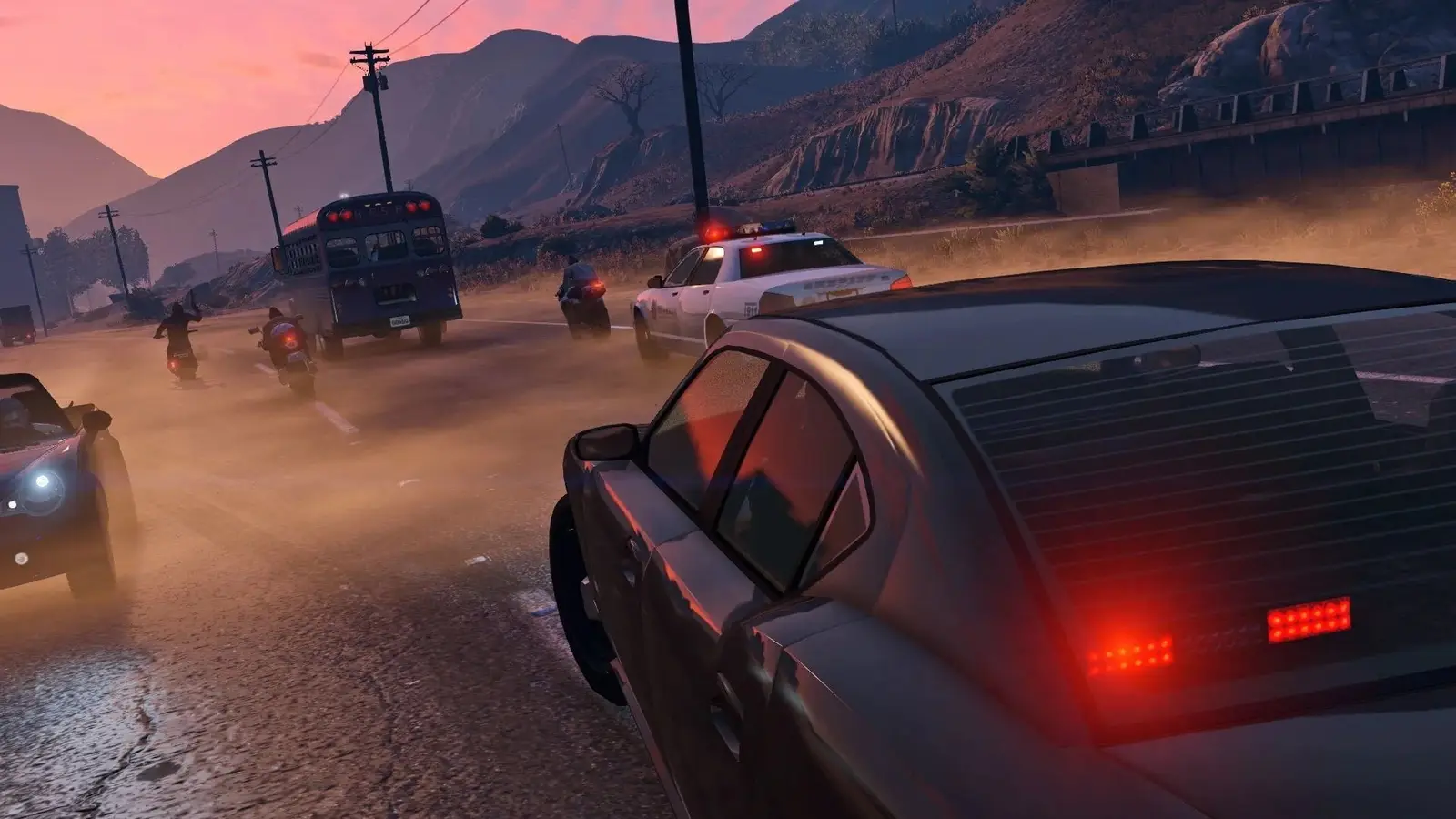
Rage.MP server hosting
A custom GTA V roleplay or freeroam server, scripted your way
Host a RAGE Multiplayer server for GTA V roleplay, racing or freeroam. JavaScript and C# gamemodes, 50 slots by default and up to 100, with SFTP for your code.
Staying longer? Subscribe and get 50% off your first month
- DDoS protected
- 24/7 support
- Live the moment you pay

- Split the billUp to 10 friends, own cards
- Custom plansAny RAM up to 32 GB
- Prepaid or monthly3 days to 1 year
- Live in 60 secondsNo setup, no waiting
- Cancel any timeNo contracts, ever
Pick your Rage.MP plan
Every plan is live the moment you pay. Upgrade or cancel from your dashboard any time.
Starter
4 GBThen $9.99/mo. $0.33 a day.
- 4 GB RAM
- 2 vCPU cores
- DDoS protection included
- 24/7 support
Standard
8 GBThen $19.99/mo. $0.67 a day.
Splitting with 3 friends? $6.02 each/mo
- 8 GB RAM
- 2 vCPU cores
- DDoS protection included
- 24/7 support
Pro
12 GBThen $29.99/mo. $1.00 a day.
Splitting with 3 friends? $8.52 each/mo
- 12 GB RAM
- 3 vCPU cores
- DDoS protection included
- 24/7 support
What comes set up on a Rage.MP server
JavaScript and C#
Write server code in JavaScript on Node.js or in C#. The Linux bridge that C# resources need is installed for you.
Roleplay city ready
Keep your city, jobs and economy online all day, with database files, logs and scripts in one place on the server.
Client packages
Scripts and CEF interfaces in client_packages download to players when they join, so your UI ships with the server.
Legacy and Enhanced
RAGE Multiplayer supports both GTA V Legacy and Enhanced on PC, and players on either edition can share a server.
A look inside Rage.MP
Real screenshots from the game. Click any of them to see it full size.
How much RAM does a Rage.MP server need?
Find the row that sounds like your group and we will point you at the right plan.
| Your server | RAM | Plan |
|---|---|---|
| Freeroam or development server | 4 GB | Starter$9.99/mo |
| Roleplay server with a steady crowd | 8 GB | Standard$19.99/mo |
| Heavy C# gamemode near 100 players | 12 GB | Pro$29.99/mo |
This is the panel. Click around.
This is the Rage.MP panel you get. Click any button, or type a command.

Rage.MP Server
play.gamezservers.com:7777
[12:00:00] Starting Rage.MP server
[12:00:03] Loading world
[12:00:06] Server started on port 7777
[12:00:09] Ready for players. Try a button.
Power
How to join your Rage.MP server
- 1
Own GTA V on PC (Legacy or Enhanced) and install the RAGE Multiplayer client from rage.mp.
- 2
Open the RAGE Multiplayer launcher and set your GTA V folder if it asks.
- 3
Search for your server's name in the server list, or use direct connect with
203.0.113.24. - 4
Connect and wait for the server's client packages to download.
Common problems
Gamemode crashes on start? Check the live console. Node.js errors in packages show there, and a missing npm module usually means you forgot to upload node_modules or run your install step locally first.
Server name and max players come from the panel and are written into conf.json on start, so change them in the panel rather than editing those lines by hand.
If you replace advanced game files such as gameconfig.xml, Enhanced players need versions rebased for that edition in client_packages/game_resources_g9.
Players stuck downloading on join usually hit a large client package. Keep client_packages lean and compress big assets.
Server not responding
Make sure the server is online. Servers sleep after 4 days with nobody playing, and anyone with access can start them again from the dashboard in one click.
Use the server address
Do not use localhost, 127.0.0.1 or your own IP from a home hosting guide. Copy the exact address of the server.
No port forwarding or firewall changes
Opening ports on your router is only for hosting a server at home, so there is nothing to change to join this one. If Windows asks whether to let the game through the firewall, choose Allow.
Modding your Rage.MP server
Everything on a RAGE Multiplayer server comes from its gamemode: server packages in JavaScript or C#, client scripts and CEF interfaces, plus custom vehicles, clothes and maps shipped to players as client resources.
Rage.MP server hosting, explained
RAGE Multiplayer is a third party multiplayer platform for Grand Theft Auto V on PC, made by an independent team with no ties to Rockstar Games or Take-Two. Players need their own legal copy of GTA V plus the free RAGE Multiplayer client, and they join community servers instead of GTA Online. Everything on a server comes from its gamemode, which is why RAGE MP is home to roleplay cities, racing leagues, drift servers, freeroam and deathmatch.
A RAGE MP server is a project: your scripts, your database, your rules. Roleplay communities need the city online around the clock with a proper place to deploy updates, and developers want a server they can restart and test against without tying up a home PC. Since 2025 the client supports both GTA V Legacy and Enhanced, so your players can stay on whichever edition they own.
We set the server name and max players in the panel and write them into conf.json for you. Server packages, client_packages and the rest of conf.json are editable in the file manager or over SFTP, and the live console shows your gamemode's output and errors as it starts. The Linux bridge for C# resources is installed automatically. Take a one click backup before each big gamemode deploy.
The RAGE MP server itself is modest. What uses memory is your gamemode: synced vehicles and objects, NPCs, database connections and the number of players in a busy area. A freeroam or development server fits on 4 GB. A roleplay server with a large gamemode and steady evening crowds is better on 8 GB, and 12 GB covers heavy C# setups close to our 100 slot cap.
Rage.MP server guides
Rage.MP5 min readHow to Host a RAGE MP Server for GTA V (2026 Setup Guide)
Set up a RAGE Multiplayer server for GTA V: get the server files, edit conf.json, open UDP 22005 and TCP 22006, add packages and client_packages, and connect.
ReadRage.MP5 min readHow to Install a Gamemode on a RAGE MP Server (JS and C#)
Put a RAGE Multiplayer gamemode on your GTA V server: packages and client_packages layout, node_modules, C# resources in dotnet, databases and testing.
ReadRage.MP6 min readRAGE MP Server Not Showing or Stuck Downloading? Fixes
Fix a RAGE Multiplayer server missing from the launcher list or players stuck downloading on join: announce, ports 22005 and 22006, client_packages size and versions.
ReadIncluded on every plan
- Always on DDoS protection
- 24/7 support from real people
- Low ping game hardware
- Live the moment you pay
- Your own address and port
- Live console with full access
- One click game actions
- One click backups
- Upgrade or cancel any time
Common questions
Do players need GTA V to join a RAGE MP server?
Yes. Every player needs a legal PC copy of GTA V plus the free RAGE Multiplayer client. RAGE MP is a separate community project, not part of GTA Online.
Is RAGE Multiplayer made by Rockstar?
No. It is an independent project with no connection to Rockstar Games or Take-Two.
How many players can my RAGE MP server hold?
Our setup defaults to 50 and allows up to 100 in the panel. The comfortable number depends on how heavy your gamemode is.
Which languages can I script in?
Server gamemodes are written in JavaScript on Node.js or in C#. Client side scripts are JavaScript, with CEF for HTML interfaces.
How do I upload my gamemode?
Put server code in the packages folder and client scripts in client_packages using the file manager or SFTP, then restart from the panel.
Does it work with GTA V Enhanced?
Yes. RAGE Multiplayer supports both the Legacy and Enhanced PC editions, and players on either can join the same server.
Can I add custom vehicles and clothing?
Yes. Custom game assets go into client_packages as client resources and download to players when they connect.
How much RAM does a RAGE MP server need?
4 GB is enough for freeroam and development, 8 GB for a roleplay server with a steady crowd, and 12 GB for heavy C# gamemodes near 100 players.
Is GamezServers affiliated with Rage.MP?
No. You rent and control your own dedicated Rage.MP server. GamezServers is not affiliated with the game's developer or publisher.
Can my friends and I split the cost?
Yes. At checkout choose "Me and my friends" and up to 10 people each pay their own share with their own card, on any plan length, from 3 days to a year. It is not a payment plan: nobody pays in parts over time, each friend simply pays their own share. You pay yours, send each friend their link, and the server starts straight away. Each share includes a $1 payment fee.
Can I build a custom plan?
Yes. Every game has a Build your own page: pick any amount of RAM up to 32 GB, any length from 3 days to 1 year, prepaid or a subscription, plus your server type and settings. A custom size costs 15% more per GB than the standard plans next to it.
Can I pay once instead of a subscription?
Yes. Pick Prepaid and pay once for 3 days, 30 days, 6 months or a year. Nothing renews: when the time is up the server pauses and keeps its world for 14 days. Add time or switch to a subscription from your panel any time. Short rentals cost more per day, since every server is set up from scratch.
How fast is setup, really?
Your server starts building the moment Stripe confirms payment. Most are online in under a minute, and the address and login appear on your dashboard automatically.
Players who host Rage.MP also host


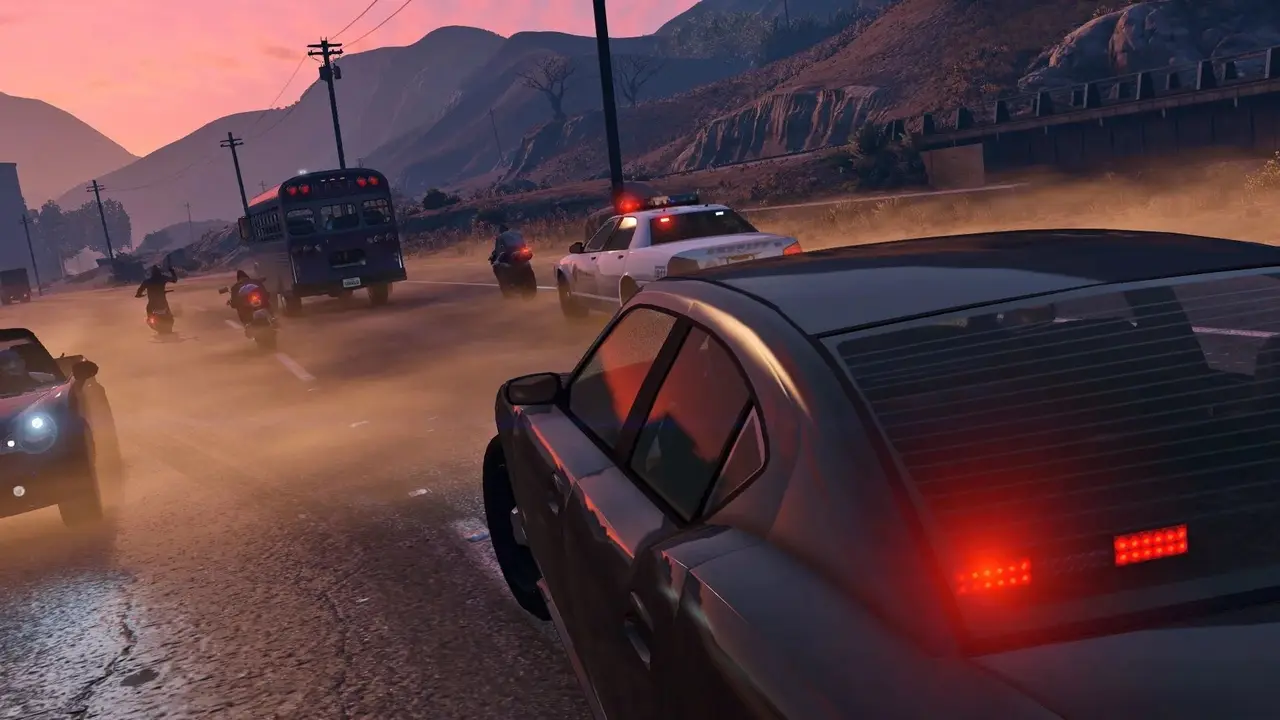
Your Rage.MP server is a minute away
A custom GTA V roleplay or freeroam server, scripted your way
Deploy Rage.MP nowLive in 60 seconds · Cancel any time
GamezServers is not affiliated with RAGE Multiplayer team. Rage.MP and its art are trademarks of their respective owners.