

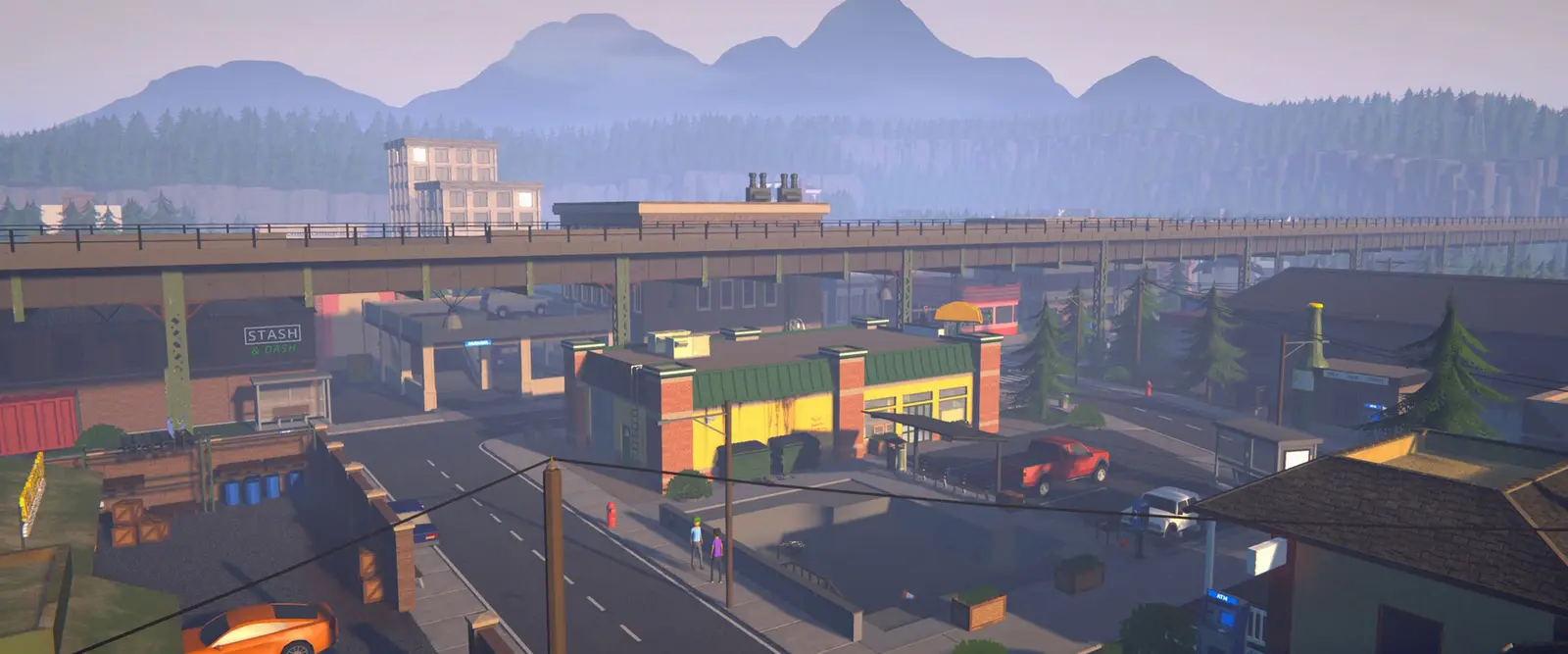
Schedule I server hosting
Your Hyland Point empire, online around the clock.
A Schedule 1 dedicated server that keeps your world running when the host logs off. We install the server mod for you, and friends add one free mod to join.
Staying longer? Subscribe and get 50% off your first month
- DDoS protected
- 24/7 support
- Live the moment you pay

- Split the billUp to 10 friends, own cards
- Custom plansAny RAM up to 32 GB
- Prepaid or monthly3 days to 1 year
- Live in 60 secondsNo setup, no waiting
- Cancel any timeNo contracts, ever
Three steps before your first join
Schedule I has no official servers, so every player adds one free pack once. It takes about two minutes, and single player and normal co-op keep working. We set up everything on the server side.
- 1
In Steam, right click Schedule I, choose Properties, then Betas, and pick alternate. Let the small update finish.
- 2
Download the GamezServers pack. It is one zip with everything you need.
- 3
In Steam, right click Schedule I, choose Manage, then Browse local files. Drag everything from the zip into that folder and pick Replace if Windows asks.
- 4
Join: press Launch and join on the server's invite page, or start Schedule I, click Servers, then Direct Connect and enter the IP and port.
Pick your Schedule I plan
Every plan is live the moment you pay. Upgrade or cancel from your dashboard any time.

Starter
6 GBThen $14.99/mo. $0.50 a day.
Splitting with 3 friends? $4.77 each/mo
- 6 GB RAM
- 3 vCPU cores
- Up to 2 players
- DDoS protection included
- 24/7 support
Standard
8 GBThen $19.99/mo. $0.67 a day.
Splitting with 3 friends? $6.02 each/mo
- 8 GB RAM
- 4 vCPU cores
- Up to 4 players
- DDoS protection included
- 24/7 support
Pro
12 GBThen $29.99/mo. $1.00 a day.
Splitting with 3 friends? $8.52 each/mo
- 12 GB RAM
- 4 vCPU cores
- Up to 8 players
- DDoS protection included
- 24/7 support
What comes set up on a Schedule I server

Your world never logs off
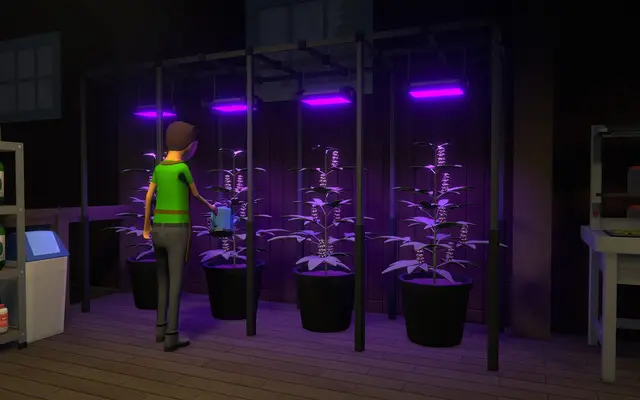
Deals, employees and grow rooms keep going for everyone, not only while the host is online.
Past the 4 player cap
Normal co-op stops at 4. A dedicated server takes up to 16 players on our biggest plan.
Server mod installed for you
MelonLoader and S1DedicatedServers come ready to go, with one click updates when the game patches.
Admin tools built in
Kick, ban, op and set the time from the console or with one click in the panel.
Backups of your save
Snapshot the world before a risky deal or a big update, and roll back if anything breaks.
Steam checked players
Every player signs in through Steam when they join, and you can kick or ban anyone from the panel.
A look inside Schedule I
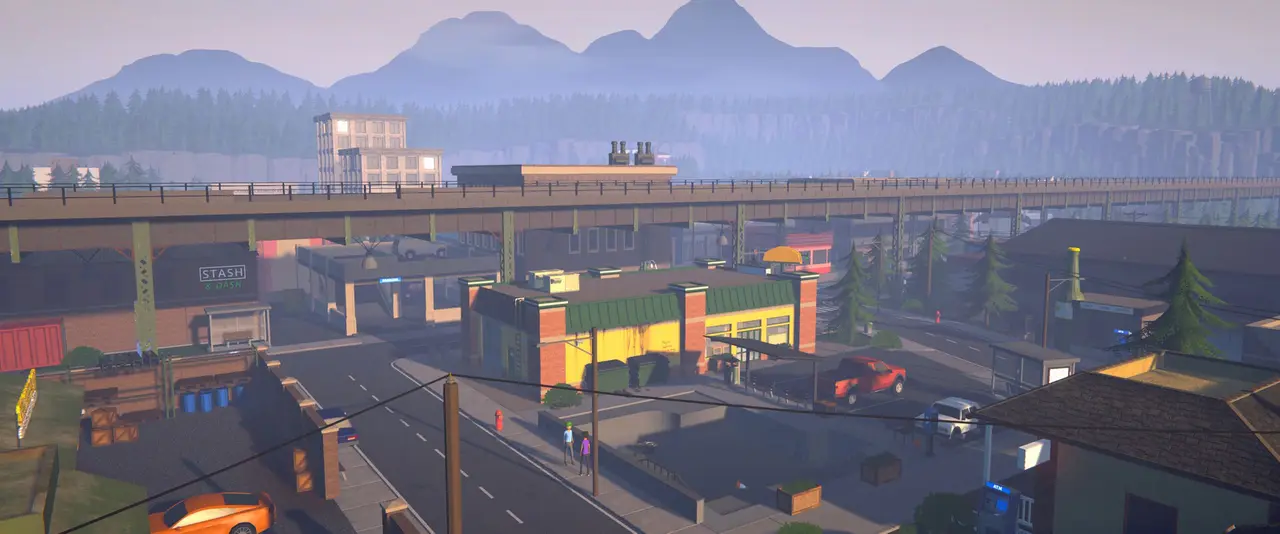
Real screenshots from the game. Click any of them to see it full size.
How much RAM does a Schedule I server need?
Find the row that sounds like your group and we will point you at the right plan.
| Your server | RAM | Plan |
|---|---|---|
| You and a few friends, up to 4 players | 6 GB | Starter$14.99/mo |
| A bigger crew with employees and several properties, up to 8 players | 8 GB | Standard$19.99/mo |
| A community server, or a late game world, up to 16 players | 12 GB | Pro$29.99/mo |
This is the panel. Click around.
This is the Schedule I panel you get. Click any button, or type a command.

Schedule I Server
play.gamezservers.com:38465
[12:00:00] Starting Schedule I server
[12:00:03] Loading world
[12:00:06] Server started on port 38465
[12:00:09] Ready for players. Try a button.
Power
Schedule I actions
How to join your Schedule I server
- 1
Install the GamezServers pack first, the three steps at the top. You only do it once.
- 2
Press Launch and join on the invite page, and Steam opens Schedule I and connects you. Or start Schedule I and wait for the main menu.
- 3
Click Servers, then Direct Connect.
- 4
Enter
203.0.113.24as the IP and38465as the Port, and connect. Steam signs you in automatically.
Common problems
No Servers button on the main menu
The pack is not loading. Check that version.dll, MelonLoader and Mods sit right next to Schedule I.exe, not inside another folder, and that Steam shows the branch the server uses (alternate for most servers).
Stuck on a black screen the first time
That is MelonLoader setting itself up after install or after a game update. It can take a few minutes. Leave it running.
Kicked a few seconds after connecting
Usually another host's mod is still installed, for example from a BisectHosting server. Delete it from the Mods folder, keep only the files from our pack, and connect again.
Could not join after a game update
The game, the client mod and the server must all be on matching versions. Download the pack again from the link above, and ask the owner to press Update game in their panel.
Wrong branch
A Mono server needs Schedule I on the alternate branch, and an IL2CPP server needs the normal one. The invite page says which, and each has its own pack.
Server not responding
Make sure the server is online. Servers sleep after 4 days with nobody playing, and anyone with access can start them again from the dashboard in one click.
Use the server address
Do not use localhost, 127.0.0.1 or your own IP from a home hosting guide. Copy the exact address of the server.
No port forwarding or firewall changes
Opening ports on your router is only for hosting a server at home, so there is nothing to change to join this one. If Windows asks whether to let the game through the firewall, choose Allow.
Modding your Schedule I server
Your server runs MelonLoader with the S1DedicatedServers mod, the open source dedicated server project for Schedule I. Other MelonLoader mods can go in the server's Mods folder, and companion mods built for S1DS work on the server and in each player's game.
Schedule I server hosting, explained
Schedule I is a crime business simulator from TVGS, released in early access on Steam on 24 March 2025. You start as a small time dealer in Hyland Point and grow into a kingpin, with properties, employees, suppliers and a police force that keeps getting more interested in you. Co-op supports up to 4 players, but the world only exists while the host has the game open, so the rest of the crew waits whenever the host is offline.
There is no official Schedule 1 dedicated server. Instead, the community project S1DedicatedServers by ifBars runs the full game headless as a server, with saves, admin commands, permissions and Steam sign in for every player. Running it yourself means copying the game to a machine that stays on, installing MelonLoader and the server mod, writing a config file, opening UDP and TCP ports, and on Linux adding Wine. We do all of that at install, and your panel handles starts, restarts, backups and updates.
Because the server runs the whole game, it needs more memory than most: the mod's own docs report around 3 GB in use on an idle server, before anyone joins. Our plans start at 6 GB for a group of four, which leaves room for a busy map, and every player joins with the one free pack linked on this page.
Schedule I server guides
Schedule I9 min readHow to Host a Schedule 1 Server (2026 Guide)
Schedule 1 server hosting from plan to first join: pick RAM, split the cost, send the invite link and get friends on your dedicated server in minutes.
ReadSchedule I5 min readHow to Start a New World on a Schedule 1 Dedicated Server
Wipe a Schedule I dedicated server and start fresh by moving DedicatedServerSave aside, so the server builds a clean save. Keep the old world too.
ReadSchedule I5 min readSchedule 1 Dedicated Server Lag Fix (Stutter, Rubberbanding, Hitches)
Fix lag on a Schedule I dedicated server: memory, the targetFrameRate setting, autosave hitches, late game saves, mods and player side problems.
ReadSchedule I6 min readHow to Install Mods on a Schedule 1 Server
Add MelonLoader mods to a Schedule 1 dedicated server: the Mods folder, IL2CPP vs Mono builds, which mods work in multiplayer and what players need.
ReadSchedule I9 min readHow to Join a Schedule 1 Dedicated Server (2026 Guide)
How to join a Schedule 1 dedicated server: switch to the alternate branch, drag one free pack into your game folder, then Launch and join or Direct Connect.
ReadSchedule I11 min readHow to Make a Schedule 1 Dedicated Server (2026 Setup Guide)
Set up a Schedule I dedicated server with the S1DS mod on Windows, Linux with Wine or Docker. Config, ports, first boot and updates.
ReadIncluded on every plan
- Always on DDoS protection
- 24/7 support from real people
- Low ping game hardware
- Live the moment you pay
- Your own address and port
- Live console with full access
- One click game actions
- One click backups
- Upgrade or cancel any time
Common questions


Does Schedule 1 have dedicated servers?
Not officially. Your server runs S1DedicatedServers, a free open source mod that turns the game into a dedicated server. We install and update it for you.
Do my friends need to install anything?
Yes, once: switch Schedule I to the alternate branch in Steam, then drag our one free pack into the game folder. After that, Launch and join on the invite page opens the game and connects them.
How many players can join?
Up to 4 on Starter, 8 on Standard and 16 on Pro. Normal co-op is limited to 4 players.
Do my friends need to own the game?
Yes. Every player signs in through Steam when they join, so each person needs their own copy of Schedule I on Steam.
What happens when Schedule I updates?
Game updates can break the mod until it catches up. Press Update game in your panel to pull the newest game and server mod, and have each player download the pack again from the same link.
Can I move my single player or co-op save to the server?
Yes. Start the server once, stop it, then upload your save into UserData/DedicatedServerSave with the file manager, keeping the server's own Players/Player_0 folder. Our guide walks through it step by step.
Does it work on Mac or console?
No. Schedule I is a Windows game on Steam, and the client mod needs the Windows version.
Can my friends and I split the cost?
Yes. At checkout choose "Me and my friends" and up to 10 people each pay their own share with their own card, on any plan length, from 3 days to a year. It is not a payment plan: nobody pays in parts over time, each friend simply pays their own share. You pay yours, send each friend their link, and the server starts straight away. Each share includes a $1 payment fee.
Can I build a custom plan?
Yes. Every game has a Build your own page: pick any amount of RAM up to 32 GB, any length from 3 days to 1 year, prepaid or a subscription, plus your server type and settings. A custom size costs 15% more per GB than the standard plans next to it.
Can I pay once instead of a subscription?
Yes. Pick Prepaid and pay once for 3 days, 30 days, 6 months or a year. Nothing renews: when the time is up the server pauses and keeps its world for 14 days. Add time or switch to a subscription from your panel any time. Short rentals cost more per day, since every server is set up from scratch.
How fast is setup, really?
Your server starts building the moment Stripe confirms payment. Most are online in under a minute, and the address and login appear on your dashboard automatically.
Players who host Schedule I also host



Your Schedule I server is a minute away
Your Hyland Point empire, online around the clock.
Deploy Schedule I nowLive in 60 seconds · Cancel any time
Schedule I is a trademark of TVGS. S1DedicatedServers is an independent open source project by ifBars. GamezServers is not affiliated with or endorsed by TVGS.