

 The Front
How to Host The Front Dedicated Server (2026 Guide)
Host The Front dedicated server: SteamCMD app 2612550, four UDP ports, launch options, admins by Steam ID, PvE or PvP rules and RAM for up to 80 players.
Updated Oct 3, 2026 · 6 min read
On this page
- Why run your own The Front server?
- What do you need to host The Front?
- How do I install The Front dedicated server?
- What launch options does The Front server use?
- What ports does The Front server need?
- How do I set up PvE or PvP?
- How do I make myself an admin?
- How do players find and join the server?
- Can I keep more than one world?
- FAQ
- The easy option: host it with GamezServers
To host The Front dedicated server, install the free The Front Dedicated Server tool (SteamCMD app 2612550), start it with options for the name, player cap (MaxPlayers and -QueueThreshold) and admins (-ServerAdminAccounts), and forward four consecutive UDP ports: game, beacon, query and shutdown service. PvE or PvP, novice protection and friendly fire are server settings. Plan on 8 GB of RAM for a clan and more for big servers.
Why run your own The Front server?
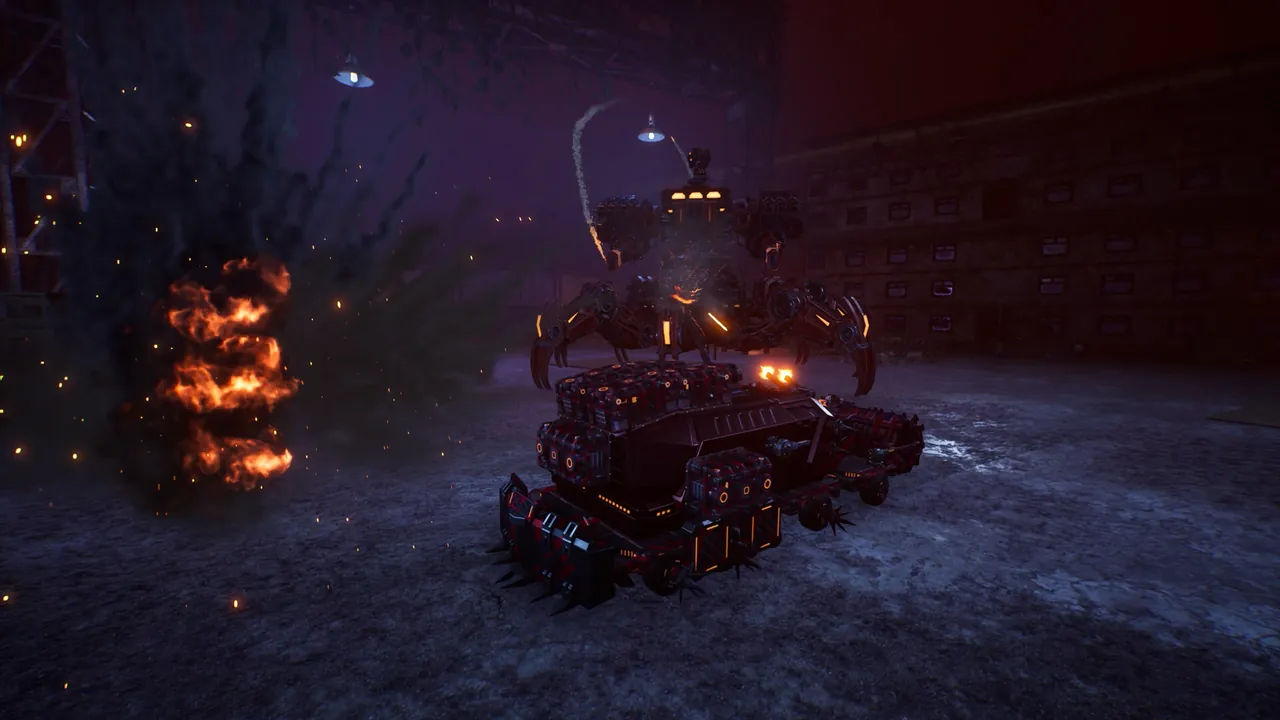
The Front is Samar Studio's open world survival game: you play a resistance fighter sent back in time to stop an empire, gathering resources, researching tech, building bases and fighting monsters, imperial forces and other players. It left Early Access in October 2025 and still gets regular updates, posted on its Steam page.
Official servers have fixed rules and fixed wipes. Your own server lets a clan keep a long running PvP world, lets friends play PvE without being raided at 3 in the morning, and lets a community pick a wipe schedule that suits its players.
What do you need to host The Front?
- A Windows machine that can stay on. The Front is one of the heavier survival servers.
- SteamCMD. The dedicated server is free; every player needs their own copy of the game.
- Four forwarded UDP ports if you host at home.
| Server | RAM |
|---|---|
| Clan or friend group | 8 GB |
| Community of a few dozen players | 12 GB |
| Pushing toward 80 players, or a world running for months | 16 GB |
How do I install The Front dedicated server?
- Install SteamCMD, for example to
C:\steamcmd. - Download the server:
steamcmd +force_install_dir C:\TheFrontServer +login anonymous +app_update 2612550 validate +quit
- The server executable is in
ProjectWar\Binaries\Win64\inside the install folder. Create a shortcut or batch file that runs it with your launch options (below). - Allow the executable through Windows Firewall and forward the ports.
Run the update line again after every patch. Players on a newer game build cannot join an older server, which is the most common "can't connect" cause after an update.
What launch options does The Front server use?
The server takes its core settings on the command line. A typical set, with 7777 as the base port:
ProjectWar ProjectWar_Start?Listen?MaxPlayers=20 -server -game -log -QueueThreshold=20 -ServerName="Resistance Cell PvE" -ServerAdminAccounts=76561198000000000;76561198000000001 -port=7777 -BeaconPort=7778 -QueryPort=7779 -ShutDownServicePort=7780
| Option | What it does |
|---|---|
?MaxPlayers= |
Player slots, up to 80 |
-QueueThreshold= |
Player cap before new joiners queue; set it to match MaxPlayers |
-ServerName= |
Name in the server list |
-ServerAdminAccounts= |
Steam64 IDs with full GM rights, separated by semicolons |
-port= |
Game port |
-BeaconPort= |
Join handshake port, game port plus one |
-QueryPort= |
Steam query port, game port plus two |
-ShutDownServicePort= |
Used for clean shutdowns, game port plus three |
Extra settings such as rates, passwords and mail go in ServerConfig_.ini inside a TheFrontManager folder in the server directory. The file name has to be exact, trailing underscore included, or the server ignores it.
What ports does The Front server need?
| Port | Protocol | Purpose |
|---|---|---|
| Game port, for example 7777 | UDP | Player traffic |
| Game port + 1 (7778) | UDP | Beacon, the join handshake |
| Game port + 2 (7779) | UDP | Steam query and server list |
| Game port + 3 (7780) | UDP | Shutdown service |
Forgetting the beacon port is the classic mistake: the server shows in the list but nobody can get in. Forward all four. Our port forwarding guide covers the router side.
How do I set up PvE or PvP?
The Front supports both on the same server software:
- PvP (the default style) allows raiding, base fights and player kills.
- PvE turns off player versus player damage, so players only fight monsters and the empire.
Settings worth deciding before launch:
| Setting | What it controls | Good starting value |
|---|---|---|
| PvE mode | Whether players can hurt each other and their bases | On for friend groups |
| Novice protection | Shields new players for a while after they start | On for public servers |
| Friendly fire | Damage between teammates | Off |
| Self damage | Whether your own explosives hurt you | On for realism, off for casual |
| Save interval | Seconds between world saves | 300 |
| Anticheat | Server side cheat protection | On |
| Server tags | Labels in the list such as PvE or wipe schedule | Up to 5 |
Restart after every change. The Front does not reload settings while running.
How do I make myself an admin?
Put your 17 digit Steam64 ID in -ServerAdminAccounts, with a semicolon between IDs for more admins, and restart. Admins listed there get the highest GM level in game, so only add people you trust.
How do players find and join the server?
In The Front, open the server list and pick the dedicated servers tab. Search your server name, then join with the password if you set one. The list can take a few minutes to show a freshly started server. If players see it but time out, check the beacon port first.
Can I keep more than one world?
Yes. Each world is a separate save name. Changing the save name starts a new world, and changing it back returns to the old one, which is handy for a fresh wipe while keeping the previous map as an archive. Keep save names simple, with no spaces or symbols.
FAQ
How many players can The Front server hold?
Up to 80. Set MaxPlayers and match -QueueThreshold to it, then make sure your RAM can handle the number.
Why can players see my server but not join?
Usually the beacon port (game port plus one) is not forwarded, or the server is on an older build than the players. Forward all four ports and update the server.
Can The Front run as a PvE server?
Yes. Turn PvE mode on and restart. Players then only fight monsters and the empire.
Is The Front still in Early Access?
No. It had its full release in October 2025 and still receives updates, so update the server after each patch.
How much RAM does The Front server need?
Start at 8 GB for a small group, then 12 to 16 GB as players and bases grow.
The easy option: host it with GamezServers
Our The Front server hosting is ready minutes after you pay, with all four ports handled for you. The panel sets the server name, password, max players from 1 to 80, PvE mode, self damage, friendly fire, novice protection, a save interval from 150 to 600 seconds, admins by Steam ID, anticheat, the chat filter and server tags. Config Name picks the save, so you can keep worlds side by side, and deeper config files are in the file manager.
| Plan | RAM | Price a month |
|---|---|---|
| Starter | 8 GB | 19.99 USD |
| Standard | 12 GB | 29.99 USD |
| Pro | 16 GB | 39.99 USD |
New customers get 50% off the first month, and a clan can split the bill between members, each paying their own share.
Skip the setup. Your own The Front server.
Then $19.99/mo. Just trying it? $5.00 for 3 days