

 World of PADMAN
How to Host a World of PADMAN Server (WoP 1.7 Dedicated Server)
Host a World of PADMAN 1.7 server: run wopded with +exec server-allgametypes.cfg, edit server-settings.cfg, open UDP 27960 and add bots, RCON and rotation.
Updated Oct 7, 2026 · 5 min read
On this page
To host a World of PADMAN server, install WoP 1.7 (the dedicated server wopded ships in the same download), edit wop/server-settings.cfg with your server name, player cap, bots and RCON password, and start it with wopded +set dedicated 2 +exec server-allgametypes.cfg. dedicated 2 announces the server to the WoP master list, 1 keeps it LAN only. Forward UDP port 27960 and friends can find it in the server browser or join with /connect.
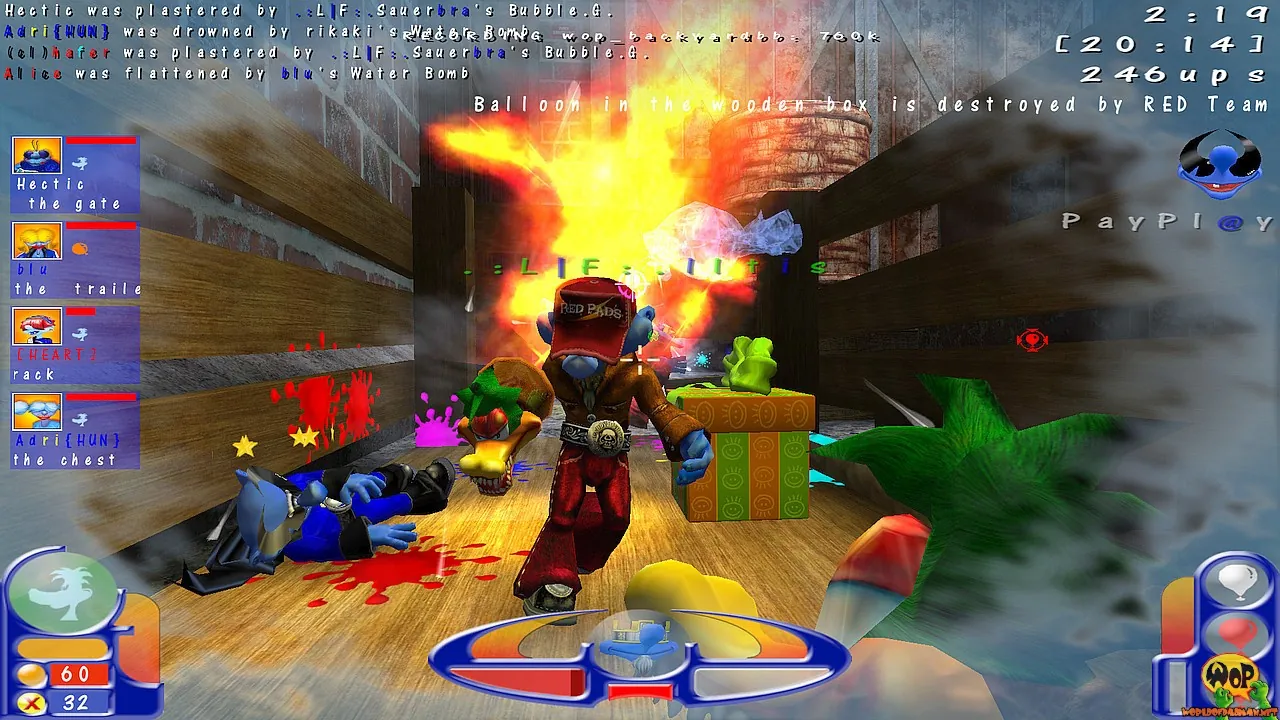
WoP is a free cartoon arena shooter from Padworld Entertainment that started as a Quake III mod in 2004 and runs on ioquake3. The 20 Years Anniversary Edition, version 1.7.0, came out in December 2024. The community is small but alive, and most groups that still play run their own server for match nights.
What you need
- World of PADMAN 1.7 from the official download page, or the release on GitHub. Windows, Linux and macOS are supported.
- Any always on machine. Like all id Tech 3 games, the server barely uses memory. CPU speed matters more than RAM.
- UDP port 27960 open, or the port you choose with
net_port. - Players on 1.7. Version 1.7.0 is not backward compatible. Older clients cannot join a 1.7 server and cannot see it in the list.
Step 1: Find the server files
After installing or extracting the release, look in the game folder for the dedicated server binary (wopded, with a platform suffix such as wopded.x86_64 on Linux) and the wop folder. Inside wop the team ships ready made configs:
| File | What it is |
|---|---|
server-settings.cfg |
Name, MOTD, slots, bots, passwords, voting |
rotation.cfg |
Map and game mode rotation for every official map |
server-allgametypes.cfg |
Loads the two files above and starts the rotation |
server-sprayyourcolor.cfg, server-freezetag.cfg and others |
One file per game mode, for single mode servers |
Step 2: Edit server-settings.cfg
The official example is well commented. The lines to change:
sets admin "YourName"
sets email "you@example.com"
set sv_hostName "^3Kitchen ^7Chaos"
set g_MOTD      "^7Be nice, spray often"
set sv_maxClients "12"
set bot_enable     "1"
set bot_minPlayers "4"
set g_spSkill      "2"
set rconPassword "a-long-rcon-password"
set g_password   ""
set g_allowVote "1"
| Setting | Meaning |
|---|---|
sv_hostName |
Name in the browser. ^ codes add colors |
sv_maxClients |
Slots, including bots |
bot_minPlayers |
Bots fill the server up to this count and leave as humans join |
g_spSkill |
Bot skill, 1 to 5 |
rconPassword |
Remote admin. Empty means no RCON at all |
g_password |
Join password. Empty is public |
g_allowVote |
Lets players vote on maps and kicks |
sv_VoIP |
Built in voice chat, on by default |
Bots are the secret to a good small server. With bot_minPlayers 4, two friends online still get a lively six player match, and the bots step aside as real players join.
Step 3: Start the server
Linux:
./wopded.x86_64 +set dedicated 2 +set net_port 27960 +exec server-allgametypes.cfg
On Windows, run the Windows wopded binary with the same arguments. server-allgametypes.cfg executes server-settings.cfg, loads rotation.cfg, and starts the first map. To run a single mode server instead, exec one of the per mode files, such as server-freezetag.cfg.
Step 4: Open the port
Forward UDP 27960 to the server machine and allow it through the firewall. For a second server on the same machine, use +set net_port 27961 and forward that too. Our port forwarding guide covers routers. With dedicated 2, the server sends heartbeats to the WoP master server so it appears in the list. Give it a minute or two after starting.
Step 5: Join
Players start WoP 1.7, open the multiplayer server list and look for your hostname, or press the tilde key (~) and type:
/connect 203.0.113.10:27960
Running it from the console or RCON
From the server console, or in game after /rconpassword a-long-rcon-password followed by /rcon <command>:
| Command | What it does |
|---|---|
status |
Lists players with their slot numbers |
clientkick <num> |
Kicks by slot number |
map wop_backyard |
Loads a map now |
vstr nextmap |
Skips to the next map in the rotation |
set g_gametype 7 |
Sets Freeze Tag, applies on the next map load |
addbot <name> <skill> |
Adds a bot |
Game mode numbers and building your own rotation are covered in our guide to World of PADMAN game modes and map rotation.
Custom maps
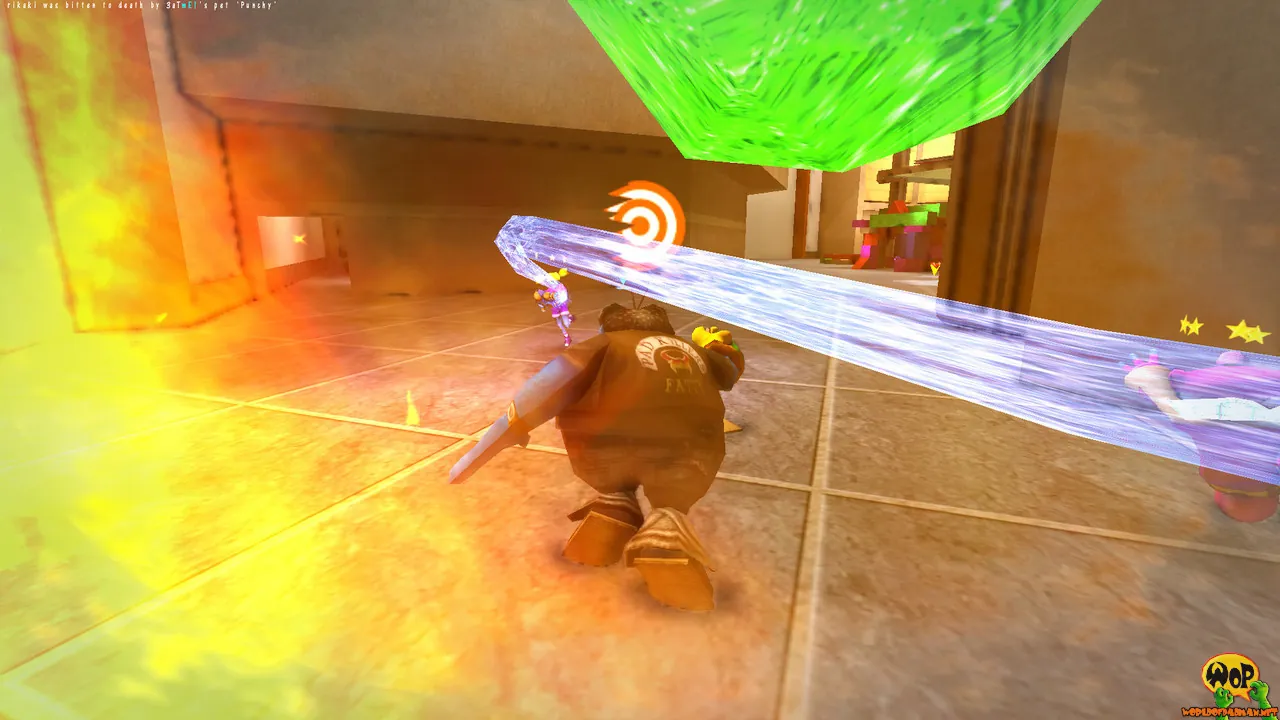
Community maps are .pk3 files that go in the wop folder. Turn on sv_allowDownload so players who lack a map can fetch it on connect. The details, including faster HTTP downloads, are in our guide to adding custom maps to a WoP server.
The hosted option
WoP is light enough for any spare PC, but match nights only happen if that PC is on and the port stays forwarded. A GamezServers World of PADMAN server installs the current release and generates a config for you, with panel fields for the hostname, Server Visibility (internet or LAN), Allow Downloads, the RCON password, the mod folder and which config file loads. Edit the config and drop map .pk3 files in through the file manager or SFTP, and the server runs on a fixed address with the port already open. It is one of the smallest servers we host, so the entry plan is enough for most groups.
FAQ
What port does a World of PADMAN server use?
UDP 27960 by default, like other ioquake3 games. Change it with +set net_port.
How do I make my WoP server public?
Start it with +set dedicated 2. dedicated 1 is LAN only.
Can WoP 1.6 players join a 1.7 server?
No. Version 1.7.0 is not backward compatible, so everyone needs 1.7.
How do I add bots to a World of PADMAN server?
Set bot_enable 1 and bot_minPlayers in server-settings.cfg, or use addbot from the console or RCON.
Is World of PADMAN free?
Yes. The game is freeware for Windows, Linux and macOS, so friends only need to download it.
Skip the setup. Your own World of PADMAN server.
Then $2.99/mo. Just trying it? $0.75 for 3 days
 Minecraft