

 World of PADMAN
How to Add Custom Maps to a World of PADMAN Server
Add custom maps to a WoP 1.7 server: upload the .pk3 to the wop folder, find the map name, add it to rotation.cfg and turn on sv_allowDownload.
Updated Oct 7, 2026 · 5 min read
On this page
To add a custom map to a World of PADMAN server, upload the map's .pk3 file into the server's wop folder, restart, and load it with map <mapname>, where the map name is the .bsp file name inside the pk3's maps folder. Add it to rotation.cfg to keep it in the cycle. So players who do not have the map can still join, set sv_allowDownload 1 on the server, and optionally sv_dlURL to a web address that hosts the same pk3 files for much faster downloads.
WoP's community maps are shared on mod.io and ModDB, both moderated by the developers, and the team keeps the [PAD]Community MapPack current for 1.7. That is a good first pack for any server.
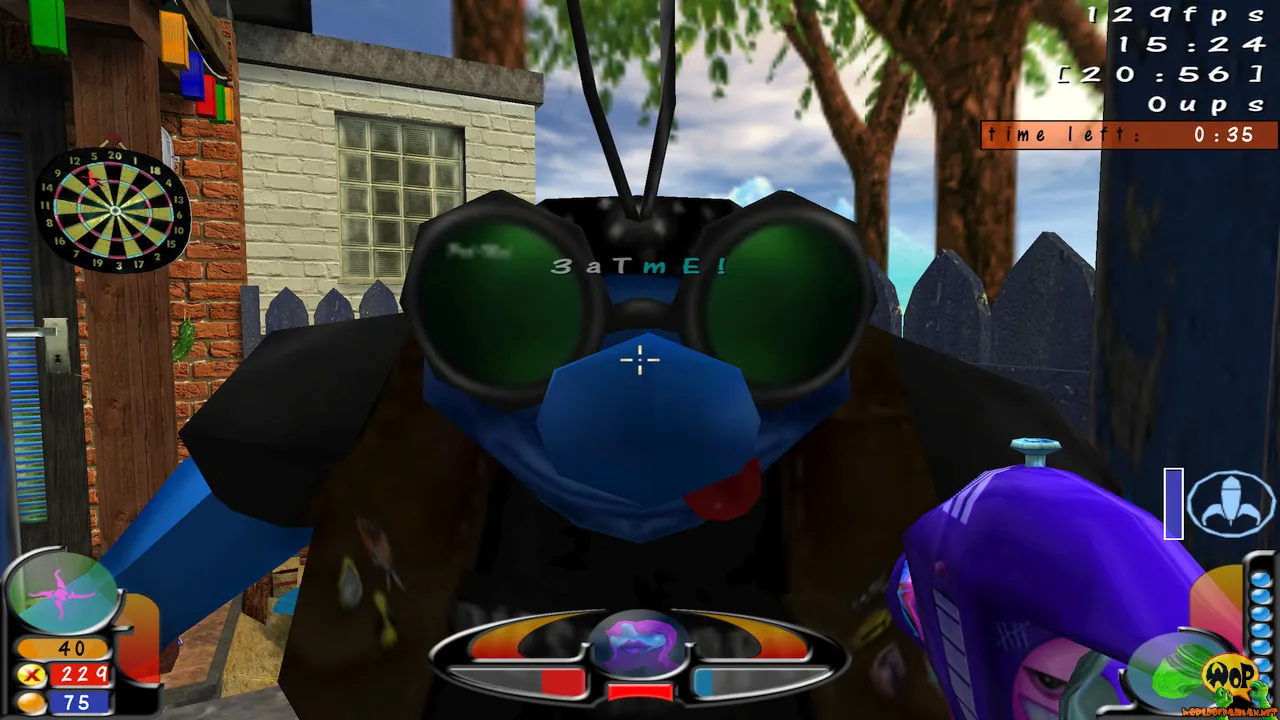
Step 1: Get maps that work with 1.7
World of PADMAN 1.7.0 was a big release and is not backward compatible with older clients. Most older maps still load, but check the map's page says it supports 1.7, or test it on a private server first. Good sources:
- mod.io and ModDB, where WoP maps, models and skins are moderated by the developers
- The [PAD]Community MapPack, kept up to date by the team for the current version
Download the .pk3 file. A pk3 is a zip archive with a different extension, so you can open it with any zip tool to look inside.
Step 2: Find the map name
The name you type in commands is not the pk3 name. Open the pk3 and look in its maps folder:
example-pack.pk3
  maps/
    wop_examplemap.bsp
  levelshots/
  textures/
Here the map name is wop_examplemap, without .bsp. A pack can hold several maps, each with its own .bsp. Also note which modes the map supports from its description: a map built for Capture the Lolly or Big Balloon has the entities those modes need, while a plain arena map does not.
Step 3: Upload to the wop folder
Put the .pk3 in the server's game data folder. For a standard setup that is wop, the folder set by fs_game. Do not put it in a subfolder: the engine only scans pk3 files at the top level of the game folder. Then restart the server so it picks up the new file.
Test it from the server console:
map wop_examplemap
If the console says the map cannot be found, the pk3 is in the wrong folder or you used the wrong name.
Step 4: Add it to the rotation
WoP rotations are chains of vstr variables in rotation.cfg, one chain per game mode. To add a map to, say, the Free For All chain, insert a line and update the links on either side:
set map_ffa0 "map wop_backyard;        set nextmap_ffa vstr map_ffa1"
set map_ffa1 "map wop_examplemap;      set nextmap_ffa vstr map_ffa2"
set map_ffa2 "map wop_padkitchen;      set nextmap_ffa vstr map_ffa0"
Every line must point at a line that exists, and the last must loop back to the first. A broken link is the usual reason a rotation suddenly sticks on one map. Our guide to World of PADMAN game modes and map rotation explains the whole chain.
Step 5: Let players download the map
A player who does not have your custom map cannot load it. The engine checks the server's pk3 files when they connect. You have two download options:
| Setting | How it works | Speed |
|---|---|---|
sv_allowDownload 1 |
The game server sends the file itself | Slow, fine for one small map |
sv_dlURL "https://..." |
Players download from a web server you point to | Fast, best for packs |
Set them in your server config:
set sv_allowDownload "1"
set sv_dlURL "https://files.example.com/wop"
With sv_dlURL, the web folder must contain the same pk3 files in a wop subfolder, mirroring the server's layout (https://files.example.com/wop/wop/example-pack.pk3). Any static file host works.
On the player side, downloads must be allowed in the game's options. If someone gets stuck or disconnected on a custom map, ask them to turn on automatic downloads, or send them the pk3 to drop into their own wop folder.
Keep the pk3 count sensible
Every pk3 in the server's wop folder is something a connecting player may have to download or check. Twenty map packs mean long joins for newcomers. Keep only the maps that are in your rotation, and move the rest out of the folder. If two packs contain a file with the same name, the one that loads last wins, which can cause odd texture or map clashes. Removing unused packs avoids that.
Common problems
| Problem | Fix |
|---|---|
| Map not found | pk3 not in wop, or wrong map name |
| Players kicked or stuck on join | Downloads off on the server or in their client |
| Joins take minutes | No sv_dlURL, so files come over the game connection |
| Rotation stuck on one map | A vstr link points at a line that does not exist |
| Mode does not work on the map | The map lacks that mode's entities |
On a hosted server
On a GamezServers World of PADMAN server, upload map pk3 files into the wop folder (or whatever folder you set as Mod Folder (fs_game)) through the file manager or SFTP, and edit rotation.cfg in place. Allow Downloads is a panel setting, on by default, so players can fetch missing maps without you touching a config. Restart from the panel and the live console shows the map loading. Take a one click backup before a big map pack change so you can roll back. For the basics, see our WoP server setup guide.
FAQ
Where do custom maps go on a World of PADMAN server?
In the wop folder, the game data folder set by fs_game, at the top level and not in a subfolder.
How do I know a map's name?
Open the pk3 like a zip file. The name of the .bsp file in its maps folder, without the extension, is the map name.
Do players need to download custom maps?
Yes, but the server can send them. Turn on sv_allowDownload, and use sv_dlURL for faster downloads.
Where can I find World of PADMAN maps?
On mod.io and ModDB, which the developers moderate, and in the official [PAD]Community MapPack.
Skip the setup. Your own World of PADMAN server.
Then $2.99/mo. Just trying it? $0.75 for 3 days
 Minecraft