

 Soldat
How to Host a Soldat Server (Steam Version Guide)
Host a Soldat dedicated server: SteamCMD app 638500, soldat.ini basics, mapslist.txt, game modes, port 23073 and how friends join with IP and port.
Updated Oct 7, 2026 · 5 min read
On this page
To host a Soldat server, install the free dedicated server with SteamCMD (app 638500), set the name, passwords and player cap in soldat.ini, choose your maps in mapslist.txt, pick a game mode with GameStyle, and run soldatserver. Open port 23073 (UDP for the game, TCP for remote admin). Friends launch the free Steam version of Soldat, open Join Game, and type the IP and port. The whole thing runs comfortably on 1 GB of RAM.
Why Soldat is still worth a server
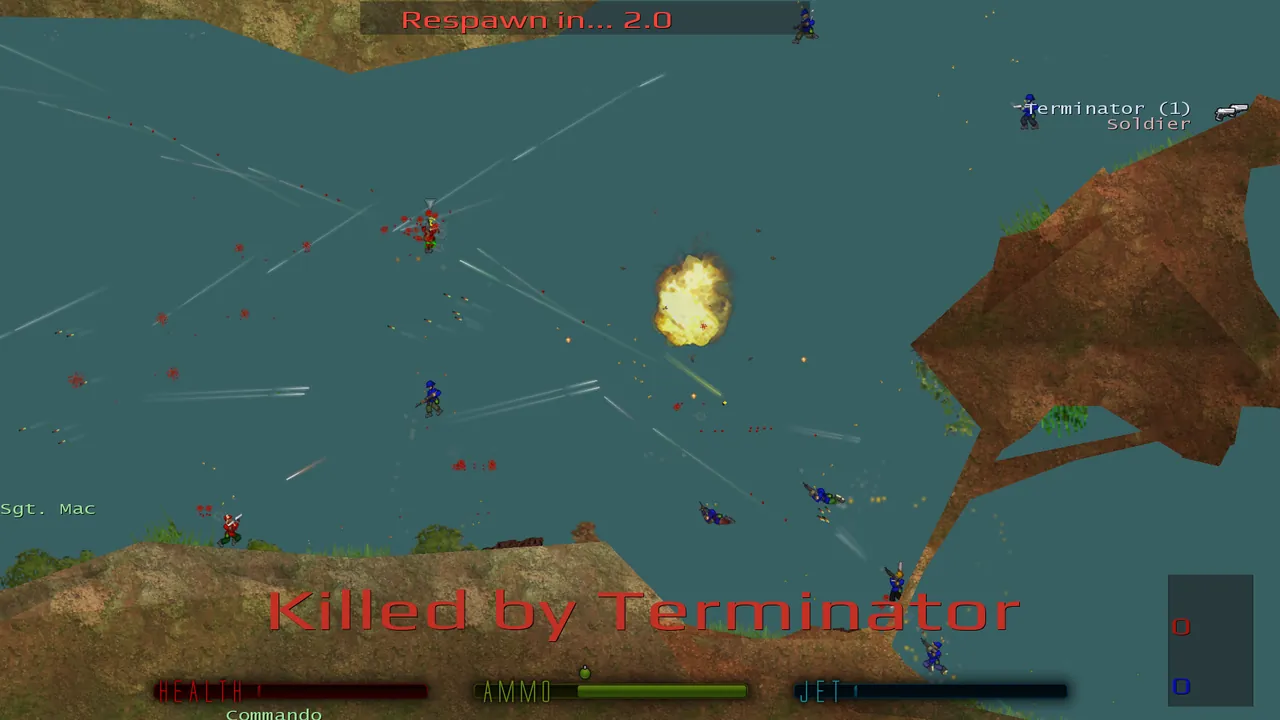
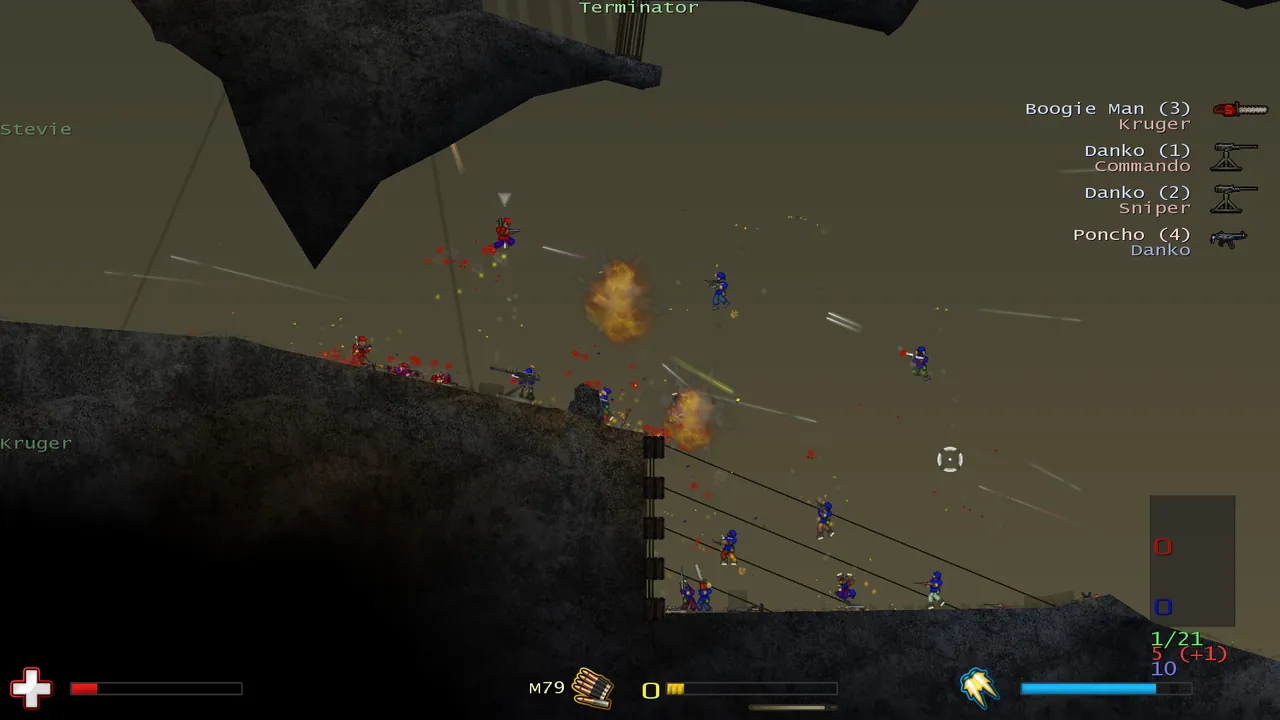
Soldat has been around since 2002 and is free on Steam. It is a side view 2D shooter with jet boots, a dozen weapons and maps that fit on one screen, and rounds are fast and loud. The crowd is small but loyal, with clans still running CTF practice and regulars who know every map by heart. A server that is always up, with your rotation and rules, is how you keep a group playing together.
It is also about the cheapest server you can run. The server barely uses memory, so what matters is low latency for your players and a server that stays online.
What you need
| Item | Detail |
|---|---|
| Server software | Soldat Dedicated Server, SteamCMD app 638500, free |
| Port | 23073 by default, UDP for play, TCP for remote admin |
| RAM | 1 GB small match, 2 GB public server, 4 GB with heavy scripts |
| Players | Free Steam copy of Soldat each |
Note the version split: the Steam release is Soldat 1.7.1. OpenSoldat is a separate open source 1.8 branch. Players and server must run the same one, and this guide covers the Steam release most people have.
Step 1: Install
steamcmd +force_install_dir /home/soldat/server +login anonymous +app_update 638500 validate +quit
On Linux, make the binary executable with chmod +x soldatserver.
Step 2: Edit soldat.ini
soldat.ini has [GAME], [NETWORK] and [BOTS] sections. Start with the network basics:
[NETWORK]
Port=23073
Max_Players=16
Server_Name=Night Shift CTF
Game_Password=
Admin_Password=a-long-random-password
Greeting_Message=Welcome. Be nice, shoot straight.
Lobby_Register=1
Game_Password locks the server for private matches. Admin_Password is for remote admin and in game admin login; keep it different from the join password. Lobby_Register=1 asks the server to show in the lobby list.
Then the game section:
[GAME]
GameStyle=3
Capture_Limit=10
Time_Limit=15
Respawn_Time=180
Friendly_Fire=0
Loop_Maps=1
Every key is explained in our soldat.ini settings guide.
Step 3: Pick a game mode
GameStyle sets the mode:
| Value | Mode |
|---|---|
0 |
Deathmatch |
1 |
Pointmatch |
2 |
Teammatch |
3 |
Capture the Flag |
4 |
Rambomatch |
5 |
Infiltration |
6 |
Hold the Flag |
CTF is the competitive heart of Soldat. Deathmatch is the easy choice for a casual group.
Step 4: Set the map list
mapslist.txt holds one map name per line, without the .pms extension:
ctf_Ash
ctf_Laos
ctf_Run
Use maps that fit the mode: ctf_ maps for CTF, inf_ for Infiltration, htf_ for Hold the Flag. Custom maps go in the maps folder as .pms files, then into the list.
Step 5: Start and open the port
./soldatserver
Forward 23073 UDP (and TCP if you will use remote admin from outside) to the machine, and allow it through the firewall. How to port forward a game server covers routers.
Step 6: Join
- Install Soldat from Steam. It is free.
- Launch it and open Join Game.
- Enter the IP and the port in their separate fields.
- Type the game password if there is one, and join.
If the lobby list is slow to show your server, direct join by IP and port always works.
Admin from inside the game
Log in with /adminlog followed by your admin password, then use commands like /map, /nextmap, /kick and /gamemode. The full list is in Soldat admin commands.
Keeping a public server alive
A Soldat server with nobody on it stays empty, because players browsing the lobby skip empty servers. A few things help a new server find its regulars:
- Pick one mode and stick to it. A CTF server that is always CTF builds a crowd faster than a rotation that changes every night.
- Add two bots while it is quiet.
/addbotfills the map so the first real player has something to shoot, and you can kick them as people arrive. - Use a clear name. Put the mode and region in
Server_Name, for example "EU CTF Classic Maps". - Set a greeting.
Greeting_Messageis where your rules and Discord invite go. - Keep it on all the time. A server that disappears every evening never gets regulars. That is the main argument for a hosted server over your home PC, covered in keeping a game server online 24/7.
Hosting it the easy way
A GamezServers Soldat server has Server Name, Server Password, Admin Password and Max Players (up to 20) in the control panel, written into soldat.ini on every start. Map lists, respawn times and the rest are in the file manager, custom maps go into the maps folder over SFTP, and restarts take seconds on a server this small. It has its own address, so nothing to forward, and a small plan is plenty.
FAQ
Is a Soldat server free?
The server software and the game are both free on Steam. You only pay if you rent hosting.
What port does Soldat use?
23073 by default, set with Port in soldat.ini. UDP carries the game and TCP is used for remote admin.
How many players can a Soldat server have?
The game supports up to 32, but most maps play best with 10 to 16. Raise the cap only for big CTF maps.
Can OpenSoldat players join a Steam Soldat server?
No. OpenSoldat 1.8 and the Steam 1.7.1 release are separate versions. Everyone must run the same one as the server.
Skip the setup. Your own Soldat server.
Then $2.99/mo. Just trying it? $0.75 for 3 days
 Minecraft