

 Pavlov VR
How to Host a Pavlov VR Dedicated Server (Game.ini and API Key)
Host a Pavlov VR server for PC: SteamCMD app 622970, Game.ini settings, the Vankrupt API key that lists it, ports 7777 and 8177, and RCON.
Updated Oct 7, 2026 · 5 min read
On this page
To host a Pavlov VR dedicated server, install app 622970 with SteamCMD, write your settings into Pavlov/Saved/Config/LinuxServer/Game.ini under [/Script/Pavlov.DedicatedServer], get a server API key from Vankrupt's master server and pass it at launch, then open UDP 7777 and UDP 8177. Without the API key the server runs but never appears in the in-game browser. Set up RconSettings.txt as well, because RCON is how you run the server while your headset is on.
This guide is for the PC VR version on Steam, now just called Pavlov. Pavlov Shack on Quest and the PS VR2 version use their own branches and servers, and PC servers do not mix with them.
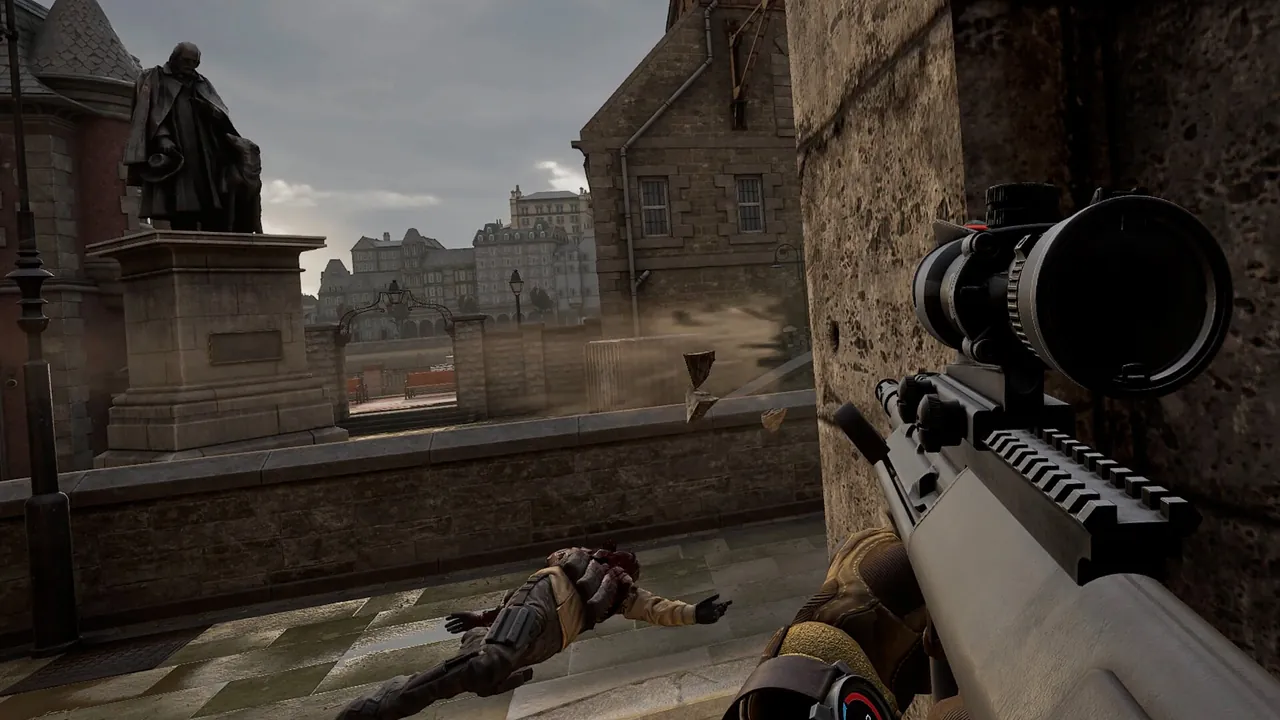
What you need
- A Linux or Windows machine that stays on. Linux is the usual choice and what the Pavlov wiki documents.
- 4 GB of RAM for a private server, more if you run a long rotation of custom maps, since the server downloads and loads them.
- SteamCMD. The server installs anonymously, no Steam login needed.
- A Steam account to request the server API key.
- Router access for port forwarding if you host at home.
Install with SteamCMD
On Linux, as a normal user (never root):
steamcmd +force_install_dir /home/steam/pavlovserver +login anonymous +app_update 622970 -beta default +exit
For the public beta, swap -beta default for -beta beta_server. Players have to be on the matching branch in Steam to join a beta server.
Then create the config folder and the empty list files the server expects:
mkdir -p /home/steam/pavlovserver/Pavlov/Saved/Config/LinuxServer
mkdir -p /home/steam/pavlovserver/Pavlov/Saved/maps
cd /home/steam/pavlovserver/Pavlov/Saved/Config
touch mods.txt blacklist.txt whitelist.txt
mods.txt holds moderators, blacklist.txt banned players and whitelist.txt the players allowed in when the whitelist is on. Each takes one player ID per line, which on PC is the 17 digit SteamID64.
Get the API key
Pavlov's master server only lists servers that present a key issued by Vankrupt. This was added to protect the master list from abuse, and it is the number one reason a new server is missing from the browser.
- Open the key page at pavlov-ms.vankrupt.com and sign in with Steam.
- Copy the key it gives you.
- Pass it to the server at launch:
-KEY="yourkey", or put it where your launcher expects it.
One key per server you run. If you share a key between two servers, expect one of them to fall off the list.
Write Game.ini
Create Pavlov/Saved/Config/LinuxServer/Game.ini. A working starting file:
[/Script/Pavlov.DedicatedServer]
bEnabled=true
ServerName="Friday Night SND"
MaxPlayers=10
bSecured=true
bCustomServer=true
bWhitelist=false
bCompetitive=false
bEnableBots=false
TickRate=90
TimeLimit=60
AFKTimeLimit=300
Password=
MapRotation=(MapId="datacenter", GameMode="SND")
MapRotation=(MapId="sand", GameMode="DM")
MapRotation=(MapId="UGC1758245796", GameMode="GUN")
What the important keys do:
| Key | Meaning |
|---|---|
bEnabled |
Shows the server in the server list. |
ServerName |
Listed name, keep it to about 35 characters. |
MaxPlayers |
Slots. PC allows up to 50, the wiki recommends 24 or fewer, and most modes play best at 10 to 20. |
bSecured |
Valve Anti-Cheat on. |
bCustomServer |
Turns on extra modding tools for custom content. |
bWhitelist |
Only players in whitelist.txt can join. |
bCompetitive |
Competitive rules for Search and Destroy. |
bEnableBots |
Bots fill empty slots in modes that support them. |
TickRate |
Server tick rate, 90 by default. |
TimeLimit |
Minutes per map. |
Password |
A numeric PIN. Leave it empty for a public server. |
MapRotation |
One line per map, each with a game mode. |
Valid modes are SND, TDM, DM, GUN, OITC, KOTH, TTT, TTTclassic, ZWV, WW2GUN, TANKTDM, HIDE, INFECTION, PUSH and PH. Stock maps use their short names. Custom maps from mod.io use UGC plus the map's resource ID, covered in detail in how to add mod.io maps to a Pavlov server.
Set up RCON
Create Pavlov/Saved/Config/RconSettings.txt:
Password=SomethingLong
Port=9100
The port is TCP. Each server instance on one machine needs its own RCON port. RCON is where kicking, banning, switching maps and giving items happens, see Pavlov RCON and admin commands.
Start the server
From the install folder:
./PavlovServer.sh -PORT=7777
The bundled script launches the Linux shipping binary. The first start takes a while as it builds config and downloads any mod.io maps in the rotation. Logs go to Pavlov/Saved/Logs/, and that is the first place to look if the server closes on its own.
Open the ports
| Port | Protocol | Use |
|---|---|---|
| 7777 | UDP | Game traffic |
| 8177 | UDP | Query, always the game port plus 400 |
| 9100 (your choice) | TCP | RCON, only open it if you manage from outside |
Running a second server on port 7000 means its query port is 7400. Forget the plus 400 rule and the server works by direct connect but shows nowhere.
Joining
Put the headset on, launch Pavlov, open the server list and search for your name. If the server has a PIN, the game asks for it. If it is missing from the list, check in this order: the API key, bEnabled=true, port 8177 UDP, and the game version. After a Pavlov patch, clients on the new build cannot join an old server until it updates, so run the SteamCMD line again.
The shorter route
Hosting a VR shooter at home has a specific annoyance: you cannot fix the server without taking the headset off. A Pavlov server from GamezServers has the Vankrupt API key, RCON password and port, auto update and the beta branch as fields in the control panel. Game.ini, mods.txt and the ban list are in the file manager, the live console shows maps downloading as players join, and there is no port forwarding. Your VR group can also split the monthly cost between up to 10 people.
FAQ
Why is my Pavlov server not in the server list?
Usually a missing or invalid API key from Vankrupt's master server. Also check bEnabled=true in Game.ini and that UDP 8177, the query port, is open.
Can Quest players join a PC Pavlov server?
No. Pavlov Shack on Quest uses its own branch and servers. A PC server on the default or beta_server branch is for PC VR players on Steam.
How many players can a Pavlov server hold?
PC servers technically allow up to 50, but the Pavlov wiki recommends no more than 24. Most groups run 10 to 20.
How do I password a Pavlov server?
Set Password= to a numeric PIN in Game.ini and restart, or use the SetPin RCON command on a running server.
Skip the setup. Your own Pavlov VR server.
Then $9.99/mo. Just trying it? $2.50 for 3 days
 Minecraft