

 No Love Lost
How to Host a No Love Lost Dedicated Server (Ports and Launch Options)
Set up a No Love Lost dedicated server: Steam tool app 2833050, the -port, -queryport and -servername options, ports 7777 and 27015, and joining by name.
Updated Oct 7, 2026 · 6 min read
On this page
To host a No Love Lost server, install the free No Love Lost Dedicated Server from the Tools section of your Steam library (or SteamCMD app 2833050 with an anonymous login), then start NoLoveLostServer.exe with -port=7777 -queryport=27015 -servername="Your Name". Forward the game port (TCP and UDP) and the query port (UDP) on your router, and your crew finds the server by name in the in game session list. Add -serverpassword="..." if you want it private. The server is Windows only, and there is no config file: everything is a launch option.
Before you start: the state of the game
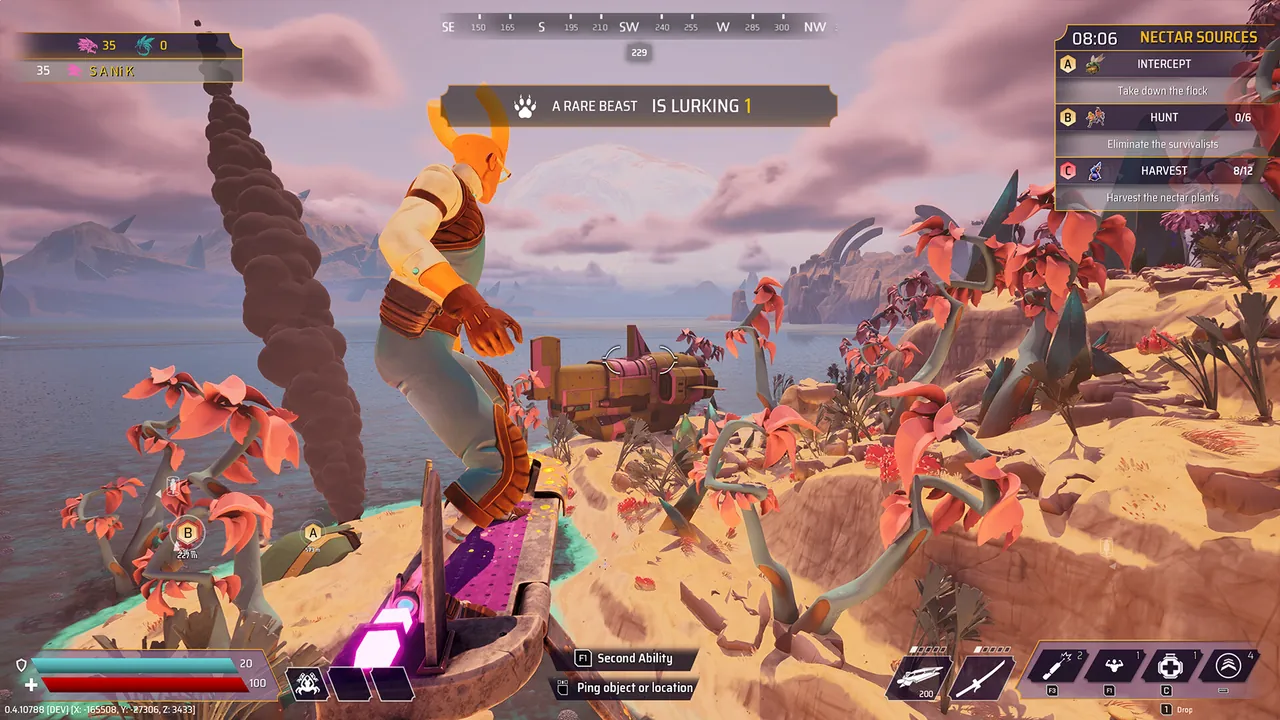
No Love Lost is a free to play PvPvE extraction game from Ratloop Games Canada, released on Steam on 12 March 2024. Up to ten players drop onto Drosera in crews, harvest Nectar, fight creatures and each other, and extract before night falls. An April 2024 update added a co-op mode and the Drosera Dusk event.
It is also a quiet game now. The last announcement on its Steam page dates from May 2024, Steam reviews sit at Mixed, and public matches are thin. That is exactly why a dedicated server is worth it: if your group wants to raid on a Friday night, a server of your own is the dependable way to get a session going. We wrote more on that in is No Love Lost still active.
What you need
| Item | Detail |
|---|---|
| Server app | No Love Lost Dedicated Server, Steam app 2833050 |
| Login | Anonymous, no game ownership needed |
| OS | Windows (Linux needs a compatibility layer such as Wine or Proton) |
| Game port | 7777, TCP and UDP |
| Query port | 27015, UDP |
| Players | 1 to 10 per session |
| Memory | 4 GB for one crew, 6 GB for full ten player raids |
Players need nothing but the free game on Steam.
Step 1: Install the server
From the Steam client. In your library, open the filter dropdown and tick Tools, since Steam only shows Games by default. Find No Love Lost Dedicated Server and install it.
From SteamCMD. Ratloop's own setup post gives these commands:
steamcmd
force_install_dir C:\NLLServer
login anonymous
app_update 2833050
quit
Run app_update 2833050 again whenever the game patches. The server must be on the same build as the players' clients, or they cannot join.
Step 2: Set the launch options
There is no settings file to edit. The server reads everything from its start line:
| Option | Required | What it does |
|---|---|---|
-port=7777 |
Yes | Game port. Must differ from the query port |
-queryport=27015 |
Yes | Query port the session list uses |
-servername="Crew Night" |
Yes | Name shown in the session list |
-serverpassword="secret" |
No | Makes the server private |
-log |
No | Opens a console window with the server log |
Steam client install: right click the server in your library, choose Properties, and paste the options into Launch Options:
-port=7777 -queryport=27015 -servername="Crew Night" -log
SteamCMD install: make a start.bat file next to the server:
start C:\NLLServer\NoLoveLostServer.exe -port=7777 -queryport=27015 -servername="Crew Night" -log
Without -log the server runs silently in the background. With it, a console window shows joins and errors. Closing that window shuts the server down.
Step 3: Open the ports
Outside players reach the server through two ports, as Ratloop lists them:
| Port | Protocol | Purpose |
|---|---|---|
7777 (or your -port) |
TCP and UDP | Game traffic |
27015 (or your -queryport) |
UDP | Session list queries |
Forward both on your router to the PC running the server, and allow NoLoveLostServer.exe through Windows Firewall when it asks. Our port forwarding guide has router steps. If your internet provider uses carrier grade NAT, forwarding will not work at all, and a hosted server is the way around it.
Step 4: Start it and join
Start the server from your Steam library (or your .bat file). Because it runs in anonymous mode, you can play from the same Steam account on the same PC and still join your own server.
- Launch No Love Lost.
- Open the server list from the play menu.
- Find your server by the name you set.
- Enter the password if you set one, and join with your crew.
Pick a name nobody else uses and share its exact spelling. With a small player base the list is short, but a unique name still saves confusion.
Step 5: Keep it running smoothly
- After every game patch, update the server with
app_update 2833050(or let Steam update the tool) and restart. A client on a newer build cannot join an older server. - Leave the PC on. The server lives as long as that machine does. If it sleeps, the session list loses your server.
- Watch the log with
-logwhen something goes wrong. Joins and errors show there first.
If the server does not appear or friends cannot join, our No Love Lost server list fix walks through each cause.
How much does a server need?
Sessions cap at ten players and last about 15 minutes, so the load stays modest for an Unreal Engine game. One crew playing a few raids a week runs on 4 GB, full ten player raids most nights are smoother on 6 GB, and 8 GB is only for long back to back sessions.
The easy option
If leaving a Windows PC on with two ports forwarded is not your idea of fun, a No Love Lost server from GamezServers installs the dedicated server for you and is live within about a minute of paying. You set the server name in the panel, Auto Update pulls the current build on every start, and the server has its own address, so there is nothing to forward. One thing to know: our panel has no password setting for this game, so the server is open to anyone who finds it by name. A free game and a tight crew also make it a good fit for splitting the bill between up to 10 friends.
FAQ
Do I need to own No Love Lost to run a server?
No. The game is free, and the dedicated server logs in anonymously through SteamCMD or installs from the Tools section of your library.
What ports does a No Love Lost server use?
The game port, 7777 by default, on TCP and UDP, and the query port, 27015 by default, on UDP. The two must be different.
Is there a config file for the No Love Lost server?
No. Port, query port, server name, password and logging are all launch options.
How do I make my server private?
Add -serverpassword="yourpassword" to the launch options. Only players with the password can join.
Can I run the server on Linux?
There is no native Linux build. It can run through Wine or Proton, which is how Linux based hosts run it.
Skip the setup. Your own No Love Lost server.
Then $9.99/mo. Just trying it? $2.50 for 3 days
 Minecraft