

 HumanitZ
How to Host a HumanitZ Server (2026 Guide)
Host a HumanitZ dedicated server: SteamCMD app 2728330, GameServerSettings.ini, UDP 7777 and 27015, PvP or PvE with territory, permadeath and zombie settings.
Updated Oct 3, 2026 · 6 min read
On this page
- Why run a dedicated HumanitZ server?
- What do you need to run a HumanitZ server?
- How do I install the HumanitZ dedicated server?
- What goes in GameServerSettings.ini?
- What are good settings for a co-op group?
- How do I make a HumanitZ server private?
- What ports does a HumanitZ server use?
- How do players join a HumanitZ server by IP?
- Does HumanitZ support mods on a server?
- The easy option: host it with GamezServers
- FAQ
To host a HumanitZ server, download the HumanitZ Dedicated Server (SteamCMD app 2728330), start it once with -log -port=7777 -queryport=27015, then edit GameServerSettings.ini in the HumanitZServer folder. Set ServerName, Password, AdminPass and MaxPlayers (16 by default), and note that PVP=true is the default, so set it to false for a co-op server. Forward UDP 7777 and 27015, and players join by IP using the game port.
Why run a dedicated HumanitZ server?
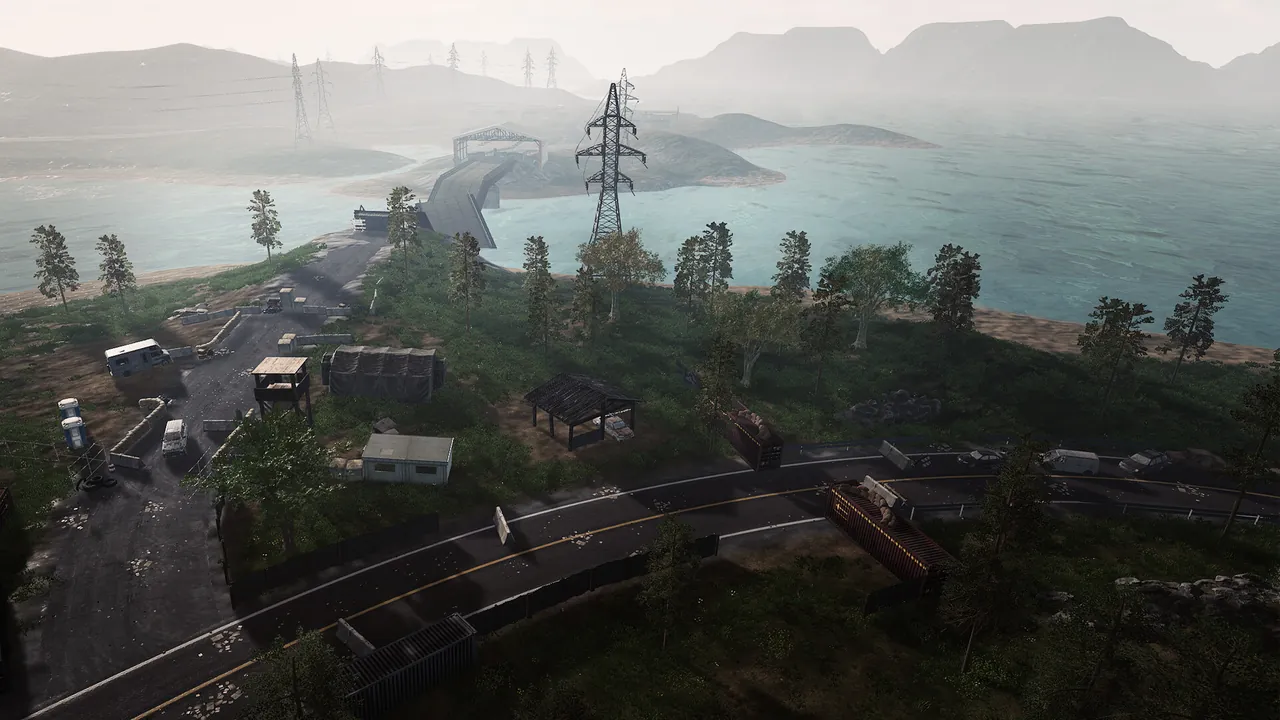
HumanitZ is Yodubzz Studios' isometric open world zombie survival game, which left Early Access with its 1.0 release in February 2026. You scavenge towns, farm, build a base and fight the dead and hostile humans. A dedicated server keeps that world running when everyone logs off, saves on a timer you choose, and lets each player drop in on their own schedule. It also gives you control over a long list of rules: permadeath, what a death costs, zombie difficulty, loot and seasons.
The developers list the player cap at 24. The server's default is 16.
What do you need to run a HumanitZ server?
| Group | RAM | Notes |
|---|---|---|
| A few friends, fresh map | 6 GB | Typical co-op start |
| Up to the default 16 players | 8 GB | Bases spreading across the map |
| Toward 24 players, or a long running save | 12 GB | Big bases, many spread out players |
Memory grows with player count, how spread out players are and how much has been built. The server runs on Windows and Linux.
How do I install the HumanitZ dedicated server?
- Install SteamCMD and download the server:
steamcmd +force_install_dir C:\humanitzserver +login anonymous +app_update 2728330 validate +quit
- Start the server with its ports and a name for the server list. The HumanitZ wiki's server configuration page lists these launch parameters (the server binary is
TSSGameServer):
-log -port=7777 -queryport=27015 -steamservername=MyDedicatedServer
- Let it start fully, then stop it. The first run creates
GameServerSettings.iniin theHumanitZServerfolder. - Edit the ini, then start again. Most world settings only apply at startup, so restart after every change.
What goes in GameServerSettings.ini?
The core settings:
ServerName=Our HumanitZ Server
Password=changeme
AdminPass=change-this-too
MaxPlayers=16
PVP=false
OnDeath=2
SaveIntervalSec=300
Territory=true
| Key | Default | What it does |
|---|---|---|
ServerName |
HumanitZ [Dedicated] | Name in the server list |
Password |
empty | Join password |
AdminPass |
empty | Password for admin rights in game |
MaxPlayers |
16 | Player cap |
PVP |
true | Players can hurt each other. Set false for co-op |
PermaDeath |
off | Permadeath: off, per player, or server wide |
OnDeath |
2 | How much a death costs, 0 to 3 |
SaveIntervalSec |
300 | Seconds between auto saves |
Territory |
true | Stops players building on others' spawn point areas |
DaysPerSeason |
5 | Game days per season |
DayDur |
40 | Day length in minutes |
NightDur |
20 | Night length in minutes |
Zombie, loot and survival settings
| Key | Default | What it does |
|---|---|---|
ZombieDiffHealth |
1 | Zombie health, 0 (Very Easy) to 5 (Nightmare) |
ZombieDiffSpeed |
2 | Zombie speed, 0 to 5 |
ZombieDiffDamage |
3 | Zombie damage, 0 to 5 |
ZombieAmountMulti |
1 | Multiplier on zombie numbers |
HumanAmountMulti |
1 | Multiplier on hostile humans |
LootRespawn / LootRespawnTimer |
true / 60 | Whether loot respawns, and after how many minutes |
AirDrop / AirDropInterval |
true / 1 | Air drops, and how many game days apart |
WeaponBreak |
true | Weapons break at 0% durability |
BuildingHealth |
1 | Multiplier on structure health |
StartingSeason |
1 | 0 to 3, Summer to Spring |
VitalDrain |
1 | Hunger and thirst drain, 0 (slow) to 2 (fast) |
DogEnabled |
true | Dog companions |
What are good settings for a co-op group?
A relaxed base building server for friends:
PVP=falseandTerritory=true, so nobody can hurt or box in anyone else.- Permadeath off and
OnDeathat a lower value, so a bad night does not wipe a week of progress. DaysPerSeasonandDayDurraised (for example 10 and 60), so seasons do not flip every evening.ZombieAmountMultiat 1 to start, raised once the group has walls up.
A hardcore server goes the other way: permadeath on, the zombie difficulty keys at 4 or 5, VitalDrain=2 and loot respawn off. Pick one direction before people invest in characters, since changing the rules mid run frustrates players.
How do I make a HumanitZ server private?
Three options, from lightest to strictest:
- Password. Set
Passwordand share it with your group. - Allowed players only. Restrict joining to an approved list, so even someone with the password cannot get in.
- Bans.
F_BannedPlayers.txtin the server folder holds banned Steam IDs.
Admins are listed by ID in AdminList.txt, or anyone who knows AdminPass can log in as admin in game. Keep the admin password separate from the join password. For the general approach across games, see how to make a game server private.
What ports does a HumanitZ server use?
| Port | Protocol | Purpose |
|---|---|---|
| 7777 | UDP | Game traffic (-port) |
| 27015 | UDP | Steam query and server list (-queryport) |
| 8888 | TCP | RCON, only if RCONEnabled=true |
Forward 7777 and 27015 on your router. Only open 8888 if you use RCON tools, and set a strong password if you do. Our port forwarding guide covers the router side.
How do players join a HumanitZ server by IP?
- Choose Play, then Multiplayer, and pick a character.
- Click Find Server.
- Enter the IP and game port (7777, not the query port) in the direct connection fields at the bottom right.
- Enter the password and click IP Connect.
Using the query port is the most common join mistake. The query port is only for the server list.
Does HumanitZ support mods on a server?
The developers do not offer mod support for HumanitZ servers. Customizing a server means using its world settings, which go much further than most games: everything above, plus cleanup options for abandoned blueprints and dropped items on busy servers.
The easy option: host it with GamezServers
Our HumanitZ server hosting puts nearly all of these settings in the panel: PvP and permadeath, what you lose on death, zombie health, speed, damage and spawn counts, loot rarity and respawn timers, air drops, weapon durability, building health, seasons, day and night length, vital drain and dogs. Admin password, server password, allowed players only and territory rules are there too, so most groups never open the ini.
| Plan | RAM | Price a month |
|---|---|---|
| Starter | 6 GB | 14.99 USD |
| Standard | 8 GB | 19.99 USD |
| Pro | 12 GB | 29.99 USD |
New customers get 50% off the first month on monthly plans, and the group can split the bill so each survivor pays their own share. For other games in the genre, see the best zombie survival games with dedicated servers.
FAQ
How many players can join a HumanitZ server?
The developers list the cap at 24 players. MaxPlayers defaults to 16 in GameServerSettings.ini.
How do I turn off PvP on a HumanitZ server?
Set PVP=false in GameServerSettings.ini and restart. PvP is on by default, so change it before your group starts.
Which port do I use to join a HumanitZ server by IP?
The game port, 7777 by default. The query port (27015) is only used by the server list.
Can I turn on permadeath in HumanitZ?
Yes. Set PermaDeath in GameServerSettings.ini, and use OnDeath to choose what players lose when they die.
How often does a HumanitZ server save?
Every 300 seconds by default. Change SaveIntervalSec to save more or less often.
Skip the setup. Your own HumanitZ server.
Then $14.99/mo. Just trying it? $3.75 for 3 days