

How to Use Mods on a Dark MultiPlayer Server (mod-control.txt)
Run KSP parts mods on a Dark MultiPlayer server: generate mod-control.txt, pick whitelist or blacklist and share the pack with CKAN or GameData.
Updated Oct 7, 2026 · 6 min read
On this page
To run mods on a Dark MultiPlayer server, install the exact mod set on one KSP client, open the DMP Options window and click Generate: Whitelist (or Blacklist) under Mod Control. That writes mod-control.txt to your KSP folder. Copy it to the server's Config/ folder and restart. Every player now needs the same mods to connect, and anyone missing one gets a Failed mod validation message that names the file. To hand players the mod list, set modpackMode to CKAN or GAMEDATA.
Why mod control matters in multiplayer KSP
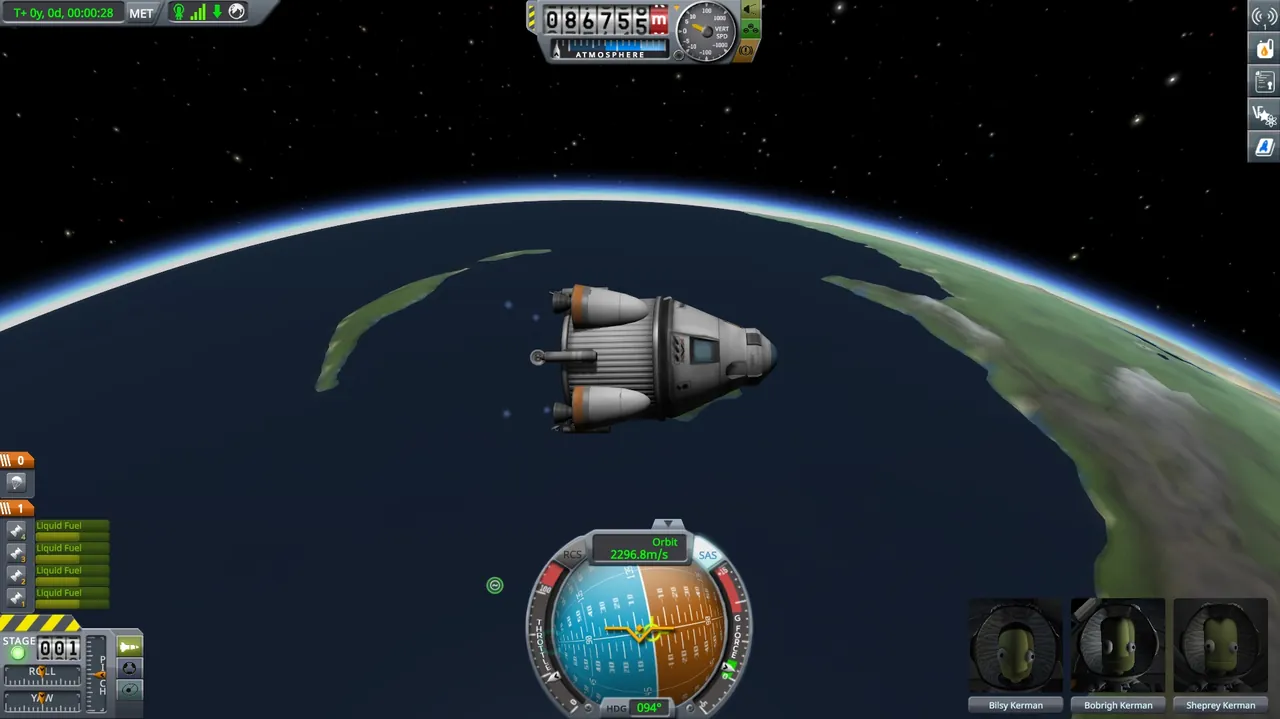
In single player, a missing parts mod breaks your own craft. In DMP, a vessel launched by someone with a parts mod is sent to everyone. If your game does not have those parts, the vessel cannot load, and you get endless complaints about missing parts, ghost ships and docking that never works.
DMP's answer is mod control: the server keeps a list of files every client must have, files they may have, and files they must not have. The check runs during the handshake, before the player loads into the universe.
The two settings involved
Both are in Config/Settings.txt.
modControl
| Value | Effect |
|---|---|
DISABLED |
No checks. Only sensible for a private server where everyone installed the same pack by hand. |
ENABLED_STOP_INVALID_PART_SYNC |
Default. Checks mods, and stops vessels with parts not allowed by the list from syncing. |
ENABLED_STOP_INVALID_PART_LAUNCH |
Checks mods, and stops players launching vessels with parts not allowed by the list. |
The DMP authors warn to only consider turning mod control off on private servers, because the game will constantly complain about missing parts if mods differ.
modpackMode
| Value | Effect |
|---|---|
NONE |
Server does not share mods. Players install them themselves. |
CKAN |
Server sends clients Config/DarkMultiPlayer.ckan when they connect, a CKAN modpack file listing the mods. |
GAMEDATA |
Server sends clients the contents of Config/GameData. |
Even with a modpack mode on, files cannot be installed while KSP is running. Players run the DMP Modpack Updater from d-mp.org to apply the pack, then start the game.
Step 1: Build a clean reference install
Pick one KSP 1.12 install as the reference. The cleanest way is CKAN:
- Install the mods your group agreed on, for example Kerbal Engineer Redux, MechJeb, KAS and KIS.
- Install the DMP Client into
GameData/DarkMultiPlayer. - Launch KSP once to make sure everything loads.
Keep this install unchanged until you generate the file. Any extra mod on it ends up in the list.
Step 2: Generate mod-control.txt
- On the KSP main menu, open the DarkMultiPlayer window and click Options.
- Under Mod Control, next to Generate:, click Whitelist or Blacklist.
- A message confirms:
mod-control.txt file generated in your KSP folder. Move it to DMPServer/Config/.
Whitelist or blacklist decides how strict the server is about extra plugins:
| Mode | Players can also have |
|---|---|
| Whitelist | No plugin DLLs except those in the whitelist, required or optional sections. The strictest option. |
| Blacklist | Any other plugin DLL, as long as it is not in the blacklist section |
For a friends server, blacklist mode is the practical choice. People can keep their own visual mods and UI helpers while parts mods are enforced.
Step 3: Read and tidy the file
mod-control.txt is plain text with sections:
!required-files
MechJeb2/Plugins/MechJeb2.dll=B84BB63AE740F0A25DA047E5EDA35B26F6FD5DF019696AC9D6AF8FC3E031F0B9
KerbalEngineer/KerbalEngineer.dll

!optional-files
EditorExtensionsRedux/EditorExtensionsRedux.dll

!resource-blacklist
SomeCheatMod/Plugins/SomeCheatMod.dll

!partslist
...
| Section | Meaning |
|---|---|
!required-files |
Every client must have these. With a hash after =, the file must match exactly. |
!optional-files |
Clients may have these, and if they do the hash must match |
!resource-blacklist |
DLLs that are not allowed |
!resource-whitelist |
In whitelist mode, the only other DLLs allowed |
!partslist |
Parts players may put on vessels. Stock parts are already listed; a part missing here can be owned but not used. |
Paths are relative to GameData. Lines starting with # are comments. You cannot use a blacklist and a whitelist section in the same file. Mod parts go in !partslist by the name from their PART{} block, with underscores turned into periods: MechJeb's mumech_MJ2_Pod becomes mumech.MJ2.Pod. After generating, check that your parts mods appear in this section and add any that are missing.
Two edits worth making by hand:
- Move non gameplay mods to optional. Things like editor helpers, part catalogue tools or visual mods do not affect other players. Moving them from required to optional means players without them can still join.
- Drop hashes on mods that update often. A line without
=hashchecks the file exists but not its exact version. Useful when a minor update should not lock people out, at the cost of a looser check.
Step 4: Put it on the server
- Stop the server.
- Copy
mod-control.txtinto the server'sConfig/folder, replacing the old one. - If you use
GAMEDATAmode, copy the mod folders intoConfig/GameData/. If you useCKANmode, export a modpack from CKAN and save it asConfig/DarkMultiPlayer.ckan. - Start the server.
Step 5: Get players matched
Share the exact mod list and versions with your group, or the CKAN modpack file. When someone fails, the disconnect message tells them precisely which file is missing or wrong:
Required file MechJeb2/Plugins/MechJeb2.dll is missing!
Required file KerbalEngineer/KerbalEngineer.dll does not match hash ...
Banned resource SomeCheatMod/Plugins/SomeCheatMod.dll exists on client!
Our DMP connection errors guide covers the other messages you may see.
Adding a mod later
- Add it to the reference install and test it in KSP.
- Generate a new
mod-control.txtand replace the server copy. - Tell everyone before the restart, so they install it first.
- Back up
Universe/before the change. Removing a parts mod later leaves vessels using those parts unable to load.
Never remove a parts mod that vessels in the universe still use. Recover or delete those vessels first.
Mods that do not play well with DMP
Anything that changes physics timing or warp, such as physics warp tweaks or background processing mods, can fight with subspace warping. Mods that write persistent data outside the vessel and scenario system may not sync between players. Test with two people before a whole group commits to a long career save.
On a hosted server
On a GamezServers KSP DMP server, the Mod Pack Mode setting is in the panel (NONE, CKAN or GAMEDATA). You upload mod-control.txt, the .ckan file or the GameData folder to Config/ with the file manager or SFTP, then restart from the panel. A one click backup of the universe before a mod change costs nothing. New to DMP hosting? Start with our setup guide.
FAQ
Where does mod-control.txt go?
In the server's Config/ folder. The client generates it in the KSP root folder, next to KSP.exe.
Do players get mods automatically from the server?
Only with modpackMode set to CKAN or GAMEDATA, and even then they apply the pack with the DMP Modpack Updater while KSP is closed.
Can players have their own visual mods?
Yes in blacklist mode, as long as the mod is not in a banned section. In whitelist mode only listed files are allowed.
Does DMP work with Realism Overhaul or other huge packs?
Large packs can work if everyone has the identical install, but they raise the odds of sync problems. Test with two players first.
 Skip the setup. Your own Kerbal Space Program (DMP) server.
Then $2.99/mo. Just trying it? $0.75 for 3 days
 Minecraft