

How to Host a KSP Multiplayer Server with Dark MultiPlayer
Host a KSP multiplayer server with Dark MultiPlayer: install DMPServer, edit Settings.txt, open TCP 6702, pick a warp mode and connect your crew.
Updated Oct 7, 2026 · 5 min read
On this page
To host a Kerbal Space Program multiplayer server, download DMP Server from d-mp.org, unzip it to its own folder, and run DMPServer.exe (with Mono on Linux). It creates Config/Settings.txt, where you set the game mode, warp mode and server name, and listens on TCP port 6702. Every player installs the matching DMP Client into their KSP GameData folder, adds your address in the DarkMultiPlayer window on the main menu and clicks Connect.
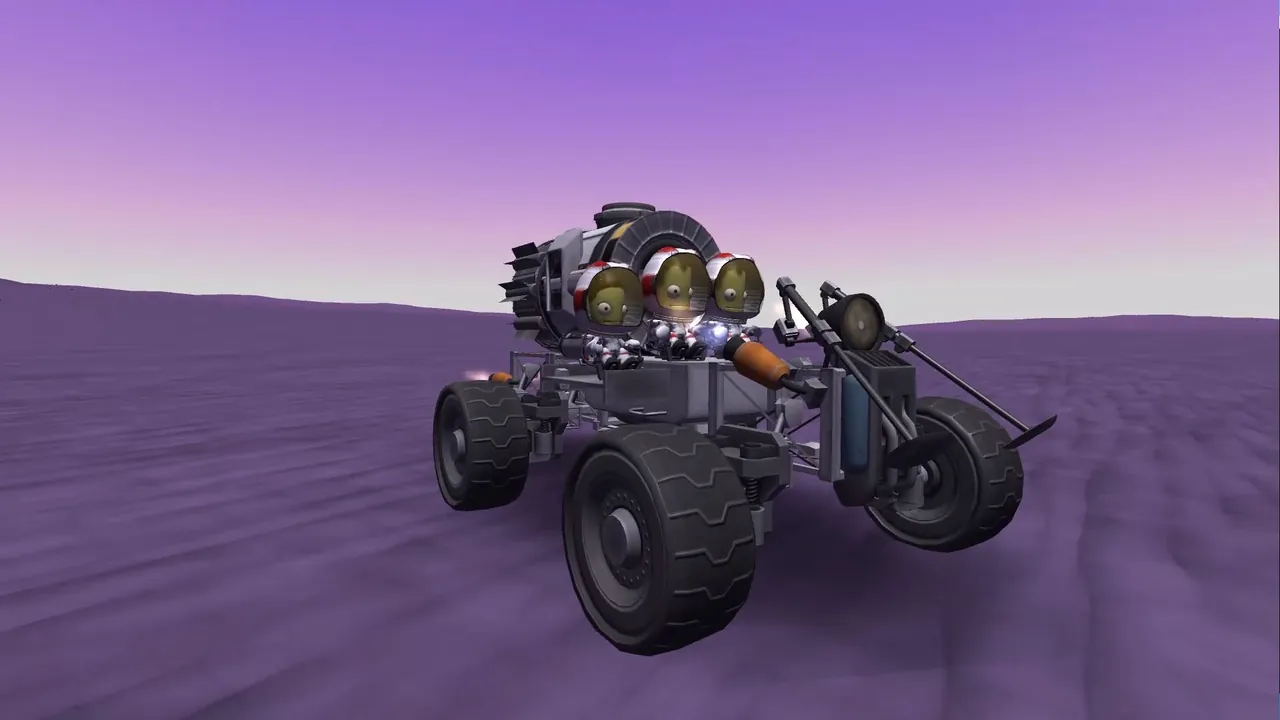
What Dark MultiPlayer is, and what it is not
Kerbal Space Program never got official multiplayer. Dark MultiPlayer (DMP) is a fan made, open source mod that fills the gap: everyone shares one universe, sees each other's vessels, can dock with a friend's station and race to the Mun. It is not tied to Squad or Private Division.
A few honest points before you start:
- DMP targets the original Kerbal Space Program on 1.12, the final release line. It does not work with KSP 2.
- KSP 1 is finished, so the game itself will not change under you. DMP updates are rare these days, which in practice means a stable setup once it works.
- Physics runs on each player's PC. The server only relays vessel updates and stores the universe, so it is tiny.
- Time warp is the hard problem in multiplayer KSP. DMP solves it with subspaces, explained below, and it takes a session to get used to.
What you need
| Item | Requirement |
|---|---|
| Server software | DMP Server from d-mp.org (current release line v0.3.8) |
| Runtime | .NET on Windows, Mono on Linux (mono DMPServer.exe) |
| RAM | 1 GB for a small sandbox group, 2 GB for a career universe, 4 GB for big public servers |
| Port | TCP 6702 by default |
| Players | KSP 1.12 plus the DMP Client of the same version as the server |
Step 1: Install the server
- Download DMP Server from the DMP downloads page.
- Unzip it into a folder of its own. Never inside your KSP install.
- On Windows, run
DMPServer.exe. On Linux, install Mono and run:
mono DMPServer.exe
The first start creates two folders:
| Folder | Contents |
|---|---|
Config/ |
Settings.txt, GameplaySettings.txt, admins.txt, ban lists, mod-control.txt |
Universe/ |
Vessels/, Kerbals/, Scenarios/, Players/, Crafts/, Flags/ |
When the console says Ready!, type /exit to stop it and configure it properly.
Step 2: Edit Settings.txt
Open Config/Settings.txt. The important keys:
| Key | Default | What it does |
|---|---|---|
port |
6702 |
TCP port players connect to |
serverName |
DMP Server |
Name shown in the client |
gameMode |
SANDBOX |
SANDBOX, SCIENCE or CAREER |
gameDifficulty |
NORMAL |
EASY, NORMAL, MODERATE, HARD or CUSTOM |
warpMode |
SUBSPACE |
How time warp is shared (see below) |
maxPlayers |
20 |
Player cap |
whitelisted |
false |
Only players on the whitelist can join |
modpackMode |
NONE |
Whether the server shares a mod list (NONE, CKAN, GAMEDATA) |
modControl |
ENABLED_STOP_INVALID_PART_SYNC |
Checks players' mods against mod-control.txt |
cheats |
true |
Allows the in game cheat menu |
autoDekessler |
30 |
Minutes between automatic debris cleanups, 0 to turn off |
serverMotd |
Welcome, %name%! |
Message shown on join |
Pick the game mode before anyone joins, since switching later is messy. Vessels are shared by everyone, but career and science progress (funds, science, the tech tree) is stored per player under Universe/Scenarios/<name>/.
Choosing a warp mode
| Mode | How it plays |
|---|---|
SUBSPACE |
Each player warps on their own clock. Players who warp ahead are in a later subspace, and others can sync forward to meet them. Best for most groups. |
SUBSPACE_SIMPLE |
A simpler subspace variant |
MCW_FORCE |
One master controller decides warp for everyone |
MCW_VOTE |
Players vote on warp |
MCW_LOWEST |
Everyone warps at the slowest player's rate |
NONE |
No time warp at all |
Start with SUBSPACE. When you want to dock with a friend, both of you sync to the latest subspace in the DMP window first.
Step 3: Open the port
DMP uses TCP, unlike most game servers. Forward TCP 6702 to the server PC and allow it in the firewall:
sudo ufw allow 6702/tcp
On Windows, allow DMPServer.exe through Windows Defender Firewall. Our port forwarding guide covers routers.
Step 4: Set up the clients
Each player:
- Downloads DMP Client from d-mp.org, the same version as the server.
- Unzips it and copies the
DarkMultiPlayerfolder intoKerbal Space Program/GameData/. - Starts KSP. The DarkMultiPlayer window appears on the main menu.
- Enters a player name, clicks Add Server, types your address and port 6702, and saves.
- Selects the server and clicks Connect.
The first time a name connects, the server stores a key for it in Universe/Players/. That name now belongs to that player's install.
Step 5: Admin, whitelist and housekeeping
Commands go in the server console:
/admin add Jebediah
/whitelist add Valentina
/kick Bob reason
/ban Bill
/dekessler
/nukeksc
/say Server restart in 5 minutes
/dekessler clears debris from orbit, and /nukeksc clears every vessel sitting at KSC and the runway, which fixes a pad that is blocked by an abandoned rocket. If you run parts mods, read our guide to mods on a DMP server before inviting people.
The hosted option
A DMP server needs almost no power, but it does need to be on when your crew wants to fly. On a GamezServers KSP DMP server, the panel sets Game Mode, Game Difficulty, Warp Mode, Mod Pack Mode and Server Name, and the port is assigned for you, so there is nothing to forward. The live console takes /dekessler, /admin and the rest, the Universe folder is in the file manager and over SFTP, and a 1 GB plan covers a small group. If your connection fails, see DMP connection errors fixed.
FAQ
Does Dark MultiPlayer work with KSP 2?
No. DMP is a mod for the original Kerbal Space Program on version 1.12.
What port does a DMP server use?
TCP 6702 by default, set with port in Config/Settings.txt.
Do all players need the same mods?
Players need the same DMP version, and the same parts mods if you run any. Mod control on the server enforces it.
Can we play career mode together?
Yes. Set gameMode to CAREER. Everyone flies in the same universe, but each player keeps their own funds, science and tech tree, saved per player under Universe/Scenarios.
How do I back up the universe?
Stop the server and copy the Universe folder. That folder is your whole save.
 Skip the setup. Your own Kerbal Space Program (DMP) server.
Then $2.99/mo. Just trying it? $0.75 for 3 days
 Minecraft