

 Left 4 Dead
How to Install SourceMod on a Left 4 Dead Server (L4D1)
Install MetaMod:Source and SourceMod on an original Left 4 Dead server, add yourself as admin, load plugins and use L4DToolZ for extra slots.
Updated Oct 7, 2026 · 5 min read
On this page
To install SourceMod on a Left 4 Dead server, stop the server, extract MetaMod:Source and then SourceMod into the left4dead folder so you end up with left4dead/addons/metamod and left4dead/addons/sourcemod, and start it again. Type meta version and sm version in the server console to confirm both loaded. Then add your Steam ID to admins_simple.ini to get the admin menu, and drop .smx plugins into addons/sourcemod/plugins.
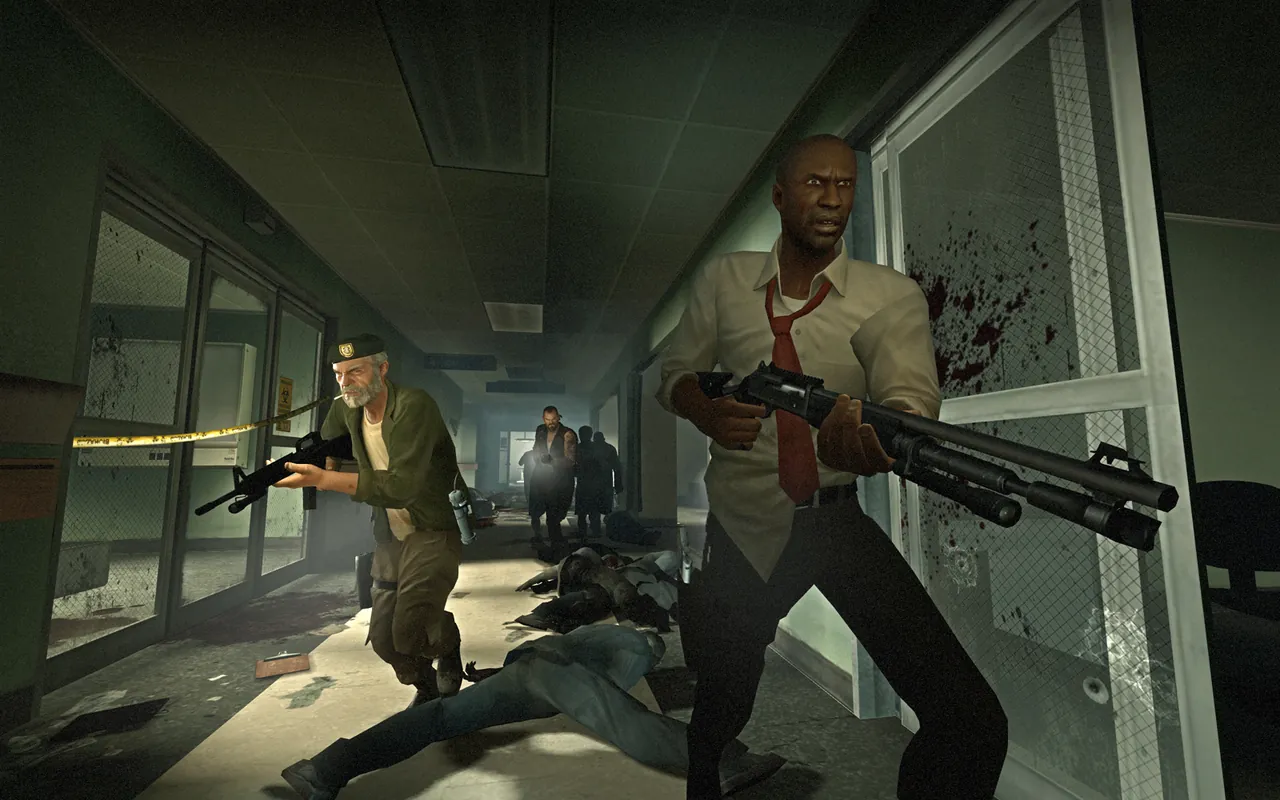
What SourceMod gives a Left 4 Dead server
The stock Left 4 Dead server has rcon and nothing else. SourceMod adds:
- An in game admin menu for kicking, banning, changing maps and starting votes.
- Plugins written by the community over the past fifteen years: ready up for Versus, stats, team balancing, more survivors, custom difficulty tweaks and fixes for old exploits.
- Admin groups and flags, so a trusted friend can kick but not change the server config.
MetaMod:Source is the loader underneath. SourceMod is a MetaMod plugin, so you always install MetaMod first.
This is for the original 2008 game. Left 4 Dead 2 uses the same tools, but plugin compatibility differs between the two games, so always check a plugin's page lists Left 4 Dead (sometimes written L4D1) before installing it.
Step 1: Download the right builds
From AlliedModders:
- MetaMod:Source from metamodsource.net, stable branch.
- SourceMod from sourcemod.net, stable branch.
Pick the archive for the server's operating system, not your PC's. A server on Linux needs the Linux .tar.gz packages even if you manage it from Windows. Left 4 Dead is a 32 bit Source game, which the standard builds support.
Step 2: Upload into left4dead
- Stop the server.
- Extract the MetaMod archive. It contains an
addonsfolder. Upload thataddonsfolder intoleft4dead/, merging with anything already there. - Extract SourceMod. It contains
addonsandcfg. Upload both intoleft4dead/, merging folders.
The result:
left4dead/
  addons/
    metamod/
    metamod.vdf
    sourcemod/
  cfg/
    sourcemod/
The most common mistake is uploading one level too deep, ending up with left4dead/addons/addons/. Nothing loads, and there is no error to tell you why. On a remote server SFTP makes this easier to see; our SFTP guide explains the basics.
Step 3: Start and check
Start the server and type in its console:
meta version
sm version
meta version should print the MetaMod:Source version and the game it detected. sm version should print SourceMod's version. If meta is an unknown command, MetaMod did not load: check that metamod.vdf sits directly in left4dead/addons/.
Step 4: Make yourself admin
Find your Steam ID. Join the server and type status in your console, or look yourself up on a Steam ID site. Left 4 Dead shows IDs in the STEAM_1:0:12345678 form.
Open left4dead/addons/sourcemod/configs/admins_simple.ini and add a line at the bottom:
"STEAM_1:0:12345678" "99:z"
99 is the immunity level and z means all flags (root). For a co-admin who should only kick, ban and change maps, use flags like "bcdg" instead. Save, then run sm_reloadadmins in the server console or restart.
In game, type !admin in chat or sm_admin in the console to open the menu.
Step 5: Add plugins
Plugins are .smx files. Upload them to:
left4dead/addons/sourcemod/plugins/
Restart the server, or load one live with sm plugins load name. Many plugins write a config to left4dead/cfg/sourcemod/ on first run, which you can then edit.
Things worth knowing:
- Read the plugin page. Some L4D plugins need an extension (a
.soor.dllinaddons/sourcemod/extensions) or gamedata files. Missing pieces show as errors insm plugins list. - Old plugins can break after game updates. Left 4 Dead updates rarely now, but when it does, gamedata based plugins sometimes stop working until someone updates them.
- Check
sm plugins listafter every change. A plugin marked as failed tells you why withsm plugins info <number>.
More than four survivors: L4DToolZ
Left 4 Dead caps co-op at 4 and Versus at 8. L4DToolZ is a MetaMod extension that removes the hard player limit, so plugins can then add extra survivors or infected slots. You install it like MetaMod content, into addons, and then set the new maximum with its cvar, typically sv_maxplayers. Extra survivor plugins handle spawning the additional bots and kits.
Be honest with yourself before going down this road. The game was balanced for four, maps have four of everything, and some plugin combinations are fragile. Many groups try 8 survivor co-op once for the chaos and return to the normal game.
Updating SourceMod
When a new stable SourceMod comes out:
- Back up
addons/sourcemod/configsandcfg/sourcemod. - Upload the new
bin,extensions,gamedata,pluginsandtranslationsfolders over the old ones. - Leave your configs in place.
Your admin file and plugin settings survive that way.
SourceMod on a hosted server
On a GamezServers Left 4 Dead server, you upload MetaMod and SourceMod through the file manager or SFTP and restart from the panel, and the live console shows meta version and sm version right away. Take a one click backup before trying a new plugin set, so a bad plugin is a restore away instead of an evening of guessing. A plugin heavy server still fits on 2 GB.
Running Left 4 Dead 2 as well? The steps are almost the same, and how to host a Left 4 Dead 2 server covers its setup.
FAQ
Does SourceMod work on the original Left 4 Dead?
Yes. MetaMod:Source and SourceMod both support Left 4 Dead. Individual plugins may be made only for Left 4 Dead 2, so check each one.
Where do I put SourceMod on a Left 4 Dead server?
In the left4dead folder. The archive's addons and cfg folders merge with the ones already there.
Why does meta version say unknown command?
MetaMod is not loading. Usually the files are one folder too deep, or the archive was for the wrong operating system.
How do I open the SourceMod admin menu?
Add your Steam ID to admins_simple.ini, reload admins, then type !admin in chat.
Skip the setup. Your own Left 4 Dead server.
Then $2.99/mo. Just trying it? $0.75 for 3 days
 Minecraft