

 Left 4 Dead
How to Host a Left 4 Dead Server (Original L4D1 Guide 2026)
Host a dedicated server for the original Left 4 Dead: SteamCMD app 222840, server.cfg, map names for every campaign, Versus and Survival, and joining by IP.
Updated Oct 7, 2026 · 5 min read
On this page
To host a server for the original Left 4 Dead, install the Left 4 Dead Dedicated Server with SteamCMD (app 222840), write a server.cfg in left4dead/cfg, and start srcds with a campaign's first map, such as +map l4d_hospital01_apartment for No Mercy. Forward port 27015 if you host at home. Friends join from the console with connect and your IP, or start a lobby onto the server through your Steam group.
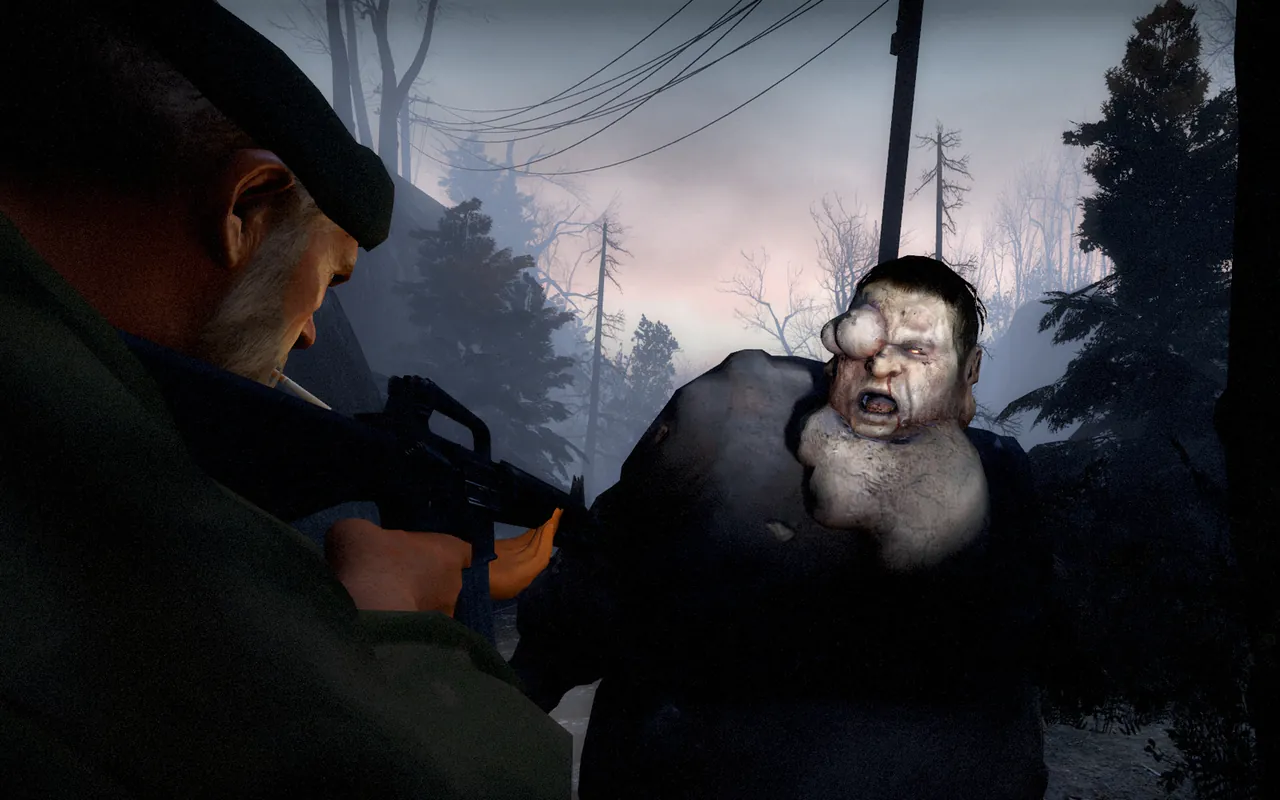
Left 4 Dead, not Left 4 Dead 2
Everything here is for the 2008 original. Left 4 Dead and Left 4 Dead 2 are separate games with separate server apps, and players of one cannot join a server for the other. If your group plays the sequel, use our Left 4 Dead 2 server guide instead.
Why host the first game at all? Groups that still play it like it for real reasons: darker maps, scarier Tanks, Versus without melee weapons, and The Sacrifice and Crash Course in their original form. The official matchmaking for L4D1 is quiet these days, so a dedicated server is the dependable way to get a full Versus game with your own group. Be realistic: you will be filling it with friends and a Steam group, not strangers.
What do you need?
The Source engine server for L4D1 is light.
| Setup | RAM |
|---|---|
| Four player co-op, stock campaigns | 1 GB |
| 8 player Versus with a few plugins | 2 GB |
| Plugin heavy server with custom campaigns | 4 GB |
The server is free and needs no copy of the game. Each player needs Left 4 Dead on Steam.
Step 1: Install the server
steamcmd +force_install_dir ./l4d-server +login anonymous +app_update 222840 validate +quit
The download runs on Windows or Linux. On Linux, Source servers are 32 bit and need the 32 bit runtime libraries installed (lib32gcc-s1 on Debian and Ubuntu). If the server complains about steamclient.so, see our steamclient.so fix.
Step 2: Write server.cfg
Create left4dead/cfg/server.cfg:
hostname "Mercy Hospital Night Shift"
rcon_password "change-this"
sv_password ""
mp_gamemode coop
z_difficulty normal
sv_allow_lobby_connect_only 0
sv_steamgroup 0
sv_steamgroup_exclusive 0
sv_region 255
sv_lan 0
| Setting | What it does |
|---|---|
hostname |
Server name |
rcon_password |
Password for remote admin commands |
sv_password |
Join password, empty for none |
mp_gamemode |
coop, versus or survival |
z_difficulty |
easy, normal, hard or impossible (Expert) |
sv_allow_lobby_connect_only |
0 lets players join with the connect command. With 1, only lobby connections work |
sv_steamgroup |
Your Steam group ID, so group members can start lobbies onto the server |
sv_steamgroup_exclusive |
1 keeps the server for that group's lobbies |
sv_allow_lobby_connect_only 0 is the line most new L4D server owners miss. Without it, connect from the console gets refused and people assume the server is broken. We cover that error in more depth in Left 4 Dead connection refused fixes.
Step 3: Pick a start map
The server needs a map to boot. These are the first maps of each campaign:
| Campaign | First map |
|---|---|
| No Mercy | l4d_hospital01_apartment |
| Death Toll | l4d_smalltown01_caves |
| Dead Air | l4d_airport01_greenhouse |
| Blood Harvest | l4d_farm01_hilltop |
| Crash Course | l4d_garage01_alleys |
| The Sacrifice | l4d_river01_docks |
The four launch campaigns also ship Versus copies of their maps with an l4d_vs_ prefix, for example l4d_vs_hospital01_apartment. Survival only works on the maps that support it. Rather than guess, type maps * in the server console: it lists every map installed, and anything with a typo simply will not load.
Step 4: Start the server
Linux:
./srcds_run -game left4dead -console -port 27015 +map l4d_hospital01_apartment +exec server.cfg
Windows: run srcds.exe with the same arguments. When the console shows the map loaded, the server is ready.
Forward UDP and TCP 27015 on your router to the server PC. Our port forwarding guide shows how.
Step 5: Get players in
There are two ways, and it helps to know both.
By IP. Each player turns on Allow Developer Console in Options, Keyboard/Mouse, presses ~ and types:
connect 203.0.113.50:27015
Through a lobby. Set sv_steamgroup to your Steam group's ID. Group members create a lobby from the main menu and choose the server type that uses Steam group servers, and the game starts the lobby on your server. This is the smoother route for regular groups, because the lobby picks the campaign and difficulty for you.
Versus and Survival
For an 8 player Versus server set mp_gamemode versus in server.cfg and boot on a Versus map, such as l4d_vs_hospital01_apartment. Players who join pick Survivors or Infected, and teams swap sides each map. For Survival, set mp_gamemode survival and boot on a map that supports Survival.
Want more than the stock game?
The first game supports MetaMod:Source and SourceMod for admin menus, ready up plugins and stats, and the L4DToolZ extension for more slots. Our guide to installing SourceMod on a Left 4 Dead server walks through it.
The easy option
A home server needs a PC on all evening, a port forward and someone to restart it when a map change crashes. Our Left 4 Dead server hosting installs the dedicated server for you with its own address, sets the default map and auto updates from the control panel, and gives you server.cfg, SourceMod and custom campaign folders in the file manager or over SFTP. The 1 GB plan is enough for co-op, and four friends can split the bill so nobody pays the lot.
FAQ
Is the Left 4 Dead dedicated server free?
Yes. App 222840 downloads anonymously with SteamCMD. Players need their own copy of the game.
Can Left 4 Dead 2 players join a Left 4 Dead server?
No. They are different games with different servers.
How many players can join?
Four in co-op and Survival, eight in Versus. Plugins like L4DToolZ can raise the cap on modded servers.
Why does my Left 4 Dead server refuse connect?
sv_allow_lobby_connect_only is still 1. Set it to 0 in server.cfg and restart.
How do I change the difficulty?
Set z_difficulty in server.cfg (easy, normal, hard or impossible), or let the lobby choose it when you start games through a Steam group lobby.
Skip the setup. Your own Left 4 Dead server.
Then $2.99/mo. Just trying it? $0.75 for 3 days
 Minecraft