

How to Host an Operation: Harsh Doorstop Dedicated Server
Host an Operation: Harsh Doorstop server: SteamCMD app 950900, the launch line with map, player cap and RCON, the game and query ports, and Workshop mods.
Updated Oct 7, 2026 · 5 min read
On this page
To host an Operation: Harsh Doorstop server, install the free dedicated server with SteamCMD (app 950900), start HarshDoorstopServer with a map, a player cap, a server name, your ports and an RCON password on the command line, and open the game and query ports. Mods are folders you copy into HarshDoorstop/Mods, and every player has to subscribe to the same Workshop items. The server runs natively on Linux and Windows.
What you are hosting
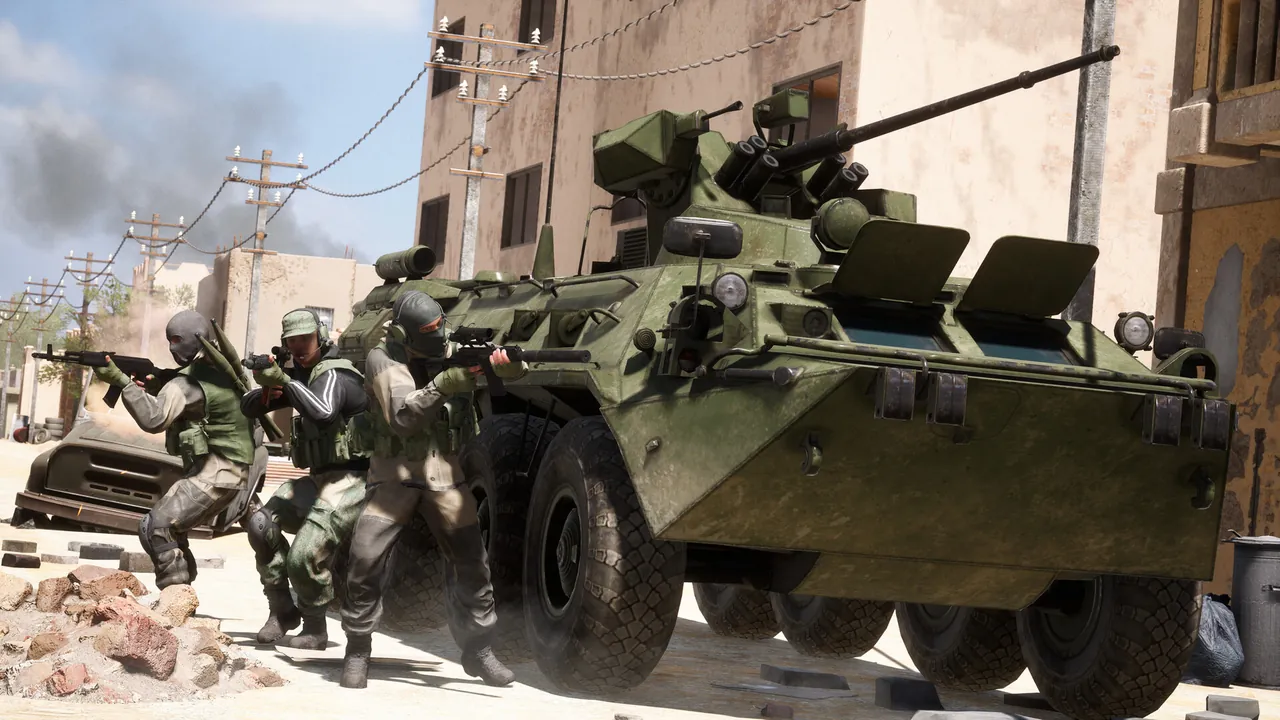
Operation: Harsh Doorstop (OHD) is a free to play tactical shooter sandbox on Unreal Engine from Drakeling Labs, built by people who worked on the cancelled Project Reality 2. It plays like a lighter Squad or Arma: squads, objectives, slow movement and a lot of voice comms. The real draw is the Steam Workshop, with community maps, factions, weapons and vehicles from Vietnam to World War II and well beyond.
Because the game is free, getting a whole clan or Discord in costs nothing, and the community servers are where the modded side lives. A server of your own keeps the content fixed, so your group always knows what to subscribe to.

What you need
- A Linux or Windows machine that can stay on. 6 GB of memory for a small mostly vanilla server, 8 GB for a full 32 players with a few mods, more for heavy mod packs.
- SteamCMD.
- The ability to open ports on your router or VPS firewall.
Step 1: Install with SteamCMD
The dedicated server downloads anonymously:
steamcmd +force_install_dir /home/ohd/server +login anonymous +app_update 950900 validate +quit
On Windows, swap the path for something like C:\ohdserver. Run the same command after every game update. Clients update straight away through Steam, and an old server stops matching them.
On Linux, the Steam libraries the server needs are copied from SteamCMD's own folder into ~/.steam/sdk64 (and sdk32). If the server complains about steamclient.so on start, that copy is what is missing.
Step 2: The launch line
On Linux the server binary is HarshDoorstop/Binaries/Linux/HarshDoorstopServer-Linux-Shipping. A working launch line:
./HarshDoorstop/Binaries/Linux/HarshDoorstopServer-Linux-Shipping HarshDoorstop AAS-TestMap?MaxPlayers=32 -SteamServerName="Doorstop Weekly Ops" -Port=7777 -QueryPort=27005 -MULTIHOME=0.0.0.0 -EnableRCON -RCONPort=7779 -RCONPassword="long-random-password" -RCONMaxAuthAttempts=3 -RCONMaxActiveConnections=5
| Part | What it does |
|---|---|
AAS-TestMap |
The map the server boots into |
?MaxPlayers=32 |
Player cap, added to the map with ? |
-SteamServerName |
Name in the server browser |
-Port |
Game port |
-QueryPort |
Steam query port, used by the server list |
-MULTIHOME |
Address to bind to |
-EnableRCON and -RCONPort |
Turns on remote console and sets its port |
-RCONPassword |
Password for RCON |
-RCONMaxAuthAttempts |
Wrong passwords before a connection is dropped |
-RCONMaxActiveConnections |
How many RCON clients at once |
Set a long RCON password, or leave RCON off if you will not use it. The attempt and connection limits slow down anyone guessing it.
Step 3: Open the ports
Forward the game port and the query port (UDP) to the server, and allow them through the firewall. Without the query port the server runs but does not appear in the browser. Keep the RCON port closed to the internet unless you manage the server from outside, and if you do, restrict it to your own IP. Our port forwarding guide covers the router side.
Step 4: Add Workshop mods
Mods are where OHD servers differ from each other. The short version:
- Subscribe to the item in the Steam Workshop (or download it with SteamCMD).
- Find its folder under
steamapps/workshop/content/736590/<workshop id>/. - Copy the mod folder inside that ID folder into the server's
HarshDoorstop/Mods. - Restart and watch the console load it.
- Share a Workshop collection so players subscribe to the same items.
Players do not download mods from the server. Anyone missing an item is kicked or sees missing content. Our Harsh Doorstop Workshop mods guide covers the details and the usual mistakes.
Step 5: Join and test
Players open the Multiplayer tab, search the server list for your server name, and join. New servers can take a minute or two to appear. If yours stays missing, see our fix for a Harsh Doorstop server not showing in the list.
Running it long term
The server itself is straightforward. What takes effort over months is keeping up: updating after each game patch, keeping the mod folder in step with the collection players subscribe to, and keeping a machine with 8 GB or more free running all week. Unreal Engine servers also grow with every map and weapon pack, so a mod list that ran fine in spring can be tight by autumn.
Hosting it with GamezServers
An Operation: Harsh Doorstop server on GamezServers installs the dedicated server and runs it with 32 player slots. The panel holds the server name, auto update (which pulls the latest build at every start), and the RCON password, attempt limit and connection limit, with the RCON port assigned for you. Mod folders go into HarshDoorstop/Mods through the file manager or SFTP, and one click backups help before you swap a big mod set. The server boots on the stock AAS-TestMap. If you want a different boot map, email support@gamezservers.com and we set it up.
FAQ
What is the Operation: Harsh Doorstop dedicated server app ID?
- Install it anonymously with SteamCMD. The game itself is app 736590.
Is the Harsh Doorstop server free?
Yes. The game is free to play and the dedicated server is a free download.
Do players get mods automatically from the server?
No. Every player must subscribe to the same Workshop items the server runs and restart the game.
Does the server run on Linux?
Yes. There is a native Linux build, HarshDoorstopServer-Linux-Shipping, as well as a Windows build.
How many players can a Harsh Doorstop server hold?
32 is the common size, set with ?MaxPlayers= on the map in the launch line.
 Skip the setup. Your own Operation: Harsh Doorstop server.
Then $14.99/mo. Just trying it? $3.75 for 3 days
 Minecraft