

 Wreckfest
How to Host a Wreckfest Dedicated Server (PC Guide)
Host a Wreckfest dedicated server: SteamCMD app 361580, server_config.cfg, ports 27015, 27016 and 33540, admins by SteamID64, bots, event loops and mods.
Updated Oct 7, 2026 · 4 min read
On this page
To host a Wreckfest server, install the free dedicated server with SteamCMD (app 361580), copy initial_server_config.cfg to server_config.cfg, set your name, password, max_players, bots, track and game mode, add your SteamID64 to admin_steam_ids with owner_disabled=1, and start Wreckfest_x64.exe -s server_config=server_config.cfg. Open UDP 27015 (Steam), 27016 (query) and 33540 (game). The server is Windows only, so Linux hosts run it under Wine.
Why run your own Wreckfest lobby
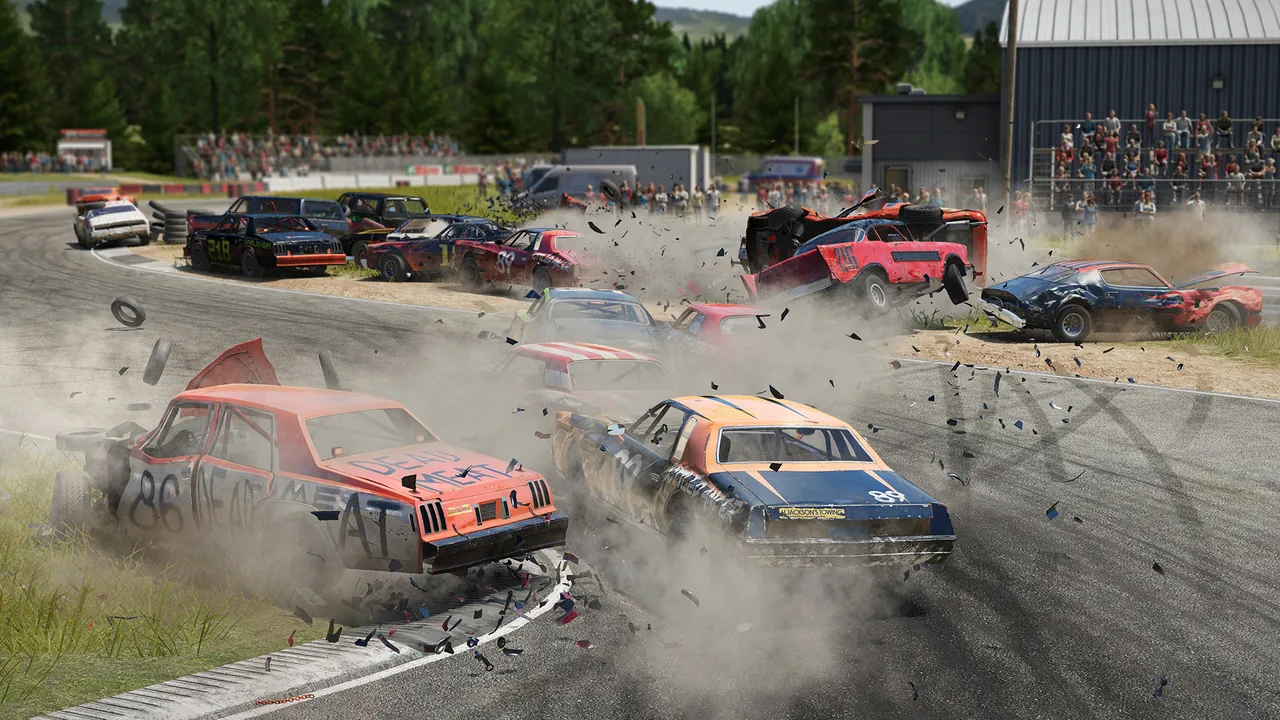
Wreckfest came out in 2018 and still has a loyal PC crowd, even with Wreckfest 2 in Early Access. Public lobbies come and go, and whoever joins first often gets to pick the event. A dedicated server gives your group a lobby that is always up, with your own event loop of tracks and derbies, your own car class rules, bots to fill the grid, and admins who are actually you.
What you need
| Item | Detail |
|---|---|
| Server software | Wreckfest Dedicated Server, SteamCMD app 361580, free |
| OS | Windows build; runs on Linux with Wine |
| Ports | UDP 27015 Steam, 27016 query, 33540 game |
| RAM | 2 GB small lobby, 4 GB full 24 car grid, 6 GB with several mods |
| Players | Up to 24 including bots, each with their own copy of Wreckfest |
There is no persistent world, so memory use is low. CPU matters more once 24 cars start crashing into each other, because the server simulates every collision.
Step 1: Install
steamcmd +force_install_dir C:\WreckfestServer +login anonymous +app_update 361580 validate +quit
On Linux, add +@sSteamCmdForcePlatformType windows before +app_update to fetch the Windows build for Wine.
Step 2: Create server_config.cfg
The install includes initial_server_config.cfg. Copy it to server_config.cfg and edit the copy, because Steam can reset the initial file when the server updates. In the file, lines that start with # are ignored, so remove the # from any setting you fill in.
Step 3: Basic settings
server_name=Thursday Banger Night
welcome_message=Clean racing until lap 2. Then anything goes.
password=
max_players=24
bots=6
ai_difficulty=amateur
track=bigstadium_demolition_arena
gamemode=derby
laps=3
vehicle_damage=normal
car_class_restriction=a
Bots count toward the 24 car limit, so with bots=6 only 18 humans fit. Lower bots if real drivers cannot get in.
Step 4: Set up admins
By default the first player to join becomes the owner and can change events. Turn that off and name your admins:
owner_disabled=1
admin_steam_ids=76561198000000001,76561198000000002
op_steam_ids=76561198000000003
admin_steam_ids get full control, op_steam_ids are moderators. Both take comma separated SteamID64 values.
Step 5: Ports
The server uses three UDP ports, set in the config:
steam_port=27015
query_port=27016
game_port=33540
Forward all three to the server machine and allow the executable through the firewall. If you run two servers on one machine, give the second its own three ports. See how to port forward a game server for router steps.
Step 6: Start it
Wreckfest_x64.exe -s server_config=server_config.cfg
The console shows the server registering with Steam. Then players open Multiplayer, search for your server name in the browser, and join.
Event loops and mods
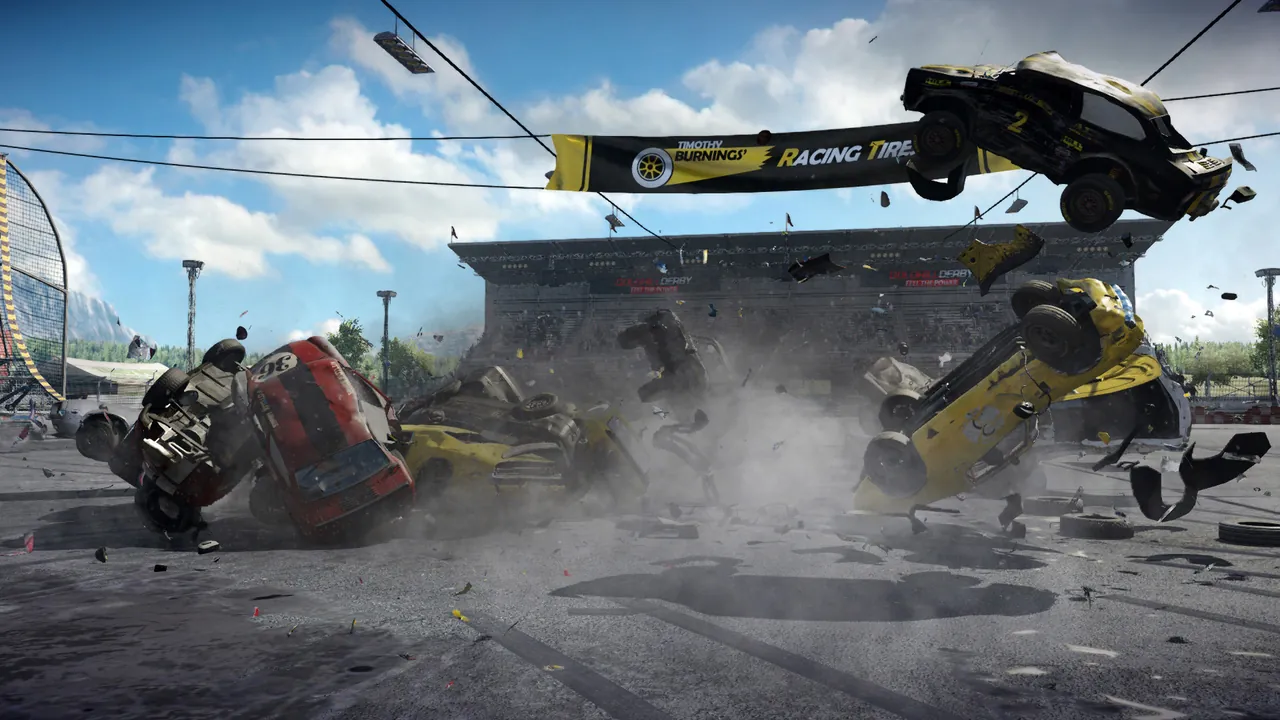
A single track gets old fast. The event loop lets you chain events, each with its own track, mode, laps and weather, so a night can flow from a figure 8 race into a last car standing derby. The format is covered in our Wreckfest server config and event loop guide.
Workshop mods also work. Copy the mod folders to the server and list their folder names, comma separated, in the mods setting. Every driver needs the same Workshop mods subscribed, or they get kicked for missing content. Share your mod list before race night.
When the server is not in the browser
If your server runs but nobody can see it, the query port is usually closed, or the server is on an older build than the players after a patch. The Wreckfest server browser fixes go through each cause.
Good settings for common lobby types
| Lobby | Key settings |
|---|---|
| Casual friends race night | bots=8, car_class_restriction=a, laps=3, an event loop of four or five tracks |
| Banger derby night | gamemode=derby, vehicle_damage=realistic, special_vehicles_disabled=0 for the silly cars |
| League race | bots=0, car_restriction set to one car, car_reset_disabled=1, fixed laps |
| Public all day lobby | A long event loop mixing races and derbies, owner_disabled=1, a clear welcome_message |
Change one thing at a time, restart, and drive a few events before changing more. If the server stutters with a full grid of bots and wrecks, CPU is the limit, which why is my game server lagging explains.
The no setup option
A GamezServers Wreckfest server installs the server for you and keeps it updated with automatic updates on start. Server Name and Password are in the control panel, along with a Config Path field that picks which config file loads, so you can keep a race night config and a derby config side by side. Everything else, including the event loop, admins and mods, is in server_config.cfg in the file manager. It has its own address with the ports open, and your racing group can split the bill.
FAQ
Is the Wreckfest dedicated server free?
Yes. It is a free SteamCMD download (app 361580). Every driver needs their own copy of the game.
How many players can a Wreckfest server have?
Up to 24, and bots count toward that limit.
How do I stop random players taking over my Wreckfest lobby?
Set owner_disabled=1 and add your own SteamID64 to admin_steam_ids.
Can console players join a Wreckfest dedicated server?
No. Dedicated servers are for the PC version on Steam.
Is there a Linux Wreckfest server?
No official one. The Windows server runs under Wine on Linux.
Skip the setup. Your own Wreckfest server.
Then $4.99/mo. Just trying it? $1.25 for 3 days
 Minecraft