

How to Host a Stormworks Dedicated Server (2026 Guide)
Host a Stormworks dedicated server: SteamCMD app 1247090, server_config.xml key by key, three UDP ports from 25564, admins, authorizing players and addons.
Updated Oct 3, 2026 · 7 min read
On this page
- Why host a dedicated Stormworks server?
- What do you need to run a Stormworks server?
- How do I install the Stormworks dedicated server?
- What goes in server_config.xml?
- What ports does a Stormworks server use?
- Why can't my friends spawn vehicles?
- Which in game admin commands should I know?
- How do I add Workshop missions and addons?
- How do players join a Stormworks server?
- The easy option: host it with GamezServers
- FAQ
To host a Stormworks server, install the dedicated server with SteamCMD (app 1247090), run server64.exe once to create server_config.xml, then stop it and set name, password, max_players (up to 32), save_name and port. The server uses three UDP ports in a row starting at port (25564, 25565 and 25566 by default), so forward all three. Add your Steam64 ID under <admins> and your crew under <authorized>, or they cannot spawn vehicles. Config edits only load on start.
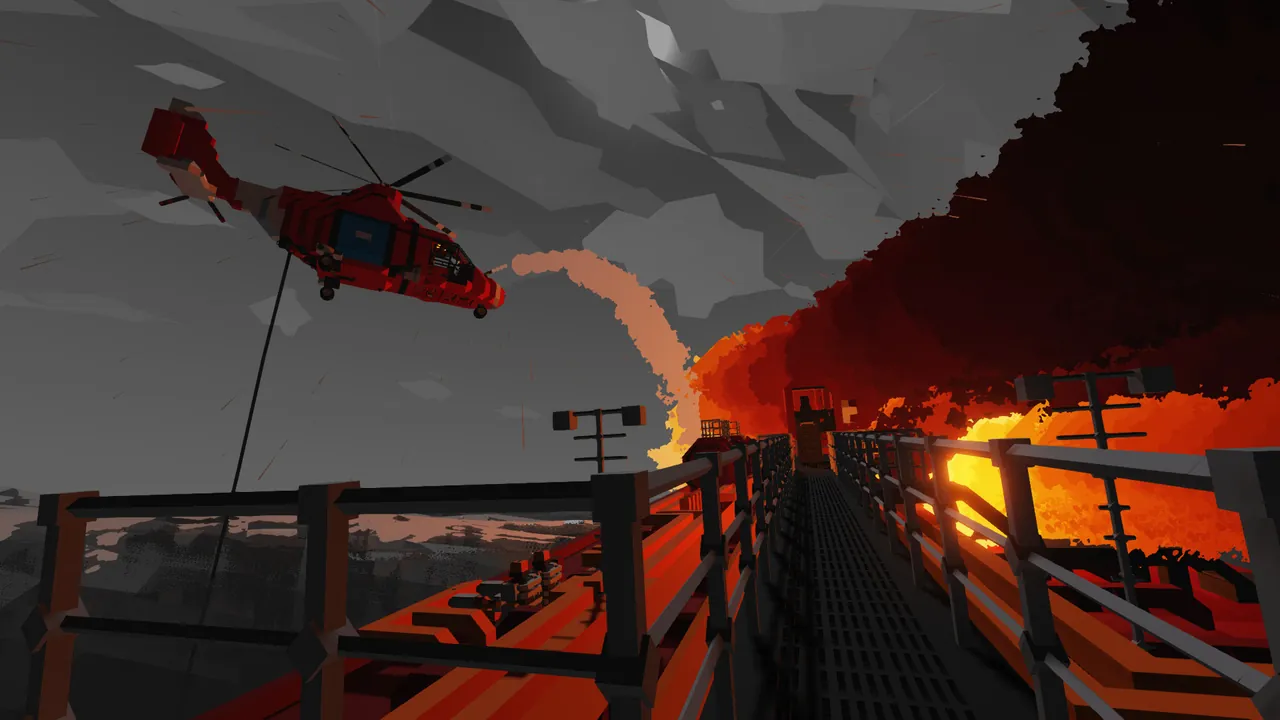
Why host a dedicated Stormworks server?
Hosting from the game makes one player's PC carry the physics for everybody, and the world disappears when they log off. A dedicated server keeps the islands, bases, vehicles and career progress in place, so the crew can bring their own creations, fill each other's seats and take on missions whenever they like. It is also the only sensible way to run a career world with money and missions for a regular group.
What do you need to run a Stormworks server?
The dedicated server is a Windows program. On Linux, hosts run it under Wine. Physics is the real cost: every spawned vehicle is simulated, and one big detailed ship hits the server harder than a few extra players.
| Server | RAM | Notes |
|---|---|---|
| Small group with modest vehicles | 4 GB | Boats, small helicopters |
| 10 or more players, or large ships and aircraft | 6 GB | Career worlds with a busy fleet |
| Busy 32 player server with addons | 8 GB | Public servers with Lua addons |
How do I install the Stormworks dedicated server?
- Download it with SteamCMD:
steamcmd +@sSteamCmdForcePlatformType windows +force_install_dir C:\StormworksServer +login anonymous +app_update 1247090 validate +quit
- Start
server64.exeonce. It writes a defaultserver_config.xml, by default in%appdata%\Stormworks. - Close it, edit the file, and start it again.
To keep everything in one folder, start the server with +server_dir:
server64.exe +server_dir C:\StormworksServer\server_data
The config file and saves then live in that folder, which makes backups and running more than one server much easier.
What goes in server_config.xml?
The main settings are attributes on the server_data element at the top of the file:
<server_data
port="25564"
name="Coastguard Crew"
seed=""
save_name="career_world"
max_players="16"
password="mayday"
day_night_length="60"
base_island="data/tiles/island12.xml"
starting_currency="20000"
infinite_resources="false"
unlock_all_islands="false"
vehicle_spawn="true"
despawn_on_leave="true"
physics_timestep="0"
wildlife_enabled="true">
| Attribute | Example | What it does |
|---|---|---|
name |
Coastguard Crew | Name in the server browser |
password |
empty | Join password, empty for public |
max_players |
32 | Player cap, 1 to 32 |
port |
25564 | First of three UDP ports |
save_name |
career_world | Which save loads, or the name for a new one |
seed |
empty | World seed for a new save, empty for random |
base_island |
data/tiles/island12.xml | Starting base island for a new save, empty for the default |
starting_currency |
20000 | Money a career save starts with |
infinite_resources |
false | Career mode without costs |
unlock_all_islands |
false | Every island owned from the start |
vehicle_spawn |
true | Whether players can spawn vehicles at all |
despawn_on_leave |
true | Remove a player's vehicles when they leave |
day_night_length |
60 | Minutes for a full day |
physics_timestep |
0 | 60, 120, 180 or 0 for auto |
wildlife_enabled |
true | Animals in the world |
The file the server writes has many more switches in the same style, such as infinite_fuel, engine_overheating, sea_monsters, third_person and the DLC toggles dlc_weapons and dlc_arid. Under the attributes are lists of Steam IDs and content: <admins>, <authorized>, <blacklist>, <whitelist> and <playlists>.
Two rules decide whether your edits work:
- The file only loads on start. Stop the server, edit, then start it again.
seedandbase_islandonly apply to a new save. To use new world settings, changesave_nameto a new name. Your old save stays on disk under its old name.
What ports does a Stormworks server use?
| Port | Protocol | Purpose |
|---|---|---|
25564 (port) |
UDP | Game traffic |
25565 (port + 1) |
UDP | Used by the server alongside the game port |
25566 (port + 2) |
UDP | Used by the server alongside the game port |
The server uses three consecutive ports starting at port, so forward the whole range, not just the one in the config. If you run a second server, start it three ports higher. Our port forwarding guide covers the router side.
Why can't my friends spawn vehicles?
This is the question every new Stormworks server owner asks. Joining a server is not enough to use the workbench or spawn creations: a player has to be authorized. Admins can authorize players in game, or you can list them in the config so it survives restarts:
<admins>
    <id value="76561198000000000"/>
</admins>
<authorized>
    <id value="76561198000000000"/>
    <id value="76561198000000001"/>
</authorized>
Use Steam64 IDs, the long numbers that start with 7656. Admins can also change the in game settings menu, so give admin to the people who should run the world, and authorization to everyone who should build and spawn.
Which in game admin commands should I know?
Admins type these in chat:
| Command | What it does |
|---|---|
?add_admin <id> |
Make a player admin |
?add_auth <id> |
Authorize a player to spawn vehicles and use the workbench |
?kick <id> |
Kick a player |
?ban <id> |
Ban a player (they are added to <blacklist>) |
?save |
Save the world now |
The ID in these commands is the player's session ID shown in the player list, not their Steam ID. To unban someone, remove their entry from <blacklist> with the server stopped.
How do I add Workshop missions and addons?
- Subscribe to the mission or addon in Stormworks so it downloads.
- Copy its folder from your Steam Workshop folder (
steamapps/workshop/content/573090/<item id>) into the server'srom/data/missionsfolder. - Add a line to the
<playlists>section with its path:
<playlists>
    <path path="rom/data/missions/default_ai"/>
    <path path="rom/data/missions/default_cargo"/>
    <path path="rom/data/missions/my_rescue_missions"/>
</playlists>
- Restart the server.
Keep the default rom/data/missions/default_... lines the server wrote, or the standard missions, cargo and disasters stop appearing. Back up the save before adding a big mission pack.
How do players join a Stormworks server?
- Launch Stormworks and select Multiplayer.
- Click Join Game to open the server browser.
- Search for the server name, select it and press Join.
- Enter the password if one is set.
Everyone needs the same game version as the server. After a Stormworks patch, update the server before anyone joins.
The easy option: host it with GamezServers
Our Stormworks server hosting runs the dedicated server with +server_dir, so server_config.xml and the saves sit together in server_data, ready for the file manager or SFTP. Stormworks settings come from that file rather than panel toggles. Make sure port in it matches the port in your server address, and turn on auto update (it starts off) or update from the panel after each game patch. One click backups protect the save before you change islands or addons.
| Plan | RAM | Price a month |
|---|---|---|
| Starter | 4 GB | 9.99 USD |
| Standard | 6 GB | 14.99 USD |
| Pro | 8 GB | 19.99 USD |
New customers get 50% off the first month on monthly plans, and the crew can split the bill. Moving a save over is covered in how to move a Stormworks save to a dedicated server.
FAQ
What ports does a Stormworks dedicated server use?
Three consecutive UDP ports starting at port in server_config.xml, which is 25564 to 25566 by default.
How many players can join a Stormworks server?
Up to 32, set with max_players in server_config.xml.
Why can't players spawn vehicles on my Stormworks server?
They are not authorized. Use ?add_auth with their session ID in game, or add their Steam64 ID under <authorized> in the config.
How do I start a new Stormworks world with a different seed or island?
Change seed or base_island, give save_name a new name, and restart with the server stopped while you edit.
Do I need to restart after changing server_config.xml?
Yes. The file only loads when the server starts.
 Skip the setup. Your own Stormworks: Build and Rescue server.
Then $9.99/mo. Just trying it? $2.50 for 3 days