

 Stationeers
How to Host a Stationeers Server (2026 Guide)
Host a Stationeers dedicated server: SteamCMD app 600760, launch with -settings, UDP 27016 and 27015, pick a world and difficulty, and move your save over.
Updated Oct 3, 2026 · 6 min read
On this page
- Why run a dedicated server for Stationeers?
- What do you need to run a Stationeers server?
- How do I install the Stationeers dedicated server?
- What launch options does a Stationeers server use?
- Which worlds and difficulties can I pick?
- What ports does a Stationeers server use?
- How do players join?
- How do I move my single player save to the server?
- How do I add mods to a Stationeers server?
- The easy option: host it with GamezServers
- FAQ
To host a Stationeers server, download the Stationeers Dedicated Server (SteamCMD app 600760) and start rocketstation_DedicatedServer with a save name, a world such as Lunar or Mars2, and -settings key value pairs like StartLocalHost true ServerVisible true GamePort 27016. Forward UDP 27016 for the game and 27015 for queries. Saves are folders, so moving a single player base over is a copy and a matching save name.
Why run a dedicated server for Stationeers?
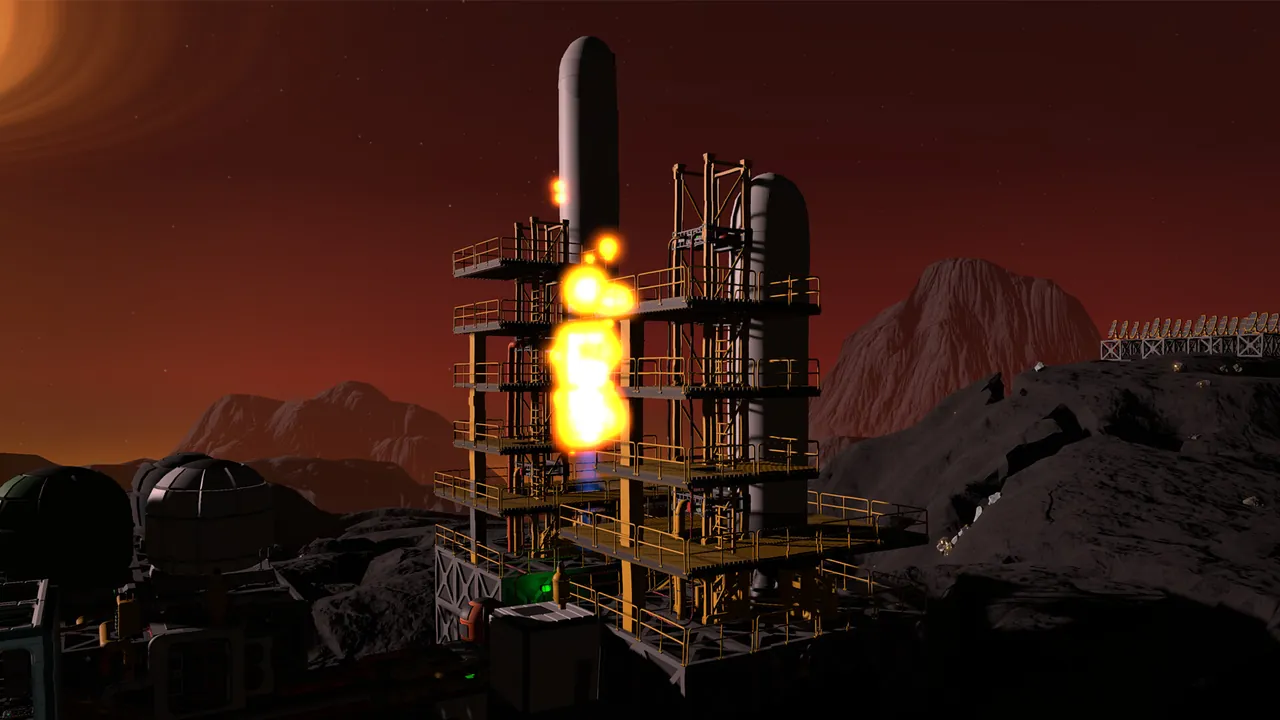
Stationeers bases are long projects, often weeks of evenings. On a dedicated server the base exists without anyone hosting from home, so any crew member can log in to fix the leak, top up the filters or finish the furnace setup. It is also where IC10 automation pays off: furnaces, airlocks, solar trackers and greenhouses keep running between sessions. If you would rather freeze everything while nobody plays, the server can pause when empty instead.
What do you need to run a Stationeers server?
| Crew and base | RAM | Notes |
|---|---|---|
| Small crew, fresh map | 4 GB | A few engineers starting out |
| Large automated base or 8+ players | 6 GB | Lots of rooms, pipes, devices and IC10 chips |
| Big modded server, sprawling base | 8 GB | BepInEx plugins and huge atmospherics networks |
Memory and CPU grow with what the server simulates: every room's atmosphere, every pipe network and every device. Fast single thread CPU speed matters more than core count. The server runs on Windows and Linux. On Windows, install the Visual C++ 2019 x64 redistributable (SteamCMD puts it in _CommonRedist\vcredist\2019); a missing redistributable is a common reason a new server will not start.
How do I install the Stationeers dedicated server?
- Install SteamCMD and download the server:
steamcmd +force_install_dir ./stationeers-server +login anonymous +app_update 600760 validate +quit
- Create a start script with your save, world and settings (next section).
- Start it, wait for the world to generate, then connect.
RocketWerkz kept a dedicated server guide on GitHub that explains each setting. Some of its launch syntax predates the newer terrain system, so check the community wiki for changes after big updates.
What launch options does a Stationeers server use?
The server takes a load command plus -settings with space separated key value pairs. A working Windows start script:
rocketstation_DedicatedServer.exe ^
 -loadlatest MyBase Lunar ^
 -difficulty Normal ^
 -settings StartLocalHost true ServerVisible true ^
 GamePort 27016 UpdatePort 27015 ^
 ServerName "Our Station" ServerPassword "changeme" ^
 ServerMaxPlayers 6 AutoSave true SaveInterval 300 ^
 ServerAuthSecret "admin-secret"
On Linux the executable is ./rocketstation_DedicatedServer.x86_64 and lines continue with \.
| Option | What it does |
|---|---|
-loadlatest <save> <world> |
Loads the newest save for that station, or starts a new one on the given world |
-load <save> <world> |
Loads a specific save |
-new <world> |
Starts a fresh world |
-difficulty |
Creative, Easy, Normal or Stationeer |
-settingspath |
Use a custom setting.xml |
StartLocalHost |
Must be true so clients can connect |
ServerVisible |
Show the server in the in game list |
GamePort |
Game port, default 27016 |
UpdatePort |
Steam query port, default 27015 |
ServerMaxPlayers |
1 to 30, default 10 |
AutoSave / SaveInterval |
Auto save on, and how often in seconds (default 300) |
ServerAuthSecret |
Secret that lets admins run server commands from their client |
Newer builds also accept -file start <station> <world> <difficulty> <startcondition> <startlocation>, which loads the latest save for a station or creates it with a chosen start condition and start location. Start locations belong to a specific world, so a location from another map makes world creation fail.
Which worlds and difficulties can I pick?
The world IDs for new stations are Lunar, Mars2, Europa3, Mimas, Vulcan2 and Venus. Lunar (the Moon) is the gentlest start for a new crew. Mars and Europa add atmosphere and temperature problems, Vulcan and Venus are for crews who already know their gas laws.
Difficulty runs Creative, Easy, Normal and Stationeer. Normal is the right start for most groups. Stationeer makes hunger, thirst and damage much less forgiving.
World, start condition and start location only matter when a station is created. Pick them before the first start, because changing them later does not reshape an existing save.
What ports does a Stationeers server use?
| Port | Protocol | Purpose |
|---|---|---|
| 27016 | UDP | Game traffic (GamePort) |
| 27015 | UDP | Steam queries (UpdatePort) |
Forward both on your router and allow them through the firewall. See our port forwarding guide if you have not done it before.
How do players join?
Open Join Game and either find the server in the list or click Direct Connect and type the IP and port, for example 203.0.113.10:27016. Direct Connect only accepts a numeric IP address, not a domain name; if the button stays greyed out, that is usually why. Everyone must run the same game version as the server, including the beta branch if you use one.
How do I move my single player save to the server?
Stationeers saves are folders named after the station. On Windows they are in Documents\My Games\Stationeers\saves.
- Stop the server.
- Copy the whole station folder into the server's saves folder (or the folder set by
SavePath). SFTP is easiest for a remote server; see what SFTP is. - Use the folder name as the save name in your launch line, for example
-loadlatest MyBase Lunar. - Start the server and check the console loads your station instead of generating a new one.
Back up the original first, and make sure server and game are on the same version.
How do I add mods to a Stationeers server?
Server side mods for Stationeers generally run through BepInEx, a mod loader that you install into the server folder; plugins then go in BepInEx/plugins. Some mods are server only, others need every player to install the same mod. Check each mod's page and keep versions matched, and expect mods to need updates after big game patches.
The easy option: host it with GamezServers
Our Stationeers server hosting puts the map, start location, start condition, difficulty (Creative to Stationeer), station name, auto save, save interval, max players, password, Auto Pause and beta branch in the panel. You can switch to the Stationeers (BepInEx) server type for server side mods, and saves, logs and configs are in the file manager with full SFTP access.
| Plan | RAM | Price a month |
|---|---|---|
| Starter | 4 GB | 9.99 USD |
| Standard | 6 GB | 14.99 USD |
| Pro | 8 GB | 19.99 USD |
New customers get 50% off the first month on monthly plans, and the crew can split the bill so each engineer pays their own share. Want more games like this? See the best space games with dedicated servers.
FAQ
What ports does a Stationeers dedicated server use?
UDP 27016 for the game and UDP 27015 for Steam queries. Change them with GamePort and UpdatePort.
How many players can join a Stationeers server?
ServerMaxPlayers accepts 1 to 30, with 10 as the default. Most crews are 2 to 6 engineers.
Why is Direct Connect greyed out in Stationeers?
Direct Connect only accepts a numeric IP and port. Enter the server's IP address instead of a domain name.
Can I bring my single player base to a server?
Yes. Copy the station's save folder into the server's saves folder and use the same name in the server's launch line.
Which world is best for a new Stationeers crew?
Lunar. It is the easiest start, so the crew can learn pipes, power and atmospherics before moving to Mars or Europa.
Skip the setup. Your own Stationeers server.
Then $9.99/mo. Just trying it? $2.50 for 3 days