

 Quake Live
How to Host a Quake Live Dedicated Server (2026 Guide)
Host a Quake Live dedicated server: SteamCMD app 349090, run_server_x64.sh, server.cfg, UDP 27960, access.txt admins and ZeroMQ rcon on TCP 28960.
Updated Oct 7, 2026 · 6 min read
On this page
To host a Quake Live dedicated server, install it with SteamCMD as anonymous (+app_update 349090), launch it with run_server_x64.sh (which starts qzeroded.x64), and configure it in baseq3/server.cfg: name, slots, password, sv_serverType 2 for internet play, and the map pool. Open UDP 27960 for players, add your 64 bit Steam ID to access.txt as steamid|admin, and turn on ZeroMQ rcon if you want remote control on TCP 28960.
Quake Live still has a small, skilled and loyal player base on Steam, playing duel, clan arena, CTF and freeze tag. Players need to own the game, but the server download is free and anonymous.
What you need
| Item | Details |
|---|---|
| Server | Quake Live Dedicated Server, Steam app 349090, Linux 32 or 64 bit |
| Ports | UDP 27960 (game). Optional: TCP 28960 (ZeroMQ rcon), TCP stats port |
| Config | baseq3/server.cfg, mappool.txt, access.txt, workshop.txt |
| Memory | 1 GB for duel, 2 GB for a 16 slot server with Workshop maps |
| CPU | One fast core per server. The id Tech 3 server is single threaded |
Step 1: Install with SteamCMD
On Linux, as a normal user (the readme is clear: never run it as root):
mkdir -p ~/steamcmd && cd ~/steamcmd
curl -sqL "https://steamcdn-a.akamaihd.net/client/installer/steamcmd_linux.tar.gz" | tar zxvf -
./steamcmd.sh +force_install_dir ~/qlds +login anonymous +app_update 349090 validate +quit
Run the same command to update. Clients on a newer build than the server may fail to connect, so update the server whenever Quake Live patches.
Step 2: Write server.cfg
The server ships a heavily commented baseq3/server.cfg. Copy it into your home path (fs_homepath) before editing, because updates can reset the default one. The settings to change first:
set sv_hostname "EU Clan Arena | Fast Respawn Fridays"
set sv_tags "ca, clanarena"
set sv_maxClients "16"
set g_password ""
set sv_serverType "2"
set sv_master "1"
set sv_mapPoolFile "mappool_ca.txt"
set g_accessFile "access.txt"
set g_allowVote "1"
set g_voteFlags "0"
set g_inactivity "0"
set zmq_rcon_enable "1"
set zmq_rcon_port "28960"
set zmq_rcon_password "long-random-string"
set serverstartup "map campgrounds ca"
| Cvar | What it does |
|---|---|
sv_hostname |
Name in the server browser |
sv_tags |
Comma separated tags shown in the browser |
sv_maxClients |
Player slots |
g_password |
Join password, empty for public |
sv_serverType |
0 offline, 1 LAN, 2 internet |
sv_master |
1 answers browser queries. 0 hides the server, LAN browser included |
sv_mapPoolFile |
Which map pool file to use |
g_accessFile |
Admin, moderator and ban list file |
g_voteFlags |
Sum of the vote types to disable, for example 8 stops callvote map changing the game type |
serverstartup |
Command run once the server is up. The default startRandomMap picks from the pool |
sv_fps |
Server frames per second. 40 is standard |
Do not put gameplay settings such as frag limits or weapons in server.cfg. Quake Live loads them from factories, the game type definitions, and a factory overrides server.cfg every time it loads. Game types and rotations are covered in Quake Live factories and map pools.
Step 3: Start it
cd ~/qlds
./run_server_x64.sh +set net_port 27960 +set fs_homepath ~/.quakelive/27960
The script sets the working directory and LD_LIBRARY_PATH for the Steam library, then runs qzeroded.x64. Keep it running with tmux, screen, systemd or supervisord. With sv_idleExit set, the server quits if it sits without a map, which a process manager then restarts, a handy self healing loop.
To run several servers on one box, give each its own net_port, zmq_rcon_port and fs_homepath. The official example uses 27960 plus a number for games and 28960 plus the same number for rcon.
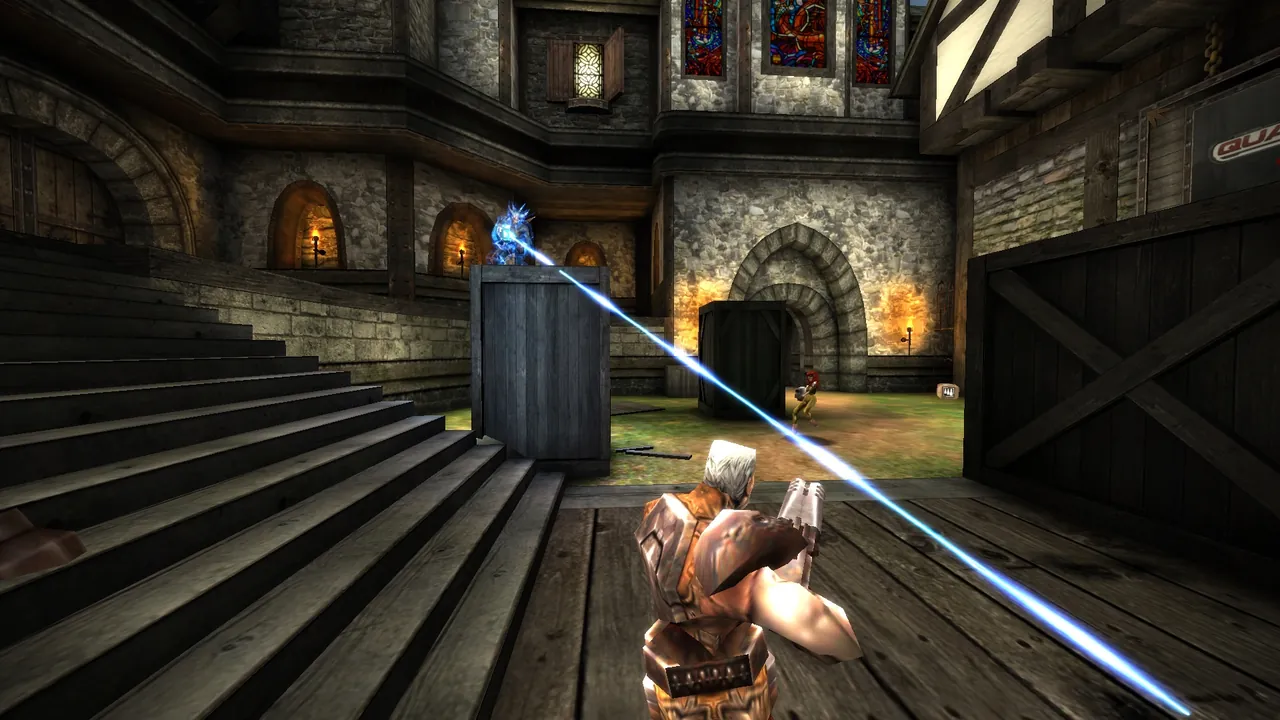
Step 4: Open the ports
| Port | Protocol | Needed for |
|---|---|---|
| 27960 | UDP | Players and the server browser |
| 28960 | TCP | ZeroMQ rcon, only if you use it from outside |
| Stats port | TCP | ZeroMQ stats, defaults to the game port number on TCP, only if enabled |
On a home connection, forward UDP 27960 (see how to port forward a game server). Only expose the rcon port if you need it remotely, and always with a password.
Step 5: Make yourself admin
Quake Live admins are set by Steam ID in access.txt. Get your 64 bit Steam ID by joining any server and typing /players in the console. With the server stopped, add a line:
76561198000000000|admin
The server writes its own copy of this file before every map load, so edits made while it runs get overwritten. Once you are admin, manage the list live from the game:
| Command | What it does |
|---|---|
/admin <id> |
Makes a player admin |
/mod <id> |
Makes a player moderator |
/demote <id> |
Removes their access |
/ban <id> |
Bans them |
/unban <id> |
Lifts a ban |
Lines in access.txt take the forms steamid|admin, steamid|mod and steamid|ban.
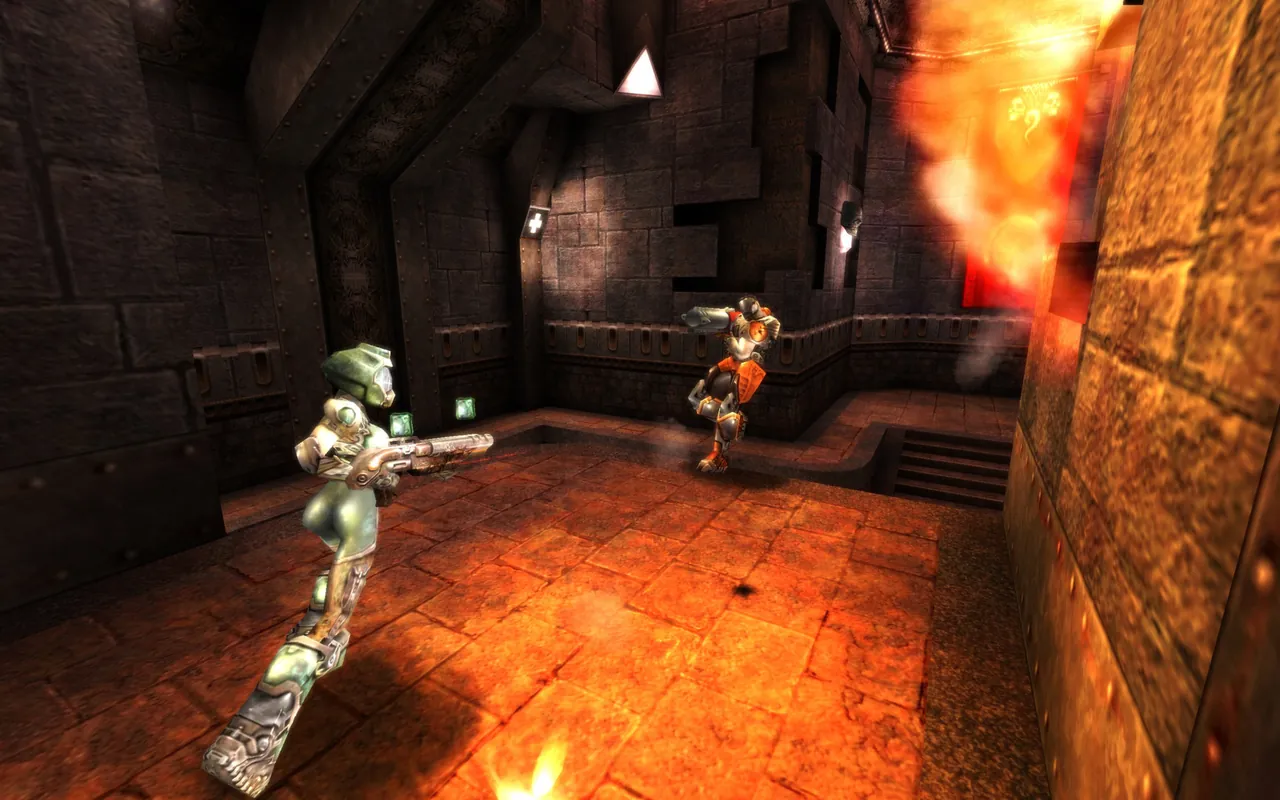
Step 6: Use rcon
Rcon in Quake Live is not the old UDP rcon command. It is a ZeroMQ socket on TCP, enabled with zmq_rcon_enable 1 before launch, and it cannot be turned on later. The server ships zmq_rcon.py, a small Python client:
python zmq_rcon.py --host=tcp://203.0.113.10:28960 --password=long-random-string
Third party tools wrap the same protocol with a friendlier interface. Through rcon you can run any server console command, for example map bloodrun duel to switch map and factory at once.
Step 7: Join
Players can find the server in the in game browser, or open the console with the tilde key and type:
\connect 203.0.113.10:27960
If there is a password, \password yourpassword first.
The easy option
A GamezServers Quake Live server installs app 349090 for you and sets the server name, password and server type from the panel, with an Auto Update switch so the server keeps up with Quake Live patches on restart. server.cfg, mappool.txt, access.txt and workshop.txt are all in the file manager, and the live console in the panel takes server commands directly, so you do not need ZeroMQ rcon at all. It runs on 1 GB for duel and 2 GB for a full 16 slot server. For custom maps, see how to add Workshop maps to a Quake Live server.
FAQ
What port does a Quake Live server use?
UDP 27960 by default, set with net_port. ZeroMQ rcon uses TCP 28960 when enabled.
Do I need to own Quake Live to run a server?
No. The dedicated server downloads anonymously through SteamCMD. Players need to own Quake Live on Steam to join.
How do I become admin on a Quake Live server?
Stop the server, add yoursteamid64|admin to access.txt, and start it. Then use /admin, /mod and /ban in game.
Why does my server.cfg frag limit not apply?
Factories set gameplay cvars and override server.cfg whenever a map loads. Put match rules in a custom .factories file instead.
Can I run minqlx on my server?
minqlx is a popular plugin framework that needs its own launch setup. It works on self hosted Linux servers set up for it, but it is not part of the standard server.
Skip the setup. Your own Quake Live server.
Then $2.99/mo. Just trying it? $0.75 for 3 days
 Minecraft