

How to Host a Medal of Honor: Allied Assault Server (2026)
Host a MOHAA dedicated server in 2026: the Reborn 1.12 Linux server or Windows, server.cfg, UDP ports 12203 and 12300, RCON and the post GameSpy list.
Updated Oct 7, 2026 · 6 min read
On this page
To host a Medal of Honor: Allied Assault server today, run the dedicated server with the community Reborn 1.12 patch (on Linux, mohaa_lnxded, which LinuxGSM installs as mohaaserver), put your settings in main/server.cfg, and open UDP 12203 for the game and UDP 12300 for server queries. Start it with +set dedicated 2 +exec server.cfg so it announces itself to the community master servers that replaced GameSpy, and set an rconPassword so you can manage it from inside the game.
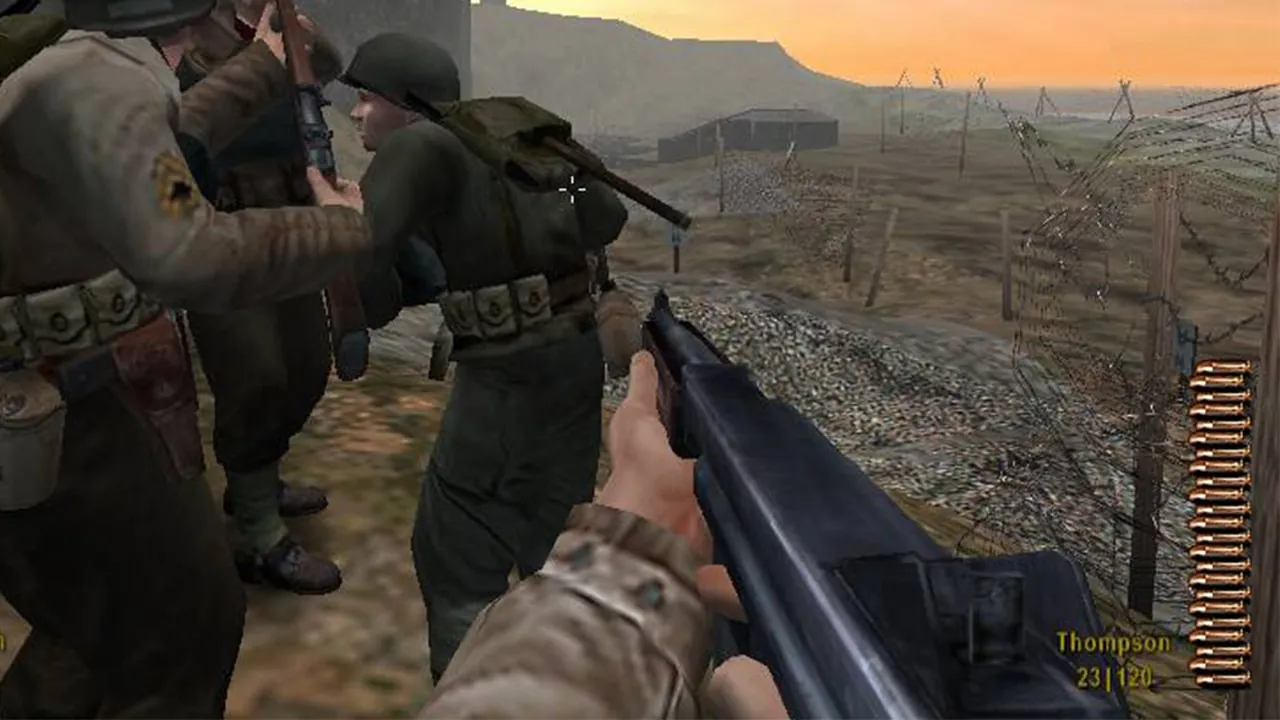
Allied Assault is from 2002, EA stopped selling it years ago, and GameSpy, which ran its server list, shut down in 2014. Yet a loyal crowd still plays V2 Rocket Facility, Stalingrad and Algiers every night. This guide covers what still works in 2026.
What you need
| Item | Details |
|---|---|
| Game files | An installed copy of Allied Assault, patched to 1.11 |
| Server patch | The community Reborn 1.12 server patch, which fixes old exploits and crash bugs and still accepts 1.11 players |
| Linux binary | mohaa_lnxded, 32 bit |
| Windows | The game itself in dedicated mode |
| Ports | UDP 12203 (game), UDP 12300 (GameSpy style queries for server lists) |
| Memory | Small. A full 32 slot objective server is comfortable on 2 GB |
There is also OpenMoHAA, an open source rebuild of the engine with its own dedicated server (omohaaded) and extra features like bots. It is a good project to watch, but most public Allied Assault servers still run the original server with the Reborn patch, and that is what this guide uses.
Option 1: Linux with LinuxGSM
LinuxGSM packages the Linux server with the Reborn patch and handles start, stop and monitoring:
adduser mohaaserver
su - mohaaserver
curl -Lo linuxgsm.sh https://linuxgsm.sh && chmod +x linuxgsm.sh && bash linuxgsm.sh mohaaserver
./mohaaserver install
./mohaaserver start
The server binary is 32 bit, so on a 64 bit distribution install the 32 bit libraries LinuxGSM asks for during install. ./mohaaserver console attaches to the live console, and Ctrl+B then D leaves it running.
If you run the binary yourself instead, the launch line looks like this:
./mohaa_lnxded +set dedicated 2 +set net_port 12203 +set sv_maxclients 20 +exec server.cfg
dedicated 2 is an internet server that reports to master servers. dedicated 1 is LAN only.
Option 2: Windows
On Windows, start the game executable in dedicated mode from the install folder with the same arguments:
MOHAA.exe +set dedicated 2 +set net_port 12203 +exec server.cfg
It opens a console window instead of the game. This is fine for a LAN night, but for a server that stays up, Linux on an always on machine is the better home.
Step 1: Write server.cfg
Create or edit main/server.cfg. A clean objective server:
seta sv_hostname "Old Friends Objective | V2 and Omaha"
seta sv_maxclients "20"
seta g_gametype "4"
seta timelimit "15"
seta fraglimit "0"
seta roundlimit "5"
seta g_teamdamage "1"
seta g_allowvote "1"
seta g_inactivespectate "60"
seta g_inactivekick "900"
seta sv_floodprotect "1"
seta sv_gamespy "1"
seta rconPassword "pick-a-long-one"
seta g_password ""
seta sv_maplist "obj/obj_team2 obj/obj_team4 obj/obj_team1 obj/obj_team3"
map obj/obj_team2
The most important line is g_gametype: 1 is free for all, 2 team match, 3 round based, 4 objective. An objective map loaded with any other game type plays without its objectives. Every cvar is explained in MOHAA server.cfg explained.
The last line, map, starts the first map. Without it the server sits idle and nobody can join.
Step 2: Open the ports
| Port | Protocol | Purpose |
|---|---|---|
| 12203 | UDP | Game traffic, set with net_port |
| 12300 | UDP | Server list queries, set with net_gamespy_port |
Forward both on your router to the server machine and allow them in its firewall. Players who connect by address only need 12203, but server browsers and master servers query 12300, so without it you will not be listed. The router side is in how to port forward a game server.
Step 3: Get on the server list
GameSpy's master servers went offline on May 31, 2014. The community replaced them, and two things have to happen for players to see your server:
- Your server reports to a working master. The
sv_master1,sv_master2andsv_master3cvars hold master addresses, andsv_gamespy 1turns reporting on. Many server packages still list deadgamespy.comaddresses alongside a community master; keep the community one first. - Players' games ask a working master. An unpatched 1.11 game still asks GameSpy and gets an empty list. Players fix this once on their side with the xNULL team's GameSpy fixer (
MOHGSFixer.exe, which patches the game executables to use the Reborn master server) or a community launcher that does the same.
If your server is still missing, work through MOHAA server not showing in the server list.
Step 4: Join and use RCON
Players open the console with the tilde key. If it does not open, they add +set ui_console 1 to the end of the game shortcut's target. Then:
password yourserverpassword
connect 203.0.113.10:12203
To manage the server from inside the game:
rconpassword pick-a-long-one
rcon status
rcon map obj/obj_team3
rcon kick PlayerName
rcon status lists players with their client numbers, which you need for rcon clientkick 4 when a name is full of color codes.
Step 5: Custom maps
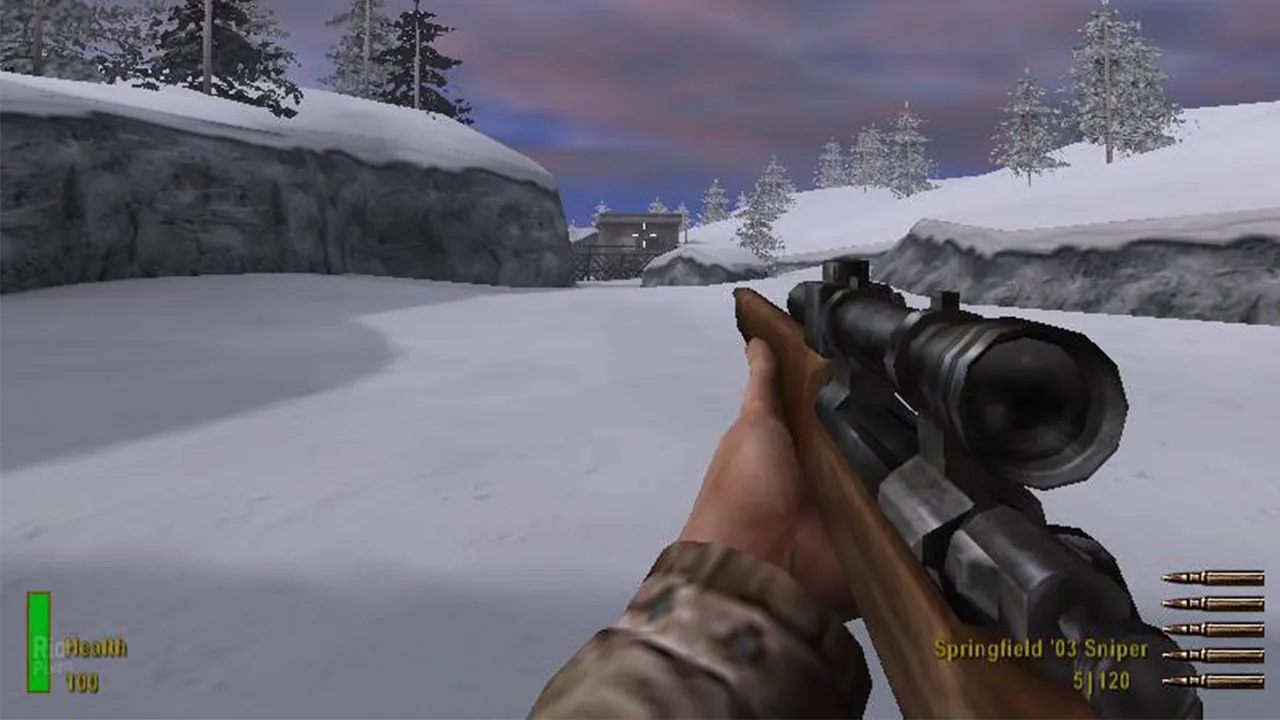
Custom maps come as .pk3 files. Copy them into main on the server and add their map names to sv_maplist. Every player needs the same .pk3 in their own main folder, or they are kicked on the map change, so post download links before switching a rotation to custom maps.
Keeping it up
An old game lives on its regulars, and regulars need the server to be there every evening at the same address. Running it on a home PC means it disappears whenever that PC sleeps or updates. Use LinuxGSM's monitor command from cron to restart it if it crashes, and back up main/server.cfg and your custom .pk3 files.
The easy option
A GamezServers Allied Assault server runs the Reborn 1.12 Linux server for you, with no 32 bit libraries to chase. The panel sets the server name, max clients, starting map and both passwords, which are generated for you so a scrim server is private from the first start. server.cfg and custom maps go up through the file manager or SFTP, and the live console takes commands without RCON. It runs on 1 to 2 GB, so splitting it with your old clan costs little each.
FAQ
What ports does a MOHAA server use?
UDP 12203 for the game and UDP 12300 for server list queries. Players connecting by address only need 12203.
Can 1.11 players join a Reborn 1.12 server?
Yes. The Reborn patch is built to accept players on the official 1.11 patch, which is what most remaining players run.
How many players can a MOHAA server hold?
Up to 32, set with sv_maxclients. Most of the classic maps play best with 12 to 24.
What does dedicated 1 and dedicated 2 mean?
dedicated 1 runs a LAN server that does not report to master servers. dedicated 2 runs an internet server that announces itself so it can be listed.
Does this work for Spearhead or Breakthrough?
No. The expansions use their own servers and player bases. This guide is for Allied Assault only.
 Skip the setup. Your own Medal of Honor: Allied Assault server.
Then $2.99/mo. Just trying it? $0.75 for 3 days
 Minecraft