

How to Host a Holdfast: Nations At War Server (Regiment Guide)
Host a Holdfast: Nations At War server: SteamCMD app 1424230, ports 20100, 8700 and 27000, your own config file, admin login and crossplay.
Updated Oct 7, 2026 · 4 min read
On this page
To host a Holdfast: Nations At War server, install the free dedicated server with SteamCMD (app 1424230), copy serverconfig_default.txt to a config file with your own name, fill in the server name, region, admin password, ports and map rotation, then launch the server pointed at that file. Open UDP 20100 (game), 8700 (Steam communications) and 27000 (Steam query). Everything that matters, from maximum_players to each map in the rotation, lives in that one text file.
Why regiments run their own servers
Holdfast's community is built around regiments, and nearly every drill night, linebattle and inter regiment event runs on a server someone in the regiment controls. Your own server means your own rotation, your own password for private trainings, admins who know your rules, and a server that is there at 8 pm on event night without depending on anyone else. Public servers with a loyal crowd also get started this way.
What you need
| Item | Detail |
|---|---|
| Server software | Holdfast NaW Dedicated Server, SteamCMD app 1424230, free |
| Ports | 20100 UDP game, 8700 UDP Steam communications, 27000 UDP Steam query |
| RAM | 4 GB for drills, 6 GB for about 100 players, 8 GB for full 150 player battles |
| Players | Up to 150, each with their own copy of the game |
The server is lighter than the player counts suggest. Horses and cannons on a full field add load, and big event nights with several mods are where extra memory pays off.
Step 1: Install the server
steamcmd +force_install_dir C:\HoldfastServer +login anonymous +app_update 1424230 validate +quit
Run the same command after each game update. To test a beta, add -beta <branchname> after the app ID.
Step 2: Make your own config file
The server ships with serverconfig_default.txt. Do not edit that one: Steam updates can overwrite it. Copy it into a configs folder under a new name, for example configs\serverconfig_regiment.txt, and edit the copy. You can keep several side by side, such as a public rotation, a training map and an event setup, and choose which one loads at launch.
Step 3: Fill in the essentials
server_name [49th] Regimental Training
server_welcome_message Welcome to the 49th. Teamspeak details in Discord.
server_region europe
server_admin_password ChangeThisNow
#server_password trainingnight
server_port 20100
steam_communications_port 8700
steam_query_port 27000
maximum_players 120
Lines starting with # are switched off. To lock the server for a private session, remove the # from server_password and set a password. Valid regions include europe, usa, australia, brazil, china, japan, russia and southkorea.
Step 4: Add a map rotation
Rotations are blocks between !map_rotation start and !map_rotation end, one block per map:
!map_rotation start
map_name crosshills
game_mode ArmyBattlefield
round_time_minutes 20
!map_rotation end
Add as many blocks as you want; the server plays them in order. Each block can carry its own settings, such as attacking and defending factions or friendly fire. The Holdfast config and map rotation guide covers the keys in depth.
Step 5: Launch it
Point the server at your config with -serverConfigFilePath:
"Holdfast NaW.exe" -startserver -batchmode -nographics -serverConfigFilePath configs\serverconfig_regiment.txt
Log files for admin actions, chat, player logins and scores can be written to their own folders with extra launch flags, which is useful when a dispute comes up after an event.
Step 6: Open the ports
Forward UDP 20100, 8700 and 27000 to the server machine. Every additional server on the same machine needs its own unique set of all three. If the server is running but not in the browser, the query port is the first thing to check.
Console crossplay
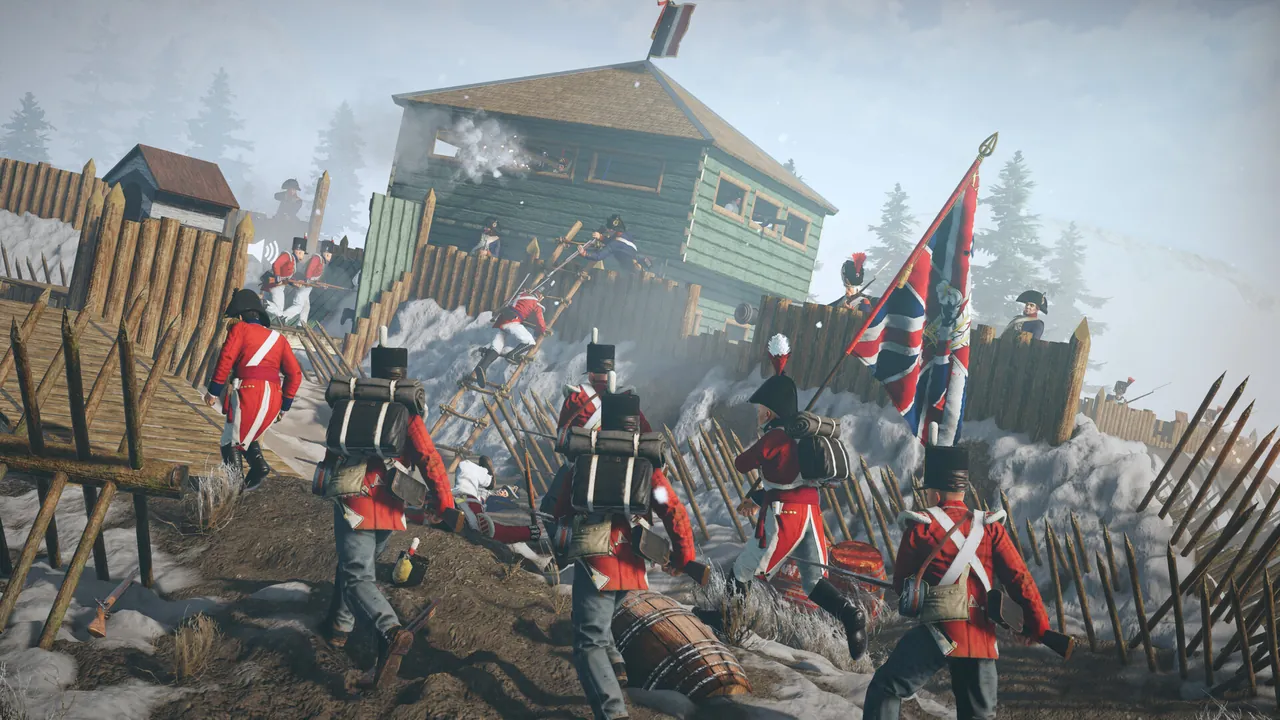
Since update 3.0, PS5 and Xbox Series players can join PC servers. The server_platform setting decides who is allowed. Console players cannot load map or script mods, so a server that runs custom maps should be Steam only, and a crossplay server should stick to mods that run purely on the server.
Admin access
In game, open the console with F1 and type:
rc login ChangeThisNow
using your server_admin_password. From there you can kick, slay, ban, broadcast and switch maps. The full list is in Holdfast admin commands.
Hosting it without a spare PC
A GamezServers Holdfast server installs the server and the configs folder for you. In the control panel you choose which config file loads by name (it must end in .txt and match a file in the configs folder) and can pick a beta branch. The panel also has fields for name, welcome message, region and passwords, but these are only partly written into the config file, so treat your config file as the source of truth and set every value you care about there, in the file manager or over SFTP. The ports come open on the server's own address, and the regiment can split the bill between up to 10 members.
FAQ
What ports does a Holdfast server use?
By default UDP 20100 for the game, 8700 for Steam communications and 27000 for the Steam query. Each server on a machine needs its own set.
How many players can a Holdfast server hold?
Up to 150, set with maximum_players in the config file.
Why should I not edit serverconfig_default.txt?
Updates can overwrite it. Copy it to your own file name and point the server at the copy.
Can PlayStation and Xbox players join my server?
Yes, since update 3.0, as long as server_platform allows it and the server does not load map or script mods.
Is the Holdfast dedicated server free?
Yes. It is a free SteamCMD download. Players need their own copy of the game.
 Skip the setup. Your own Holdfast: Nations At War server.
Then $9.99/mo. Just trying it? $2.50 for 3 days
 Minecraft