

 Barotrauma
How to Host a Barotrauma Server (2026 Guide)
Host a Barotrauma dedicated server: SteamCMD app 1026340, serversettings.xml, UDP 27015 and 27016, Workshop mods in LocalMods and keeping campaign saves safe.
Updated Oct 3, 2026 · 6 min read
On this page
- Why host a dedicated Barotrauma server?
- What do you need to run a Barotrauma server?
- How do I install the Barotrauma dedicated server?
- What goes in serversettings.xml?
- What ports does a Barotrauma server use?
- How do I install Workshop mods on a dedicated server?
- How do campaign saves work on a dedicated server?
- How do I make myself admin?
- The easy option: host it with GamezServers
- FAQ
To host a Barotrauma server, download the Barotrauma Dedicated Server (SteamCMD app 1026340), run DedicatedServer once, then stop it and edit serversettings.xml for the name, password, player count and game rules. Forward UDP 27015 (game) and 27016 (query). Workshop mods are copied into LocalMods and listed in config_player.xml, and multiplayer campaigns save as a .save file plus a _CharacterData.xml file that you back up together.
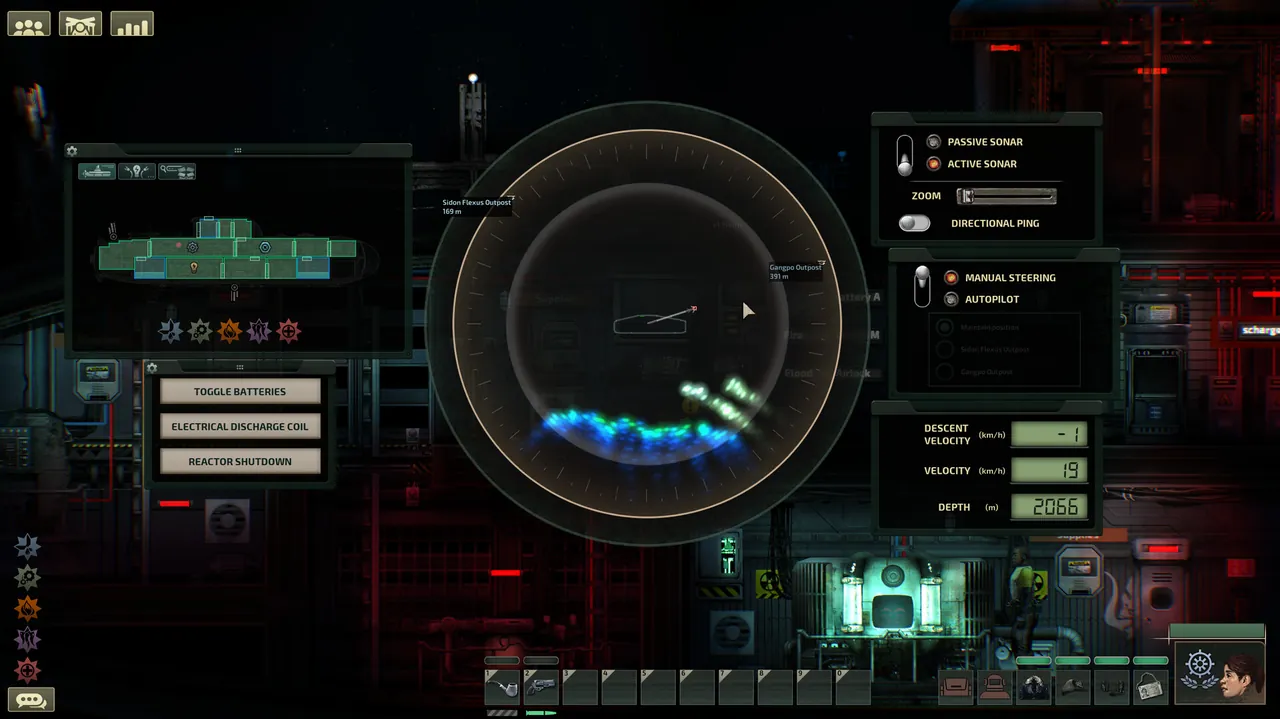
Why host a dedicated Barotrauma server?
Hosting from the in game menu ties the campaign to one person's PC: no host, no submarine. A dedicated server keeps the campaign, the sub and everyone's characters available, so the crew can carry on when the original captain is busy. It is also the better choice for mod heavy setups, since the host's own game is not doing double duty.
Barotrauma supports up to 16 players. Most crews run 4 to 8 and let bots fill the missing jobs.
What do you need to run a Barotrauma server?
Barotrauma is light. The world is a 2D submarine and a stretch of ocean, so memory needs are small next to 3D survival games.
| Crew | RAM | Notes |
|---|---|---|
| Small crew, vanilla | 2 GB | Weekly campaign nights for friends |
| Full crew or modded campaign | 4 GB | Custom subs and a few content mods |
| 16 players, heavy Lua mods | 8 GB | Neurotrauma style setups and big custom subs |
The server runs on Windows and Linux, and any modern CPU is enough. The Barotrauma wiki's dedicated server page covers the basics if you want a second reference.
How do I install the Barotrauma dedicated server?
- Install SteamCMD and download the server:
steamcmd +force_install_dir ./barotrauma-server +login anonymous +app_update 1026340 validate +quit
You can also install Barotrauma Dedicated Server from the Tools section of your Steam Library.
- Start it once:
DedicatedServer.exeon Windows,./DedicatedServeron Linux. It writes a defaultserversettings.xml. - Type
quitin the console (or close it) and edit the settings.
Always stop the server before editing serversettings.xml. The server writes its current settings back to the file when it shuts down, so edits made while it runs are lost.
What goes in serversettings.xml?
Settings are attributes on one big XML element. The ones most crews change:
<serversettings
  name="Our Barotrauma Server"
  public="true"
  port="27015"
  queryport="27016"
  maxplayers="8"
  password="changeme"
  enableupnp="false"
  gamemodeidentifier="multiplayercampaign"
  AllowFriendlyFire="True"
  KarmaEnabled="True"
  AllowRespawn="True"
  UseRespawnShuttle="True"
  botcount="2"
  maxbotcount="16"
  AllowVoteKick="True"
  KickAFKTime="600" />
| Setting | What it does | Good starting value |
|---|---|---|
name |
Server name in the browser | Something your crew can search |
public |
Show in the public server list | false for a friends only server |
port / queryport |
Game and query ports | 27015 / 27016 |
maxplayers |
Player cap, up to 16 | Crew size plus one or two |
password |
Join password | Set one unless the server is public |
gamemodeidentifier |
Default mode: sandbox, mission or multiplayercampaign |
multiplayercampaign for a long run |
| Traitor settings | Whether and how often traitor events happen | Off for a first campaign |
KarmaEnabled |
Automatic punishment for griefing | On for public servers |
AllowRespawn / UseRespawnShuttle |
How dead players come back | On, unless you want permadeath tension |
botcount / maxbotcount |
AI crew filling empty jobs | 1 to 3 for a small crew |
KickAFKTime |
Seconds before idle players are kicked | 600 on public servers |
Many of these can also be changed in game by an admin from the server lobby, which saves restarting for small tweaks.
What ports does a Barotrauma server use?
| Port | Protocol | Purpose |
|---|---|---|
| 27015 | UDP | Game traffic (port) |
| 27016 | UDP | Steam query and server browser (queryport) |
Forward both on your router and allow them through the firewall. If you run a second server, give it a new pair in its own serversettings.xml. Our port forwarding guide covers the router side.
How do I install Workshop mods on a dedicated server?
The dedicated server does not subscribe to Workshop items itself, so you copy mods in by hand:
- Subscribe to the mods in Steam on your own PC and launch the game once so they download. On Windows they land in
%LocalAppData%\Daedalic Entertainment GmbH\Barotrauma\WorkshopMods\Installed. - Copy each mod's folder into the server's
LocalModsfolder. Each mod folder must have afilelist.xmlat its root. - Open the server's
config_player.xmland add each mod inside<regularpackages>, in load order:
<contentpackages>
  <regularpackages>
    <package path="LocalMods/Lua For Barotrauma/filelist.xml" />
    <package path="LocalMods/Neurotrauma/filelist.xml" />
  </regularpackages>
</contentpackages>
- Restart. Players who join are prompted to download whatever they are missing.
Load order matters: if mod B depends on mod A, list A first. Lua based mods like Neurotrauma only work once Lua For Barotrauma is installed on the server as well as on each player's game. After a Workshop update, copy the new version into LocalMods again; players stuck on "missing content" almost always have a different version than the server.
How do campaign saves work on a dedicated server?
A multiplayer campaign is two files that belong together:
<name>.saveholds the campaign: the sub, the map, missions and money.<name>_CharacterData.xmlholds the players: jobs, skills, talents and inventories.
They live in the Multiplayer save folder:
- Windows:
%LocalAppData%\Daedalic Entertainment GmbH\Barotrauma\Multiplayer - Linux:
~/.local/share/Daedalic Entertainment GmbH/Barotrauma/Multiplayer
To move a campaign you played on a hosted lobby to a dedicated server, copy both files into the server's Multiplayer folder, start the server, and load the campaign from the lobby. Back both up before every game update or mod change. A campaign that loads without its character file comes back with fresh, empty characters.
How do I make myself admin?
Give yourself permissions in Data/clientpermissions.xml, or use the server console while you are connected. giverank assigns a preset rank such as admin or moderator to a connected player, and giveperm grants single permissions. Admins can kick, ban, change settings in the lobby and start or end rounds. Hand out rights sparingly on public servers.
The easy option: host it with GamezServers
Our Barotrauma server hosting keeps the campaign online without anyone's PC, with Auto Update to stay on the current version. serversettings.xml, config_player.xml and LocalMods are in the file manager, and SFTP makes copying mod folders and campaign saves simple.
| Plan | RAM | Price a month |
|---|---|---|
| Starter | 2 GB | 4.99 USD |
| Standard | 4 GB | 9.99 USD |
| Pro | 8 GB | 19.99 USD |
New customers get 50% off the first month on monthly plans, the crew can split the bill so each player pays their own share, and you can change plans without losing the campaign.
FAQ
How many players can join a Barotrauma server?
Up to 16. Set maxplayers lower in serversettings.xml for a tighter crew and let bots cover the empty jobs.
Why do my serversettings.xml changes keep disappearing?
The server overwrites the file with its current settings on shutdown. Stop the server first, then edit, then start it again.
What ports does a Barotrauma dedicated server need?
UDP 27015 for the game and UDP 27016 for queries and the server browser.
Do Lua mods like Neurotrauma work on a dedicated server?
Yes, once Lua For Barotrauma is installed on the server and on every player's game. List it before the mods that depend on it.
How do I back up a Barotrauma campaign?
Copy the campaign's .save file and its matching _CharacterData.xml from the Multiplayer folder. You need both to restore the crew's progress.
Skip the setup. Your own Barotrauma server.
Then $4.99/mo. Just trying it? $1.25 for 3 days