

Game Server Sleep Mode vs Always On: Which Should You Use?
What sleep or hibernate mode does on a game server, when it saves trouble, when it breaks things like day cycles and farms, and how to wake a sleeping server.
Updated Oct 7, 2026 · 5 min read
On this page
Sleep mode stops a game server when nobody has played for a while and keeps the world saved until someone starts it again. It suits friend groups who play in bursts, while always on suits public servers, worlds with offline progress like crops or automated factories, and anyone whose friends join at random hours without access to the panel. The right choice depends on who needs to start the server and whether the world should keep running while everyone is away.
What sleep mode actually does
Hosts use different names: sleep, hibernate, auto stop, idle shutdown. They all work about the same way:
- The host watches how many players are online.
- After a set time with nobody on, it saves and stops the server.
- The world stays on disk exactly as it was.
- Someone starts the server again, either from the panel or, on some hosts, by trying to join.
The difference between hosts is mostly in step 2 (how long the idle timer is) and step 4 (how easy waking is).
On free hosts, sleep is often forced and kicks in after a few minutes, which is one reason free servers keep going offline. On paid hosts it should be optional.
When sleep mode makes sense
- You play in bursts. A weekend session, then nothing until next weekend. There is no reason for the world to run all week.
- The group has finished with a world for now. You moved on to another game but might come back.
- You want the world frozen. In Valheim or Enshrouded nothing much happens while nobody is online anyway, so stopping changes nothing.
- Memory leaks. Games like Palworld slowly use more memory the longer they run. A stop and start clears it.
When always on is better
- Public or community servers. Strangers cannot start your server from a panel. If it is asleep when they try to join, they leave.
- Friends in different time zones. If the person who wants to play at 3 AM cannot wake it, always on saves a message thread.
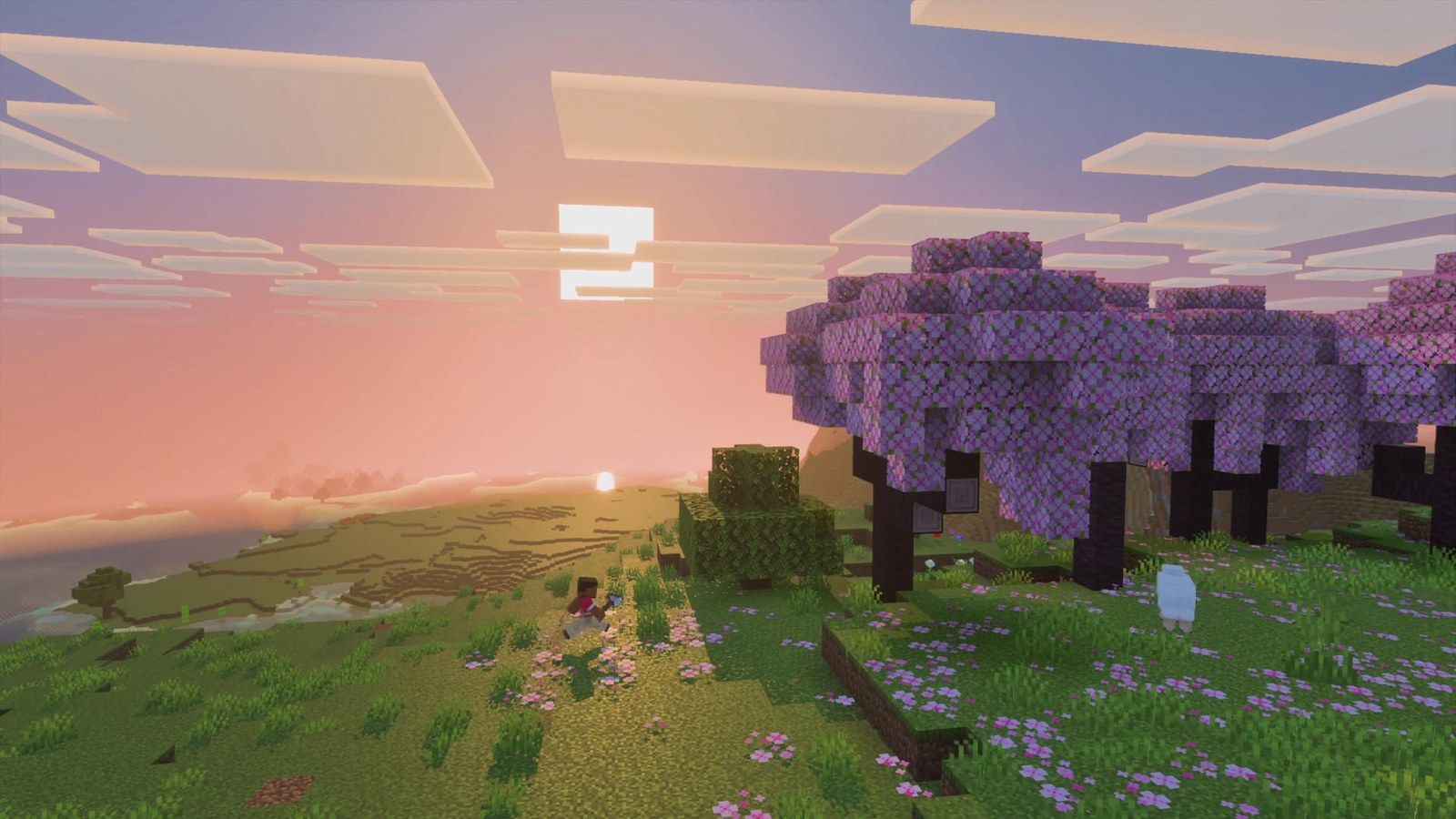
- Worlds that progress offline. Crops in Minecraft and Stardew style farms only grow while chunks are loaded. Factories in Factorio and Satisfactory only produce while the server runs. If your group expects to log in to full chests, the server must be on.
- Rust and DayZ. Wipe cycles, decay and raids run on server time. A sleeping server breaks how those games are meant to play.
- Server list ranking. Some games rank servers by uptime and player history, so a server that keeps disappearing ranks lower.
What happens to the world while it sleeps
Nothing. That is the point. A sleeping server is a stopped server with its files kept. Things to know:
- Day counters pause. In 7 Days to Die, the blood moon schedule follows in game days, and in game time only passes while the server runs.
- Decay usually pauses too, since most games calculate it from server time. A few use real clock time, so check your game's settings.
- Updates wait. On hosts where the server updates on start, a server that slept through a game patch updates when it wakes. Expect a slightly longer first start.
The idle timer: short vs long
A short timer, like 15 minutes, saves the most resources but stops the server between sessions on the same evening, and every restart costs time. A long timer is gentler: it only stops a world that has truly been abandoned.
For a paid server you are already paying for the resources, so a long timer makes more sense than a short one. Short timers are mostly a free hosting tool.
How to wake a sleeping server
Depending on the host:
- From the control panel: press Start. Anyone with panel access can do it.
- By joining: some hosts start the server when a player tries to connect. This only works for certain games and often needs the player to retry once it is up.
- From a Discord bot or link: some groups wire a bot to the host's API.
If friends do not have panel access, either give them access or keep the server always on. On GamezServers, friends who split the bill and sign in with the email they paid with see the server in their own dashboard and can press Start themselves.
Sleep mode vs cancelling
Sleep keeps the subscription and the world. Cancelling ends the subscription and, after a grace period, deletes the files. If you think the group might come back to a world, sleep is much safer. If you are done for good, download your world first, then cancel. Read what happens to your world when a subscription ends for the details.
Quick decision guide
| Your situation | Use |
|---|---|
| Friends play a few nights a month | Sleep, long timer |
| Public community server | Always on |
| Farms, factories or offline progress matter | Always on |
| Rust or DayZ with wipes and raids | Always on |
| Group took a break from the game | Sleep |
| Friends cannot reach the panel | Always on |
How Sleep when empty works on GamezServers
On our servers it is called Sleep when empty. It is optional, and when it is on the server stops only after 4 days with nobody playing. Your world is saved and nothing is lost. One press of Start in the panel brings it back, and you can turn it off in Settings to keep the server online around the clock. Everything else stays the same: your address, files, backups and settings. See the control panel docs or pick a game to start.
FAQ
Does sleep mode delete my world?
No. Sleep only stops the server. The world, settings, mods and backups stay exactly as they were, and starting the server loads them again.
Will crops grow while my Minecraft server sleeps?
No. Crops, furnaces and farms only progress while the server runs and those chunks are loaded. If offline progress matters to your group, keep the server always on.
Can my friends wake a sleeping server?
Only if they can reach the control panel or the host supports waking on join. On GamezServers, friends sharing the bill can start the server from their own dashboard.
Do I still pay while the server sleeps?
On a monthly plan, yes. You are paying for the server to be available, and sleep only stops the game process. It saves trouble with idle memory leaks rather than money.
Want a server without the setup?
From75¢
Pick a game, pay, play. Live the moment checkout finishes.
 Minecraft