

Squad server hosting
A Squad server for 100 player combined arms fights on your rules
Host a Squad server for 50 vs 50 tactical combat, clan training or modded events. Workshop mods, reserved slots, team balance and demo recording in the panel.
Staying longer? Subscribe and get 50% off your first month
- DDoS protected
- 24/7 support
- Live the moment you pay

- Split the billUp to 10 friends, own cards
- Custom plansAny RAM up to 32 GB
- Prepaid or monthly3 days to 1 year
- Live in 60 secondsNo setup, no waiting
- Cancel any timeNo contracts, ever
Pick your Squad plan
Every plan is live the moment you pay. Upgrade or cancel from your dashboard any time.
Starter
8 GBThen $19.99/mo. $0.67 a day.
Splitting with 3 friends? $6.02 each/mo
- 8 GB RAM
- 2 vCPU cores
- DDoS protection included
- 24/7 support
Standard
12 GBThen $29.99/mo. $1.00 a day.
Splitting with 3 friends? $8.52 each/mo
- 12 GB RAM
- 3 vCPU cores
- DDoS protection included
- 24/7 support
Pro
16 GBThen $39.99/mo. $1.33 a day.
Splitting with 3 friends? $11.02 each/mo
- 16 GB RAM
- 4 vCPU cores
- DDoS protection included
- 24/7 support
What comes set up on a Squad server
Clan training and events
Run private practice nights, scrims or one-off events with your own map layers, rules and admins.
Workshop mods
List Workshop item IDs in the panel and reinstall to load modded maps, factions and game modes.
Reserved slots
Keep slots open for admins and regulars so your own people can get in when the server is full.
Team rules built in
Enforce team balance, block team swaps when uneven and auto kick teamkillers, all switches in the panel.
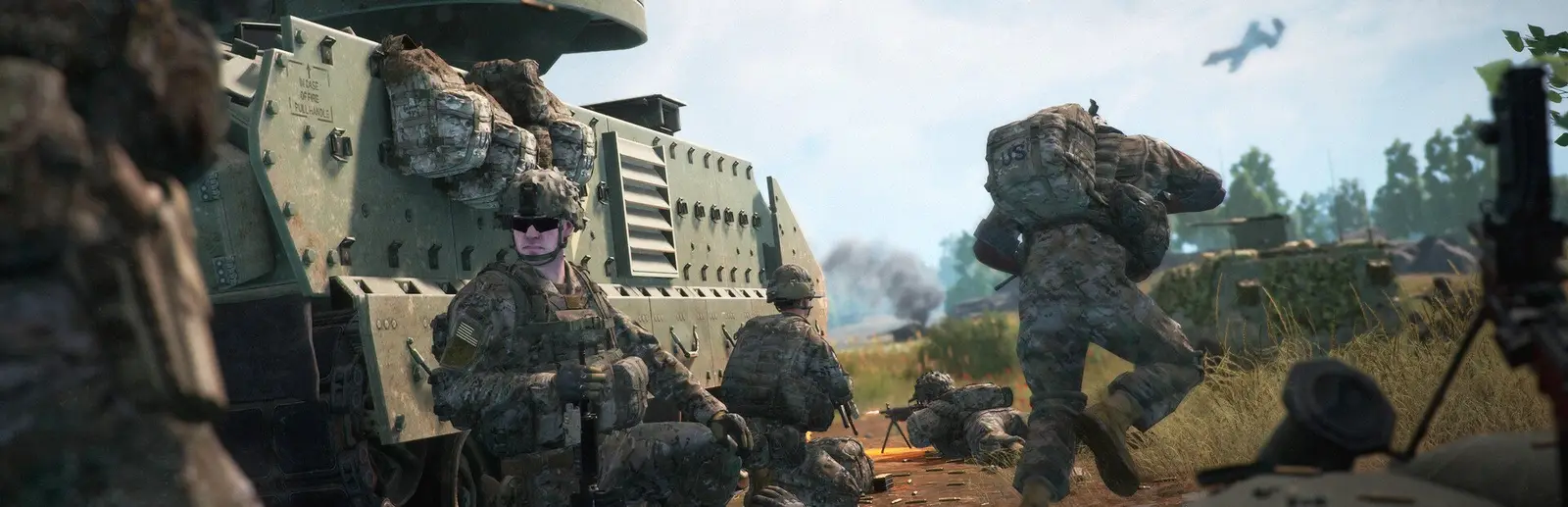
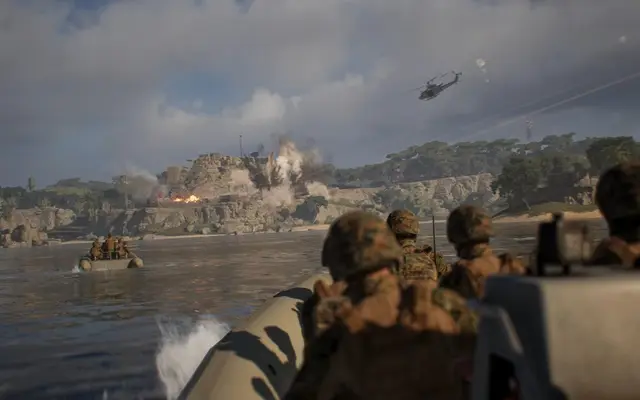
A look inside Squad
Real screenshots from the game. Click any of them to see it full size.
How much RAM does a Squad server need?
Find the row that sounds like your group and we will point you at the right plan.
| Your server | RAM | Plan |
|---|---|---|
| Private training or small events | 8 GB | Starter$19.99/mo |
| Public server, 80 to 100 players | 12 GB | Standard$29.99/mo |
| Heavily modded server with big maps | 16 GB | Pro$39.99/mo |
This is the panel. Click around.
This is the Squad panel you get. Click any button, or type a command.

Squad Server
play.gamezservers.com:7777
[12:00:00] Starting Squad server
[12:00:03] Loading world
[12:00:06] Server started on port 7777
[12:00:09] Ready for players. Try a button.
Power
How to join your Squad server
- 1
Launch Squad and open Server Browser.
- 2
Switch to the Custom Servers tab unless your server is licensed.
- 3
Tick Show Modded Servers or Show Empty Servers in the filters if needed.
- 4
Search for your server's name, select it and click Join.
- 5
If the server runs mods, click Download All when asked.
Common problems
Can't see the server? It lists under Custom Servers unless it is licensed. Tick Show Modded Servers and Show Empty Servers in the filters.
Changed the Workshop item list? Reinstall the server from the panel. The mods only download during install.
Joining players missing a mod get a Download All prompt. Let it finish before retrying, big mods take a while.
Admins and rotation live in Admins.cfg and the layer rotation file in the server's config folder. Edit them in the file manager, then restart.
Server not responding
Make sure the server is online. Servers sleep after 4 days with nobody playing, and anyone with access can start them again from the dashboard in one click.
Use the server address
Do not use localhost, 127.0.0.1 or your own IP from a home hosting guide. Copy the exact address of the server.
No port forwarding or firewall changes
Opening ports on your router is only for hosting a server at home, so there is nothing to change to join this one. If Windows asks whether to let the game through the firewall, choose Allow.
Modding your Squad server
Squad has official Steam Workshop mod support, and modded servers run everything from competitive rebalances to total conversions. Some big mods pause for engine updates, so check a mod is current before you build a server around it.
Squad server hosting, explained
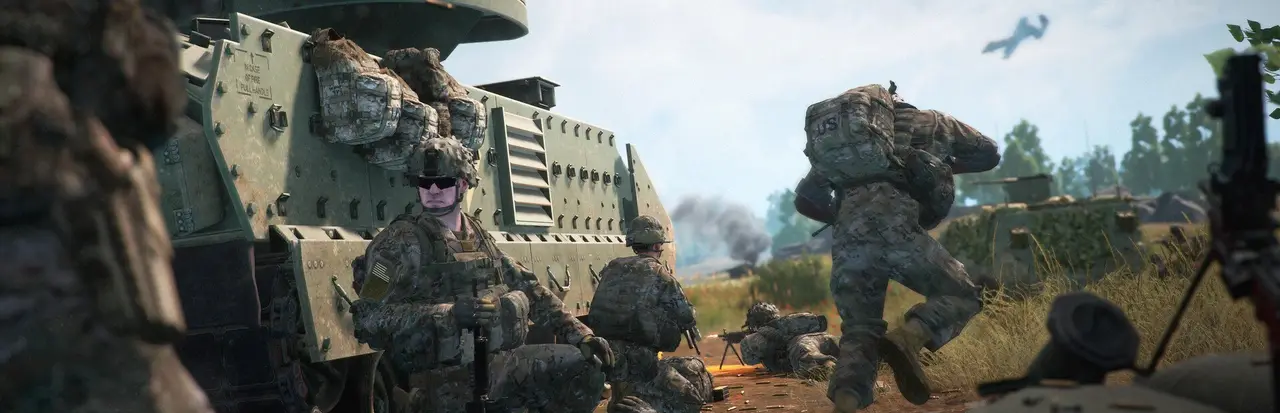
Squad is a tactical shooter from Offworld built on communication. Squads of up to nine talk on local and squad voice, squad leaders coordinate over command chat, and two teams of up to 50 fight with infantry, armor, helicopters and forward bases. One good squad lead can swing a whole match. Community servers set their own rules on teamwork, map rotation and behavior, and that is the main reason groups run their own.
Clans use their own server for training: new squad leads practice logistics, pilots practice landings, and the group runs scrims against friendly clans. Others run public servers with a known admin team and a reputation for teamwork. Modded servers host Workshop factions and modes you cannot play anywhere else. Seeding nights, where regulars fill the server early so the public joins later, are part of the culture too.
Our panel covers server name, max players, reserved slots, team change rules, team balance enforcement, teamkill auto kick, demo recording and whether the server is advertised. Workshop mods go in as a comma separated list of item IDs, and changing the list needs a reinstall. Admins, layer rotation and messages live in the server's config files. Unlicensed servers show in the custom server browser; the main browser needs a license from Offworld.
Squad's maps are big, and a full match keeps a lot of vehicles, deployables and players simulated at once. For private training or small events, 8 GB works. A public server running 80 to 100 players wants 12 GB, and heavily modded servers should go to 16 GB. Seeding a new server with a small crowd first is a cheap way to see where your usage settles.
Squad server guides
Squad5 min readHow to Add Admins to a Squad Server (Admins.cfg and Commands)
Add admins to a Squad server: Group and Admin lines in Admins.cfg, every permission explained, staff group examples and the admin commands you will use most.
ReadSquad5 min readHow to Host a Squad Dedicated Server (2026 Setup Guide)
Host a Squad dedicated server: SteamCMD app 403240, the start command, Server.cfg, Admins.cfg, layer rotation, ports 7787 and 27165, mods and licensing.
ReadSquad5 min readSquad Server Not Showing in the Server Browser? How to Fix It
Unlicensed Squad servers list under Custom Servers. If yours is not there, check ShouldAdvertise, the query port 27165, browser filters and the server version.
ReadIncluded on every plan
- Always on DDoS protection
- 24/7 support from real people
- Low ping game hardware
- Live the moment you pay
- Your own address and port
- Live console with full access
- One click game actions
- One click backups
- Upgrade or cancel any time
Common questions
How many players can a Squad server hold?
Up to 100, as two teams of 50. Our setup defaults to 80 slots and you can raise it in the panel.
Will my Squad server show in the main server browser?
Only licensed servers appear in the main list. Unlicensed ones show in Custom Servers. Offworld licenses servers that meet its requirements, such as an active admin team.
How do I add Workshop mods to a Squad server?
Put the Workshop item IDs, separated by commas, in the Download Workshop Items setting. Then reinstall so the server downloads them.
Do players need to install the mods?
Yes, but the game handles it. When they join, Squad lists missing mods and offers Download All.
Can players join by IP?
Squad has no simple in-game IP join. Players find the server by name in the browser, or add it to favorites in Steam's game server list.
How do I add admins?
Add their SteamID64 to Admins.cfg with an admin group and restart. They can then use admin commands in game.
What are reserved slots?
Slots held back for listed admins and members, so they can join a full server. Set how many in the panel and who gets them in the admin config.
How much RAM does a Squad server need?
8 GB for training and small events, 12 GB for a full public server and 16 GB for heavy mods.
Is GamezServers affiliated with Squad?
No. You rent and control your own dedicated Squad server. GamezServers is not affiliated with the game's developer or publisher.
Can my friends and I split the cost?
Yes. At checkout choose "Me and my friends" and up to 10 people each pay their own share with their own card, on any plan length, from 3 days to a year. It is not a payment plan: nobody pays in parts over time, each friend simply pays their own share. You pay yours, send each friend their link, and the server starts straight away. Each share includes a $1 payment fee.
Can I build a custom plan?
Yes. Every game has a Build your own page: pick any amount of RAM up to 32 GB, any length from 3 days to 1 year, prepaid or a subscription, plus your server type and settings. A custom size costs 15% more per GB than the standard plans next to it.
Can I pay once instead of a subscription?
Yes. Pick Prepaid and pay once for 3 days, 30 days, 6 months or a year. Nothing renews: when the time is up the server pauses and keeps its world for 14 days. Add time or switch to a subscription from your panel any time. Short rentals cost more per day, since every server is set up from scratch.
How fast is setup, really?
Your server starts building the moment Stripe confirms payment. Most are online in under a minute, and the address and login appear on your dashboard automatically.
Players who host Squad also host
Your Squad server is a minute away
A Squad server for 100 player combined arms fights on your rules
Deploy Squad nowLive in 60 seconds · Cancel any time
GamezServers is not affiliated with Offworld Industries. Squad and its art are trademarks of their respective owners.