

 TerraTech Worlds
TerraTech Worlds Co-op vs Dedicated Server: Which Should You Use?
TerraTech Worlds co-op hosting vs a dedicated server: who keeps the world, player limits, saves, updates and cost, so your crew picks the right one.
Updated Oct 7, 2026 · 5 min read
On this page
In TerraTech Worlds you can play co-op two ways: one player hosts the world from their game and friends join them, or the world runs on a dedicated server that everyone joins with Join Dedicated Server. Hosted co-op is free and instant but the world only exists while the host plays. A dedicated server keeps the world, bases and factories available to everyone at any time, at the cost of setup or a monthly fee. For a crew that plays on different schedules, the server is usually worth it.
The two ways to play together
Hosted co-op. One player loads their save and opens it to friends. Their PC runs the world while also running their own game, and the save lives on their machine.
Dedicated server. A separate server program runs the world on its own machine, with no game client attached. Players connect by typing the server address into Host Address in the multiplayer menu. The save lives on the server.
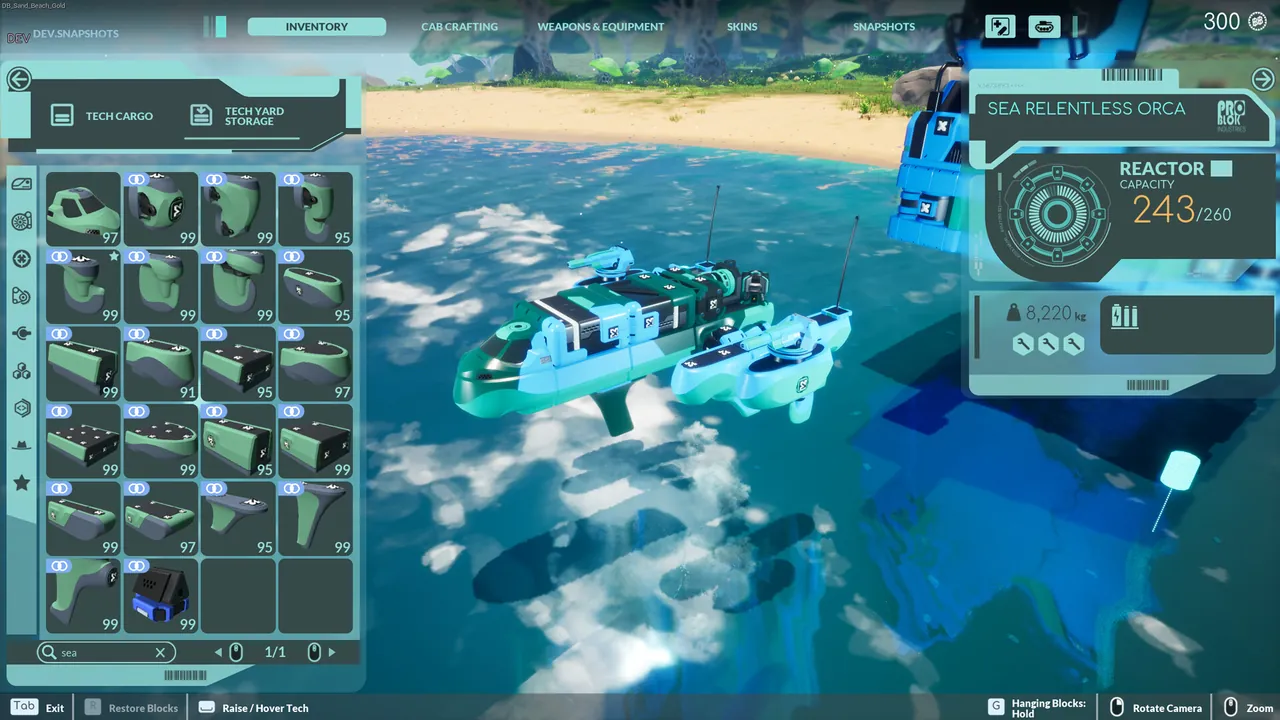
Side by side
| Hosted co-op | Dedicated server | |
|---|---|---|
| Cost | Free | Free to run yourself, or a monthly fee hosted |
| Setup | None | Install, config file, port forward (or none if hosted) |
| World available | Only while the host plays | Whenever the server is on |
| Save lives on | Host's PC | The server |
| Performance | Host's PC runs the world and their game | Server only runs the world |
| Updates | Everyone updates through Steam | Server must update too |
| Player cap | Set by the game's co-op limit | Set with SlotCount, developers recommend 6 |
| World rules | Picked in the planet settings | Standard settings on the dedicated server |
When hosted co-op is enough
Hosted co-op makes sense when:
- Your group always plays together, at the same time.
- One person is happy to be the host every session.
- The world is a short run, a few evenings.
- You want Creative Mode or specific planet settings chosen in game.
There is nothing to install and nothing to pay. The catch shows up the first time someone wants to log in without the host: they cannot, because the world is on the host's PC.
When a dedicated server pays off
TerraTech Worlds is a game about long builds. Harvesters, refineries and automated factories take many evenings, and the jobs split naturally between players. A dedicated server suits that:
- Play on your own schedule. Someone can log in, fix a broken refinery line or finish a tech design while the others are away.
- No single owner. The save does not depend on one person's PC, and nobody loses the world when the host gets busy or quits.
- Better performance for everyone. The host is no longer also running the game while the world simulates big automated bases.
- One version for everyone. The server is the fixed point the group keeps in step with.
What you give up on a dedicated server
Be honest about the trade offs:
- Fewer world options. The developers say only the port, password and maximum slots can be configured on the dedicated server. Difficulty and resource settings you might pick in the planet settings for a hosted game are not exposed. The 0.7 update added dedicated server support for planet selection, but the server still runs the standard game rather than a custom rule set.
- Creative Mode saves. Creative Mode (added in 0.6.6, with unlimited blocks, god mode and no enemies) uses saves that cannot be swapped with campaign saves. Plan on the campaign modes for a server world.
- Update chores. Each Early Access patch needs the server updated before anyone can join, unless it updates itself when restarted. See our fix for TerraTech Worlds not connecting to a dedicated server.
- A machine that stays on. If you run it yourself, that is your PC or a spare one, around the clock.
Moving from co-op to a server
You do not have to start over. A hosted co-op save can be moved onto a dedicated server, though the file has to be renamed and placed correctly for the server to pick it up. The 0.7 update made this easier by letting an empty server save slot load any save, not just old format ones. Step by step instructions are in how to move a TerraTech Worlds save to a dedicated server. Back up both copies before you start.
What it costs
Running the server yourself is free apart from electricity and a machine that can stay on. TerraTech Worlds is a modern 3D game and its server runs the Windows build, so plan on 6 GB of memory for two or three players early in a world and 8 GB for a full crew of 6 with growing bases. Large automated factories late in a world push that further. Our RAM guide explains why bases matter more than player count.
Renting means a monthly fee, usually priced by memory. Split between a crew, it often comes to a few dollars each. Our guide to splitting a game server bill covers how groups do that.
Our take
If your crew plays the same nights and one person loves hosting, stay with hosted co-op. If the world keeps stalling because the host is not around, or the host's PC struggles once the factories get big, move to a dedicated server.
A TerraTech Worlds server from GamezServers is live in about a minute with its own address and nothing to forward. The panel sets the password and Max Players (up to 6) and keeps Auto Update on, so a restart after a patch brings it in line with your game. Your world lives on the server with one click backups, and up to 10 friends can each pay their share of the bill. Doing it yourself instead? Follow how to host a TerraTech Worlds server.
FAQ
Do I need a dedicated server to play TerraTech Worlds co-op?
No. One player can host co-op from their game. A dedicated server is for keeping the world online when the host is not playing.
Can I move my co-op world to a dedicated server?
Yes. Copy the save to the server with the right file name and location. Back up first.
Can a TerraTech Worlds dedicated server run Creative Mode?
Plan on the campaign modes. Creative Mode saves cannot be swapped with campaign saves, and the dedicated server exposes only the port, password and slots.
How many players can join a TerraTech Worlds dedicated server?
Set with SlotCount. The developers recommend 6 for dedicated servers.
Skip the setup. Your own TerraTech Worlds server.
Then $14.99/mo. Just trying it? $3.75 for 3 days