

 Terraria
Terraria Server Lag Fix: Rubberbanding, Teleporting Mobs and Delays
Fix lag on a Terraria server: dropped item piles, statue and mob farms, spread out players and heavy mods, with TShock settings and commands that help.
Updated Oct 7, 2026 · 5 min read
On this page
Terraria server lag (enemies teleporting, blocks reappearing after you mine them, delayed hits) usually comes from the server having too much to simulate and send: thousands of dropped items, statue or mob farms spawning nonstop, players spread across the map, or a heavy tModLoader pack. Clear what piles up, cap spawners, and give modded servers enough memory. TShock adds commands and limits that make this much easier to control.
Is it the server or one player?
| Symptom | Where the problem is |
|---|---|
| Everyone sees enemies teleport and blocks reappear at once | Server |
| Lag starts in one area, like a farm or a base | Server, that area |
| Only one player rubberbands, others are fine | That player's connection or PC |
| Low frame rate, but enemies move smoothly | That player's PC, not the server |
If one player lags alone, have them close downloads and streams, use a wired connection and check their ping. Frame drops on a single PC are a graphics problem and nothing on the server will fix them.
Cause 1: Dropped items piling up
Every item lying on the ground is something the server tracks and syncs. Terraria has a fixed limit of 400 active dropped items in the world. Mob farms, mining with a full inventory, or a broken chest of loot fill it quickly, and the server keeps sending updates for all of them.
Fixes:
- Collect or trash the drops at farms regularly. A few lava traps or item collection setups beat thousands of items on the floor.
- On TShock, clear dropped items around you, or across the map with a large radius:
/clear items 1000
- Restarting the server also removes dropped items, which is why lag often disappears for a while after a restart.
Cause 2: Statue and mob farms
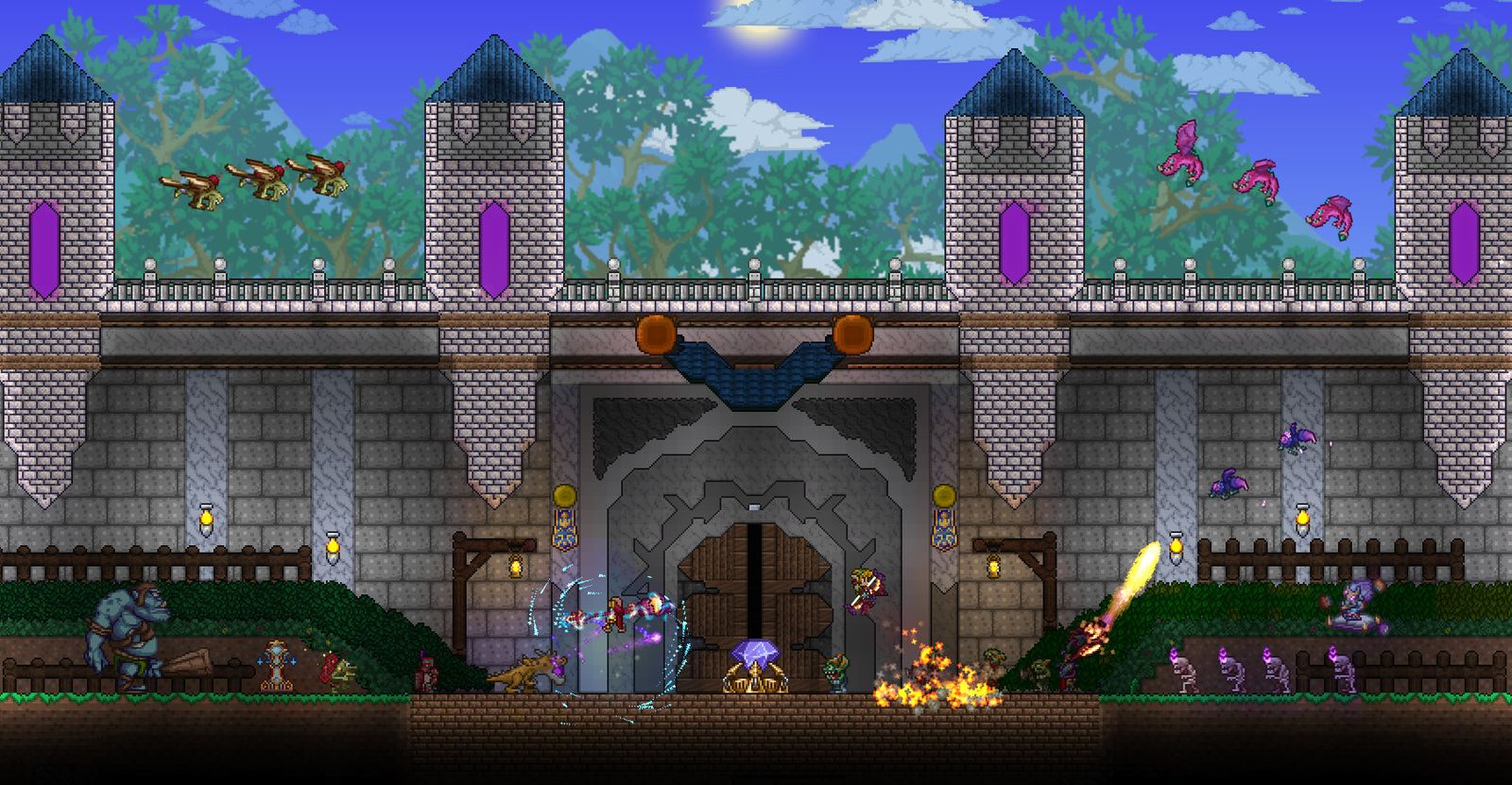
Statues wired to timers spawn enemies, critters or items every few seconds. A wall of statues running all night is one of the most common causes of lag on group servers. Event farms (Pumpkin Moon, Frost Moon, Old One's Army) push the server hard too.
- Put farms on switches and turn them off when nobody uses them.
- Avoid timers faster than you need. A 1 second timer on 20 statues is far more than any farm needs.
- On TShock, cap statue spawns in
tshock/config.json:
"StatueSpawn200": 3,
"StatueSpawn600": 6,
"StatueSpawnWorld": 10
These limit how many statue spawned NPCs can exist within 200 tiles, 600 tiles and across the whole world. Lower numbers mean less load, at the cost of slower statue farms.
Cause 3: Spawn rates turned up
Servers sometimes raise enemy spawns for faster farming and forget. On TShock, the defaults are:
"DefaultMaximumSpawns": 5,
"DefaultSpawnRate": 600
DefaultMaximumSpawns is how many enemies can be around each player at once, and DefaultSpawnRate is how often they try to spawn (lower means faster). Check that nobody raised maximum spawns or lowered the spawn rate a lot. The live commands /maxspawns and /spawnrate show and change them until restart. Remove any boost items or mods that multiply spawns if the lag started after adding them. When the map is overrun right now, /butcher kills all hostile NPCs at once.
Cause 4: Players spread across the map
The server simulates the areas around each player. Five players in five different biomes load far more of the world than five players at one base. Large worlds make it worse.
- Late game groups that spread out are fine on a healthy server, but if lag shows up as soon as the group splits, it is a sign the server is at its limit.
- Large worlds take more memory and more work. For a small group, a Medium world is plenty.
Cause 5: Heavy mods on tModLoader
tModLoader packs, especially Calamity with its add ons, use much more memory and CPU than vanilla. Lag on a modded server usually means one of:
- Not enough memory. The server spends its time cleaning up memory instead of running the game. Calamity plus a handful of mods is comfortable on around 6 GB, as covered in adding mods to a Terraria server.
- A specific mod. Some mods add projectiles or effects that run on the server constantly. If lag started with a new mod, disable it and compare.
- Client side mods on the server. Visual mods do nothing on the server except use memory. Keep the server's mod list to what is needed for everyone.
The Calamity server guide has a mod list and settings that run well for groups.
Cause 6: Wiring and liquids
Huge wiring contraptions (logic gates, teleporters fired constantly, pumps moving liquid) run every tick on the server. So do big liquid movements, like draining an ocean or flooding a cave. They settle over time, but a pump loop running forever does not. Switch off machines nobody is using.
Quick routine when the server lags
- Ask what everyone was doing when it started. Farm, event, new mod, digging a hellevator into lava?
- Clear dropped items (
/clear items 1000on TShock, or a restart on vanilla). - Kill excess enemies with
/butcheron TShock. - Turn off statue farms and pumps.
- Check memory use. If it sits near the limit, the server needs more RAM.
Hosting that keeps up
On a GamezServers Terraria server you can switch to the TShock server type for the commands and limits above, edit config.json in the file manager, and run commands from the live console in your browser. Plans are priced by RAM, and you can move up a plan for a big modpack without losing your world, with the change prorated. For a quick start, see TShock hosting or the Terraria game page.
FAQ
Why do enemies teleport on my Terraria server?
The server is falling behind and sends position updates late, so enemies jump to where they really are. Clear dropped items, switch off statue farms and check memory.
Does restarting a Terraria server fix lag?
Often for a while, because it clears dropped items and stray NPCs. If lag returns, find the farm or mod that causes it.
How do I clear items on a Terraria server?
Vanilla has no command for it, a restart does it. On TShock, use /clear items <radius>, for example /clear items 1000.
How much RAM does a modded Terraria server need?
Vanilla runs on very little. Calamity with a few extra mods is comfortable on around 6 GB, and very large packs need more.
Skip the setup. Your own Terraria server.
Then $4.99/mo. Just trying it? $1.25 for 3 days