

Rent a Game Server for a Weekend: Short Term Costs and Options
How to rent a game server for just a weekend, a LAN party or a one night event: what short rentals cost, what to prepare, and keeping the world after.
Updated Oct 7, 2026 · 5 min read
On this page
You can rent a game server for a weekend by buying a short prepaid period instead of a monthly subscription, or by buying a month and cancelling straight away so it never renews. Short rentals cost more per day than a full month because every server is built and installed from scratch, but the total is small: on GamezServers, 3 days of a 4 GB server costs about 2.50 USD. Prepare your world, mods and settings before the weekend so none of the rental is spent on setup.
This guide covers when a weekend rental makes sense, what it costs, and how to get the most out of a short window.
When a short rental makes sense
- A LAN party or game night where the host PC should be playing, not serving.
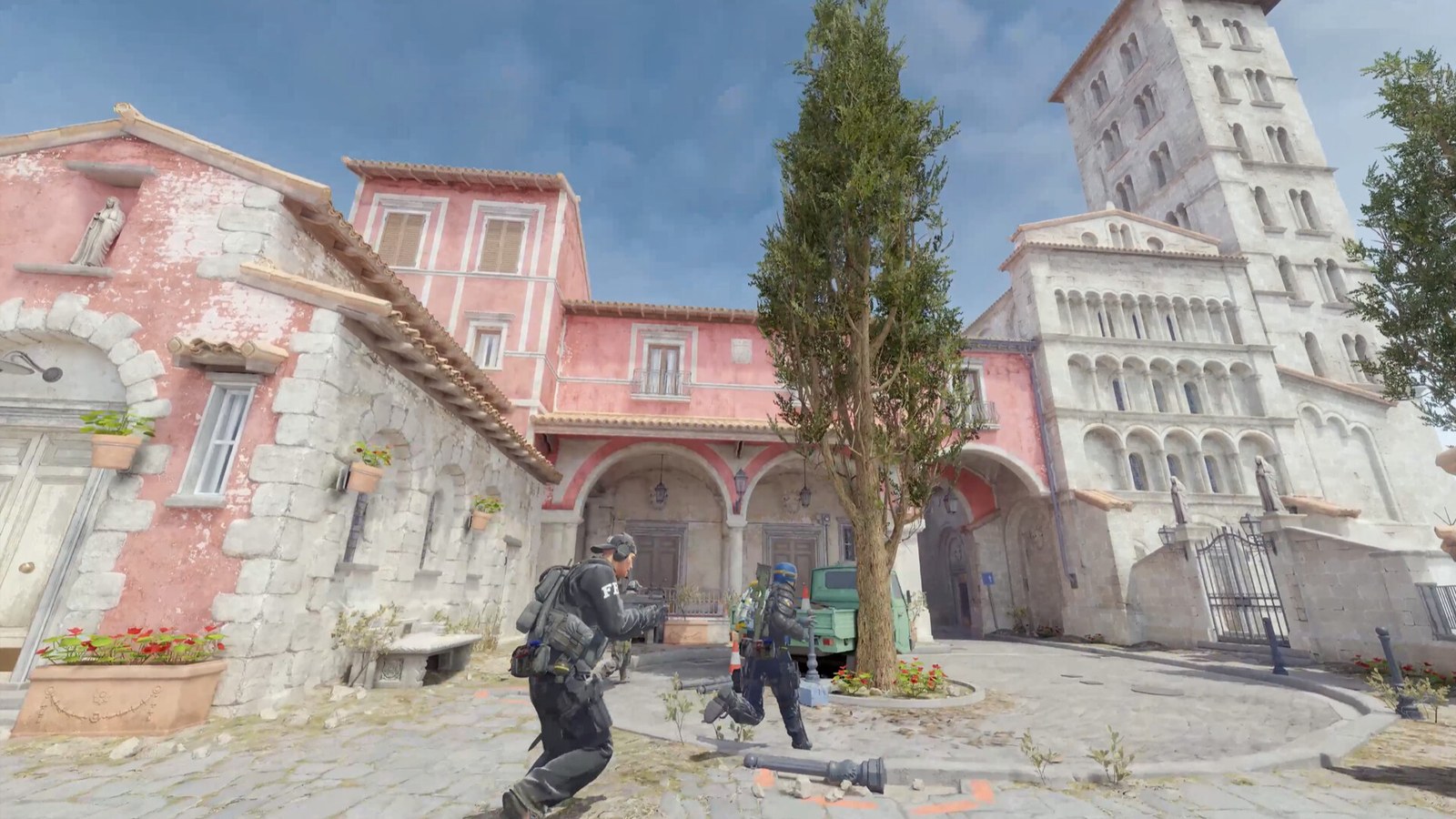
- A one off event: a Minecraft build contest, a Rust mini wipe for a Discord, a Valheim boss rush, a Counter-Strike 2 tournament with friends.
- Testing a game with your group before committing to a monthly server.
- A holiday weekend when everyone has time, and nobody will play the rest of the month.
- Playing while the usual host is away. Your friend who runs the world from home is on holiday, and the group wants to keep going.
If you will play more than about 12 days in a month, a monthly server is cheaper overall.
What short rentals cost
There are three ways hosts sell short time:
| Model | How it works | Watch out for |
|---|---|---|
| Short prepaid period | Pay once for a few days | Higher price per day |
| Hourly billing | Pay per hour the server exists | Easy to forget it running |
| Month then cancel | Buy a month, cancel at once | You pay for the full month |
On GamezServers, a 3 day prepaid rental costs 2.5 times the daily rate of the plan, because setup is the same work whether the server runs for 3 days or 3 years:
| Plan | Monthly price | 3 days |
|---|---|---|
| 2 GB | 4.99 USD | about 1.25 USD |
| 4 GB | 9.99 USD | about 2.50 USD |
| 8 GB | 19.99 USD | about 5.00 USD |
| 12 GB | 29.99 USD | about 7.50 USD |
| 16 GB | 39.99 USD | about 10.00 USD |
So a weekend on a big survival game like ARK: Survival Ascended or Palworld, which need 12 GB or more, still costs less than a pizza. Hourly cloud billing is compared in hourly vs monthly game server billing.
Do the setup before the weekend
The rental clock starts when you pay, so do everything you can beforehand.
- Pick the game version. If you use mods, check which game version they need and that everyone's client matches.
- Prepare the world. If you are continuing a save from someone's PC, find it and zip it. Our guide on moving your world to a hosted server lists save locations by game.
- Collect the mods. Download modpacks, plugins or Workshop IDs and keep them ready to upload.
- Write down the settings you want: difficulty, PvP, player limit, password.
- Tell everyone to update the game and install mods before the start time.
Then on the day:
- Rent the server about an hour before people arrive.
- Upload the world and mods with the file manager or SFTP.
- Set the password and settings, restart, and join once yourself.
- Post the address and password in your group chat.
Event ideas that suit a short rental
- Minecraft build battle: creative mode, a flat world, a theme and a timer.
- Rust weekend wipe: a small custom map and a high gather rate so the whole arc fits into two days.
- Valheim speedrun: fresh world, everyone races to the next boss.
- Counter-Strike 2 10 man: a private match server with your friend group split into two teams.
- Terraria boss rush: a prepared world with gear, bosses back to back.
Splitting a weekend server
A few dollars split across a group is pocket change, but it still means one person paying for everyone. On GamezServers, even the 3 day rental can be split with up to 10 friends who each pay their own share by card, plus a 1 USD fee per share. For a short rental with a small total, the fee makes splitting less worth it, so many groups just have one person pay. For a bigger plan or a month, see game server hosting you can split with friends.
Keeping the world after the weekend
When short prepaid time ends, the server pauses. On GamezServers the world is kept for 14 days, and extending in that window brings it back. If you want to keep it longer:
- Make a backup before the time ends.
- Download the world folder as a zip from the file manager.
- Keep it on your PC or cloud drive for next time.
If the weekend goes well, extend for 30 days or switch to a subscription from the control panel. Your remaining time is kept, and new time starts when the old time ends.
Weekend server on GamezServers
Pick a game, choose Prepaid and 3 days at checkout, and the server is live in about a minute for most games (big games take a little longer to install). You get the same control panel, file manager, SFTP, one click backups and DDoS protection as a monthly server, with no setup fee and nothing that renews. Start from the games page or the instant game server hosting page.
FAQ
Can you rent a game server for one day?
Some hosts bill by the hour or day. On GamezServers the shortest period is 3 days, which costs 2.5 times one day's rate.
Is it cheaper to rent for a weekend or a month?
For one weekend, a short rental. If your group will play on more than about 12 days that month, the monthly price is cheaper.
Will a weekend server renew automatically?
Not if you choose prepaid. Nothing is charged again, and the server pauses when the time ends.
Can I keep the world from a weekend server?
Yes. Download it before the time ends, or extend within the 14 day window to keep it on the server.
Want a server without the setup?
From75¢
Pick a game, pay, play. Live the moment checkout finishes.
 Minecraft