

 Team Fortress 2
How to Set Up a TF2 MGE Server (MGEMod Install Guide)
Run a Team Fortress 2 MGE server: install MGEMod on SourceMod, load mge_training_v8_beta4b, set server.cfg, and fix arenas that do not appear.
Updated Oct 7, 2026 · 6 min read
On this page
To set up a TF2 MGE server, install Metamod:Source and SourceMod first, then download mge.zip from the maintained MGEMod releases on GitHub and merge its addons and maps folders into your server's tf/ folder. Start the server on an MGE map that the plugin has spawns for, such as mge_training_v8_beta4b, set mp_timelimit 0 so the map never rotates away, and players type !add in chat to join an arena. MGEMod only activates on maps listed in its mgemod_spawns.cfg, which is the reason most "MGE is installed but nothing happens" reports come up.
What MGE is
MGE is the 1v1 and 2v2 training mod competitive TF2 players use to drill Soldier, Demoman and Scout fights. An MGE map is a set of small arenas; players queue for an arena, duel to a frag limit, and the winner stays on. MGEMod tracks an Elo style rating per player, with !top5 and !rank to show it off.
The original MGEMod author made their GitHub repositories private some time ago, so the version everyone uses now is the community maintained fork by sapphonie. The latest release at the time of writing is v3.0.9, which added 100 player support and fixed Workshop maps.
What you need
| Piece | Where it goes | Notes |
|---|---|---|
| Metamod:Source and SourceMod | tf/addons/ |
Covered in how to install SourceMod on a TF2 server |
mge.smx |
tf/addons/sourcemod/plugins/ |
The compiled plugin, inside mge.zip |
mgemod_spawns.cfg |
tf/addons/sourcemod/configs/ |
Arena spawn points for each supported map |
mgemod.phrases.txt |
tf/addons/sourcemod/translations/ |
Chat messages, plus de, ru and chi versions |
MGE maps (.bsp) |
tf/maps/ |
mge.zip bundles the common ones |
Install SourceMod and confirm it works with sm version before you touch MGE. If meta list says "Unknown command", fix that first, because MGEMod cannot load without it.
Step 1: Download the right file
On the releases page, download the mge.zip asset. Do not use GitHub's green "Code" button or "Source code" downloads: the README says plainly that the plugin will not work that way, since the source does not include the compiled .smx or the large maps.
mge.zip contains two folders:
addons/sourcemod/configs/mgemod_spawns.cfg
addons/sourcemod/plugins/mge.smx
addons/sourcemod/translations/...
maps/mge_training_v8_beta4b.bsp
maps/mge_chillypunch_final4_fix2.bsp
maps/mge_oihguv_sucks_b5.bsp
maps/mge_triumph_beta7_rc1.bsp
maps/mge_dueling_v1_fix1.bsp
maps/mge_bball_v2.bsp
...
Step 2: Merge it into tf/
Stop the server and upload both folders into tf/, merging with what is already there. You should end up with tf/addons/sourcemod/plugins/mge.smx and tf/maps/mge_training_v8_beta4b.bsp. The classic mistake is uploading into tf/addons/, which gives tf/addons/addons/sourcemod/... and a plugin that never loads.
Step 3: Pick the map
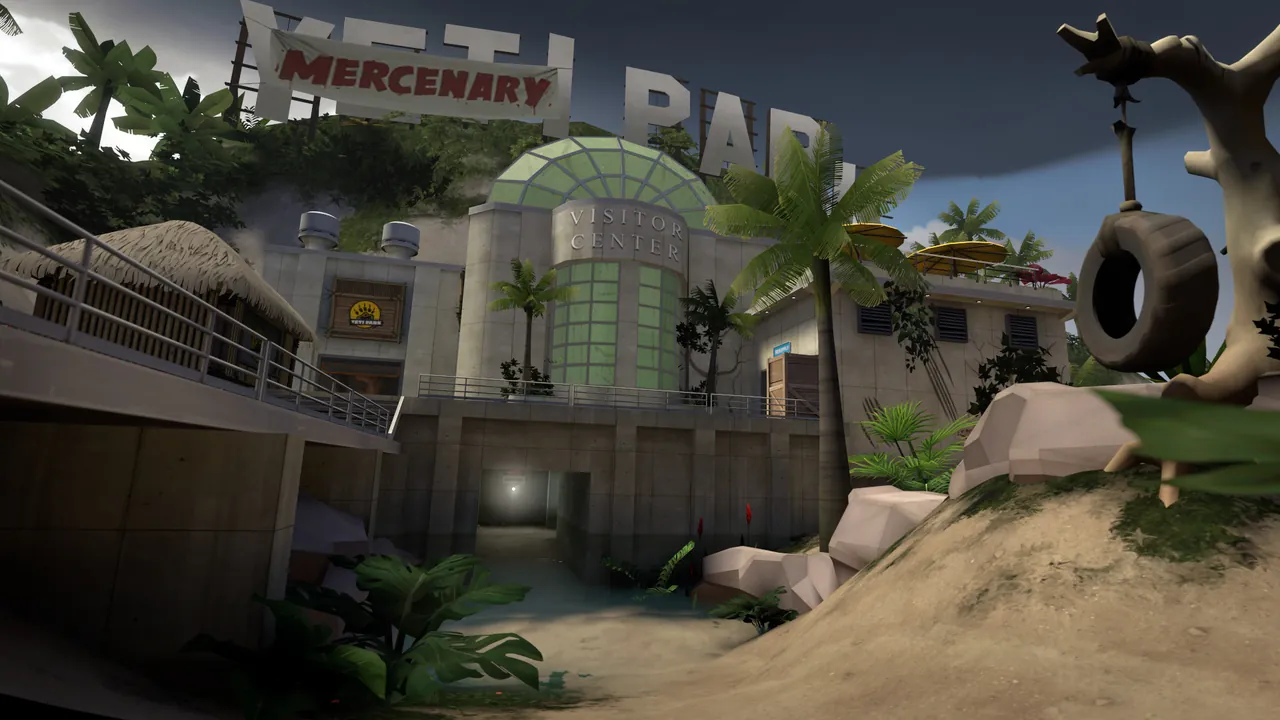
mge_training_v8_beta4b is the long standing default, and mge_chillypunch_final4_fix2 and mge_oihguv_sucks_b5 are popular alternatives. Make the server start on one of them, for example:
+map mge_training_v8_beta4b
Put the same name alone in tf/cfg/mapcycle.txt so a map change or vote never sends players to 2fort.
You can also run the Workshop copy, which saves players a slow download from your server:
changelevel workshop/1996603816
MGEMod converts the Workshop name back to mge_training_v8_beta4b to find its spawns. If you use other custom maps or want faster downloads for the .bsp files, the custom maps guide for TF2 covers Workshop IDs, mapcycle.txt and FastDL.
Step 4: server.cfg for MGE
MGEMod automatically sets mp_autoteambalance 0, mp_teams_unbalance_limit 32 and mp_tournament 0 on map start, because autobalance would yank players out of their arenas. The rest is up to you. A solid tf/cfg/server.cfg:
hostname "Late Night MGE | Soldier, Demo, Scout"
sv_password ""
mp_timelimit 0            // never change map on time
mp_winlimit 0
mp_maxrounds 0
mp_idledealmethod 0       // do not kick players waiting in queue or spectate
tf_weapon_criticals 0     // no random crits
tf_use_fixed_weaponspreads 1
sv_alltalk 1

// MGEMod settings
mgemod_fraglimit 3        // frags to win a duel; 20 is common for serious practice
mgemod_allowed_classes "soldier demoman scout"
mgemod_stats 1
mgemod_blockdmg_fall 0
mgemod_airshot_height 80
mgemod_hide_rating 0
MGEMod does not create its own config file in tf/cfg/sourcemod/, so keep these settings in server.cfg. Remember server.cfg runs on map load; use exec server.cfg to apply changes now.
Step 5: Start it and test
Start the server and check the plugin from the console:
sm plugins list
sm_mgemod_version
mge.smx should be listed as running. Then join and try the player commands in chat:
| Chat command | What it does |
|---|---|
!add |
Opens the arena menu; !add 3 or !add <arena name> joins one directly |
!first |
Joins the first free arena |
!remove |
Leaves your arena or queue |
!top5 |
Shows the top 5 rated players |
!rank <name> or !stats |
Shows a player's rating |
!hud |
Toggles the text HUD |
!hitblip |
Toggles the hit sound |
!handicap <hp> |
Lowers your max HP to give a weaker player a chance; !handicap off resets it |
!1v1 / !2v2 |
Switches your arena between 1v1 and 2v2 |
!mgehelp |
Lists the commands |
Admins with the ban flag also get !botme (add a bot to your arena for testing), !koth and !mge (switch an arena's mode). Admins go in addons/sourcemod/configs/admins_simple.ini as described in the SourceMod guide.
Ratings and the database
MGEMod saves ratings to a database. By default it looks for a database entry called mgemod in tf/addons/sourcemod/configs/databases.cfg. If there is none, it logs an error and falls back to SourceMod's built in SQLite database, storage-local, which is fine for a single server. That fallback message in the error log is expected, not a failure.
To share one leaderboard across several MGE servers, add a MySQL entry named mgemod to databases.cfg on each one:
"mgemod"
{
	"driver"	"mysql"
	"host"		"db.example.com"
	"database"	"mgemod"
	"user"		"mge"
	"pass"		"secret"
}
Set mgemod_stats 0 if you do not want ratings at all.
Troubleshooting
- Plugin loads, but
!addshows no arenas or nothing happens. The current map is not inmgemod_spawns.cfg. Use one of the maps the file lists (mge_training_v8_beta4b,mge_chillypunch_final4_fix2,mge_triumph_beta7_rc1and others), and match the version suffix exactly:mge_training_v8_beta4aandbeta4bare separate entries. mge.smxshows as Error insm plugins list. Readtf/addons/sourcemod/logs/errors_*.log. Make sure SourceMod is a current stable build; MGEMod is compiled against SourceMod 1.11 and later.- Players get autobalanced out of arenas. Something sets
mp_autoteambalance 1after MGEMod. Checkmgemod_autocvaris 1 and remove autobalance lines from your configs. - Map changes away mid session. Set
mp_timelimit 0andmp_maxrounds 0, and keep only the MGE map inmapcycle.txt. - Players stuck on "Downloading maps/mge_...". The map downloads from the server itself, which is slow. Use the Workshop copy or set up FastDL.
- Logs mention
mgemod.log. MGEMod writes its own log toaddons/sourcemod/logs/mgemod.log, which is the first place to look for arena problems.
Running MGE on a hosted server
On a Team Fortress 2 server from GamezServers, set Default Map in the panel to mge_training_v8_beta4b, upload mge.zip into tf/ with the file manager (it extracts zips on the server) or SFTP, and edit server.cfg in the browser. We make the Steam login token for you, so the server lists in the Community Servers browser from its first start, and a one click backup before a TF2 update makes it easy to roll back if a plugin breaks. An MGE server with SourceMod runs comfortably on the 4 GB plan.
FAQ
What map do TF2 MGE servers use?
mge_training_v8_beta4b is the most common. mge_chillypunch_final4_fix2, mge_oihguv_sucks_b5 and mge_triumph_beta7_rc1 are also supported by MGEMod's spawn file and included in its release zip.
Do I need SourceMod for MGE?
Yes. MGEMod is a SourceMod plugin, and SourceMod needs Metamod:Source. Install both and check sm version works before adding MGE.
Where do I download MGEMod now?
From the community maintained fork at github.com/sapphonie/MGEMod. Download the mge.zip file from the latest release, not the source code.
How do I change the frag limit in MGE?
Set mgemod_fraglimit in server.cfg, for example mgemod_fraglimit 20. The default is 3.
Why does MGE not work on my map?
MGEMod only runs on maps that have arena spawns in addons/sourcemod/configs/mgemod_spawns.cfg. Use a listed map, or add spawns for your map to that file.
Skip the setup. Your own Team Fortress 2 server.
Then $4.99/mo. Just trying it? $1.25 for 3 days