

 Onset
OnsetHow to Host an Onset Server in 2026 (and Is It Still Worth It)
Host an Onset server: SteamCMD app 1204170, server_config.json, ports 7777, 7776 and 7775, packages and masterlist. Plus an honest look at the game's state.
Updated Oct 7, 2026 · 5 min read
On this page
To host an Onset server, download the dedicated server with SteamCMD (app 1204170), edit server_config.json to set the name, maxplayers, masterlist and the packages to load, then run OnsetServer. Open UDP 7777 for the game, UDP 7776 for queries and TCP 7775 for file downloads (the game port, minus one and minus two). Be clear going in: Onset has not had a developer update in several years and is still marked Early Access, so you are hosting for a small scripting community, not a busy public game.
Should you host Onset in 2026
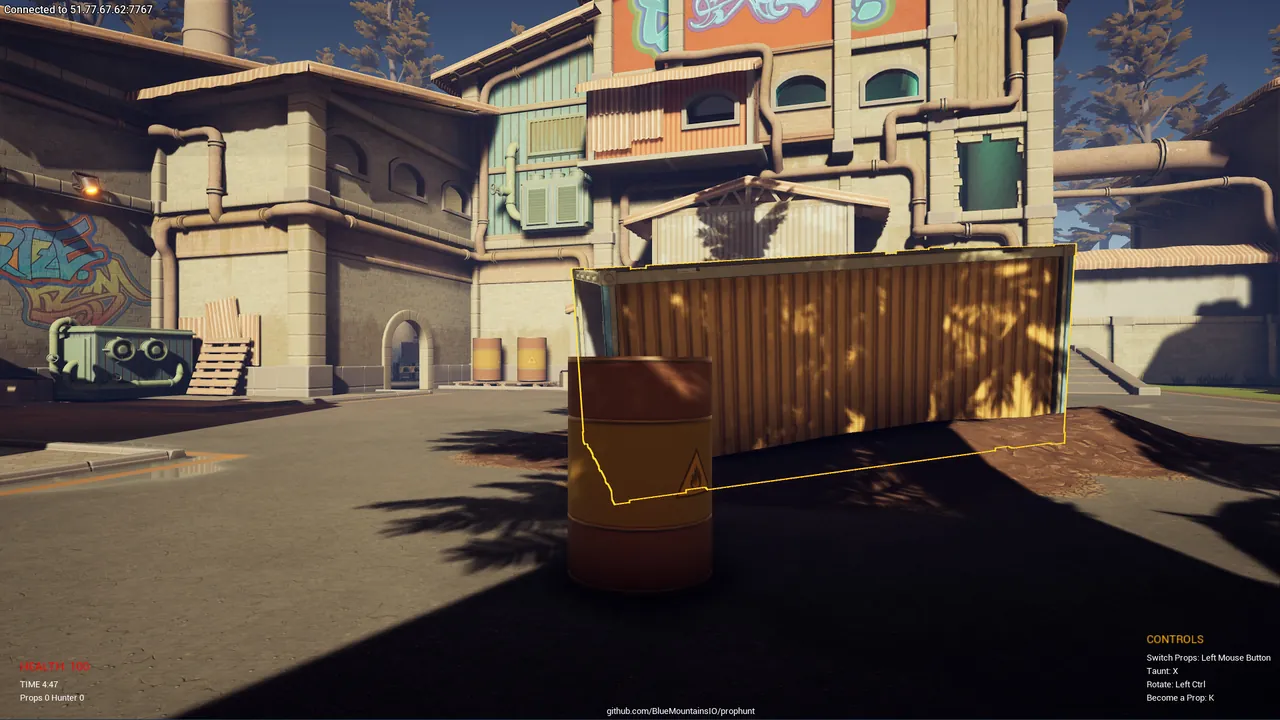
Onset is an open world sandbox from Blue Mountains with a city map, cars, weapons and a Lua scripting API of more than 400 functions. The game itself has no built in objective: everything players do comes from the server's packages. That made it popular for roleplay cities, racing leagues, prop hunt and freeroam.
The honest picture today:
- No recent updates. The developers have not shipped a game update in years. Don't expect bug fixes or new features.
- Small player base. The people still playing are mostly scripting communities and friend groups who want a whole city to themselves.
- The tools still work. The server runs, the Lua API is documented, and packages written years ago still load.
If your group already loves Onset, or you want a sandbox to learn Lua game scripting with a real 3D world, a server is still worth having. If you are hoping to build a large public roleplay community from scratch, other platforms have far more players.
What you need
| Item | Detail |
|---|---|
| Server software | Onset dedicated server, SteamCMD app 1204170 |
| OS | Windows or Linux |
| Ports | 7777 UDP game, 7776 UDP query, 7775 TCP HTTP downloads |
| RAM | 2 GB for testing or freeroam, 4 GB for roleplay with a database, 8 GB for big scripted communities |
| Players | Each player needs Onset installed from Steam |
Step 1: Install
steamcmd +force_install_dir /home/onset/server +login anonymous +app_update 1204170 validate +quit
On Windows, swap in a Windows path. You will find OnsetServer (or OnsetServer.exe), server_config.json, and the packages and plugins folders in the install directory.
Step 2: Edit server_config.json
{
  "servername": "Harbor City Freeroam",
  "servername_short": "Harbor City",
  "gamemode": "Freeroam",
  "website_url": "",
  "password": "",
  "ipaddress": "0.0.0.0",
  "port": 7777,
  "maxplayers": 32,
  "timeout": 15000,
  "iplimit": 5,
  "masterlist": true,
  "plugins": [],
  "packages": ["default"]
}
| Key | What it does |
|---|---|
servername |
Full name in the server list |
gamemode |
Short mode label shown in the list |
password |
Join password, empty for none |
port |
Game port; query and HTTP use the next two ports below it |
maxplayers |
Player cap, up to 300 |
masterlist |
true lists the server publicly |
plugins |
Native plugins to load, such as the MariaDB plugin |
packages |
Lua packages to load, by folder name |
JSON is strict. A missing comma or a trailing comma after the last item stops the server from reading the file. Run your edits through a JSON validator if it refuses to start.
Step 3: Add packages
A package is a folder inside packages/ with a package.json that lists its server scripts, client scripts and files. Uploading the folder is only half the job: the folder name also has to be in the packages list in server_config.json. Our guide to adding Lua packages to an Onset server covers the structure and common load errors.
Step 4: Open the ports
Onset uses three ports, all derived from port:
| Port | Protocol | Purpose |
|---|---|---|
7777 |
UDP | Game traffic |
7776 |
UDP | Server query (list and info) |
7775 |
TCP | HTTP downloads of package files |
The TCP port is the one people forget. Without it, players connect and then hang while trying to download your client scripts. See how to port forward a game server for router steps.
Step 5: Start and test
On Linux, run ./OnsetServer. Watch the console: each package prints as it loads, and a Lua error names the file and line. Join from the in game server list or direct connect, and expect the first join to take longer while package files download.
Roleplay servers and databases
Roleplay frameworks save money, jobs, houses and inventories to a database through the MariaDB plugin. Add the plugin to the plugins list and give your package the details of a MariaDB or MySQL database you control. Back the database up separately from the server files, since that is where months of player progress live.
The hosted option
A GamezServers Onset server installs the server for you, writes the name, password and port into server_config.json on every start, and has Auto Update in the panel. Packages go in over the file manager or SFTP, the live console shows Lua errors as they happen, and one click backups protect your files before a risky change. Onset is light, so a small plan covers most groups, and you can switch the server to another game later from the panel if your group moves on.
FAQ
Is Onset still updated?
No. The last developer update was several years ago and the game remains in Early Access. Servers and the scripting API still work.
What ports does Onset need?
The game port (7777 UDP by default), the port minus one for queries (7776 UDP) and the port minus two for HTTP file downloads (7775 TCP).
How many players can an Onset server have?
maxplayers goes up to 300, but real capacity depends on how heavy your packages are.
How do I make my Onset server public?
Set masterlist to true in server_config.json and restart.
Do I need packages to run an Onset server?
Yes, in practice. Without packages players spawn into an empty world with nothing to do. Start with a freeroam package and build from there.
Skip the setup. Your own Onset server.
Then $4.99/mo. Just trying it? $1.25 for 3 days
 Minecraft