

 Teeworlds
How to Host a Teeworlds Server (0.7 Dedicated Server Guide)
Host a Teeworlds 0.7 server: get teeworlds_srv, write autoexec.cfg, open UDP 8303, pick a game type and have friends connect from the F1 console.
Updated Oct 7, 2026 · 5 min read
On this page
To host a Teeworlds server, download the official 0.7 release for your system, put your settings in an autoexec.cfg file next to the teeworlds_srv program, open UDP port 8303 and start it. The server registers itself on the public list unless you turn that off, and friends can join from the browser or by typing connect address:port in the F1 console. It needs almost no memory, so the hard part is keeping it reachable, not running it.
Before you start: which Teeworlds?
There are three things people call "a Teeworlds server", and they do not mix:
| Version | What it is | Who uses it |
|---|---|---|
| Teeworlds 0.7 | The current official release (0.7.5, April 2020) | Steam and teeworlds.com players |
| Teeworlds 0.6 | The older official line | Old clients and many legacy mods |
| DDraceNetwork (DDNet) | A separate fork focused on race maps | The largest part of the community today |
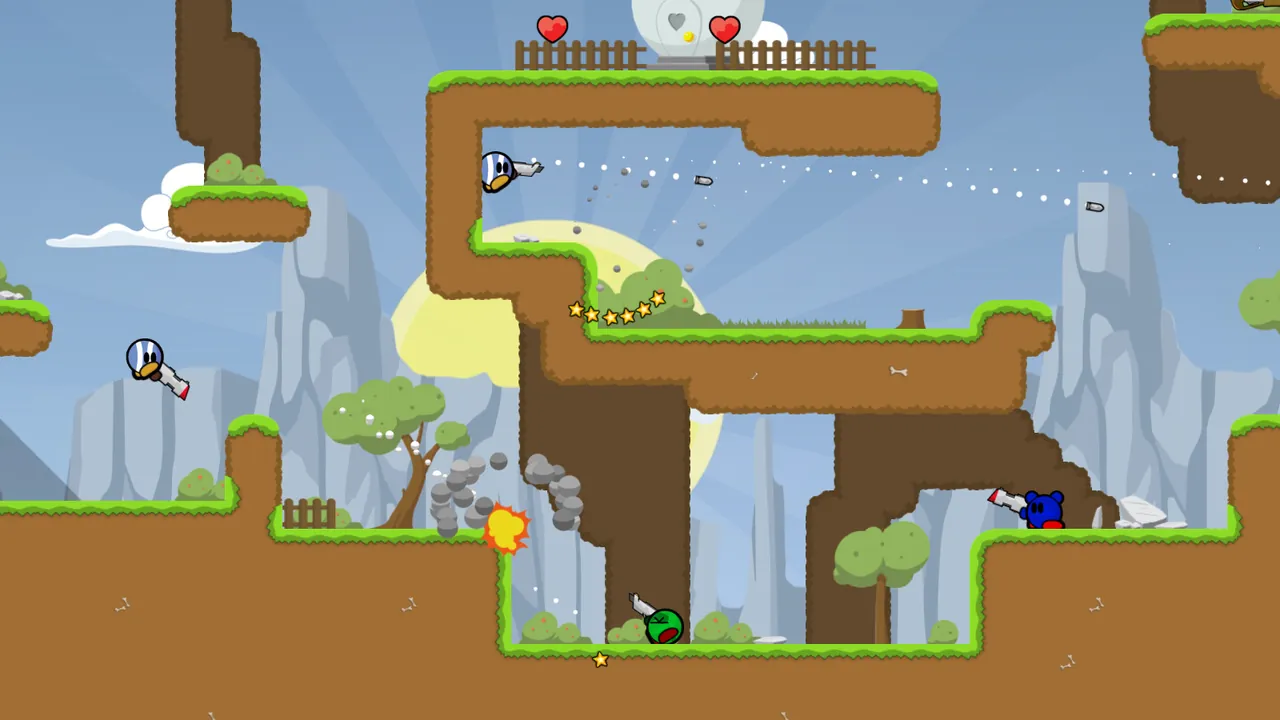
This guide is about the official 0.7 server, which runs the classic modes: deathmatch, team deathmatch, capture the flag, and the two survival modes added in 0.7, last man standing and last team standing. It is worth being honest that official Teeworlds has had no new release since 2020 and the public lists are quiet. Its strength today is private arenas for friend groups and clans, which is exactly where your own server makes sense.
Step 1: Download the server
- Get Teeworlds 0.7 from teeworlds.com or the official GitHub releases. The server binary is included in the normal game package.
- Extract it. On Linux the server is
teeworlds_srv, on Windowsteeworlds_srv.exe. - On Linux, make it executable with
chmod +x teeworlds_srv.
The data folder next to it holds the stock maps (dm1, dm2, ctf1 to ctf5 and others) and must stay alongside the server.
Step 2: Write autoexec.cfg
The server reads autoexec.cfg from its folder at start. A good first file:
sv_name "Friday Hook Club"
sv_motd "CTF tonight. Be nice."
sv_port 8303
sv_register 1
sv_gametype ctf
sv_map ctf2
sv_maprotation "ctf1 ctf2 ctf5"
sv_scorelimit 500
sv_timelimit 15
sv_max_clients 16
sv_player_slots 10
password ""
sv_rcon_password "a-long-random-password"
sv_gametype takes dm, tdm, ctf, lms or lts. sv_max_clients is the total connections, while sv_player_slots is how many of those can play (up to 16), with the rest as spectators. Every variable is explained in our Teeworlds autoexec.cfg guide.
Step 3: Open the port
Teeworlds uses UDP only, on 8303 by default.
- Forward UDP 8303 on your router to the PC running the server.
- Allow
teeworlds_srvthrough the firewall. - If you run a second server on the same machine, give it another
sv_port, such as 8304.
If your router forwards a different outside port to the server, set sv_external_port so the master server lists the right one. Our port forwarding guide covers the router screens.
Step 4: Start it
Run ./teeworlds_srv on Linux or double click the .exe on Windows. When the console shows the server registering with the master server, it is live. If you want to run it under a different config file, start it with ./teeworlds_srv -f myserver.cfg.
Step 5: How players join
From the server list:
- Open Teeworlds 0.7 and go to Play, then the Internet tab.
- Search for the server name and double click it.
By address, which also works for unlisted servers:
- Press F1 to open the local console.
- Type
connect 203.0.113.10:8303and press Enter. - If the server has a password, set it first with
password yourpassword.
If friends cannot see or join the server, the cause is usually a version mix up between 0.6, 0.7 and DDNet. Our guide on Teeworlds connection and version problems goes through each case.
Step 6: Admin from inside the game
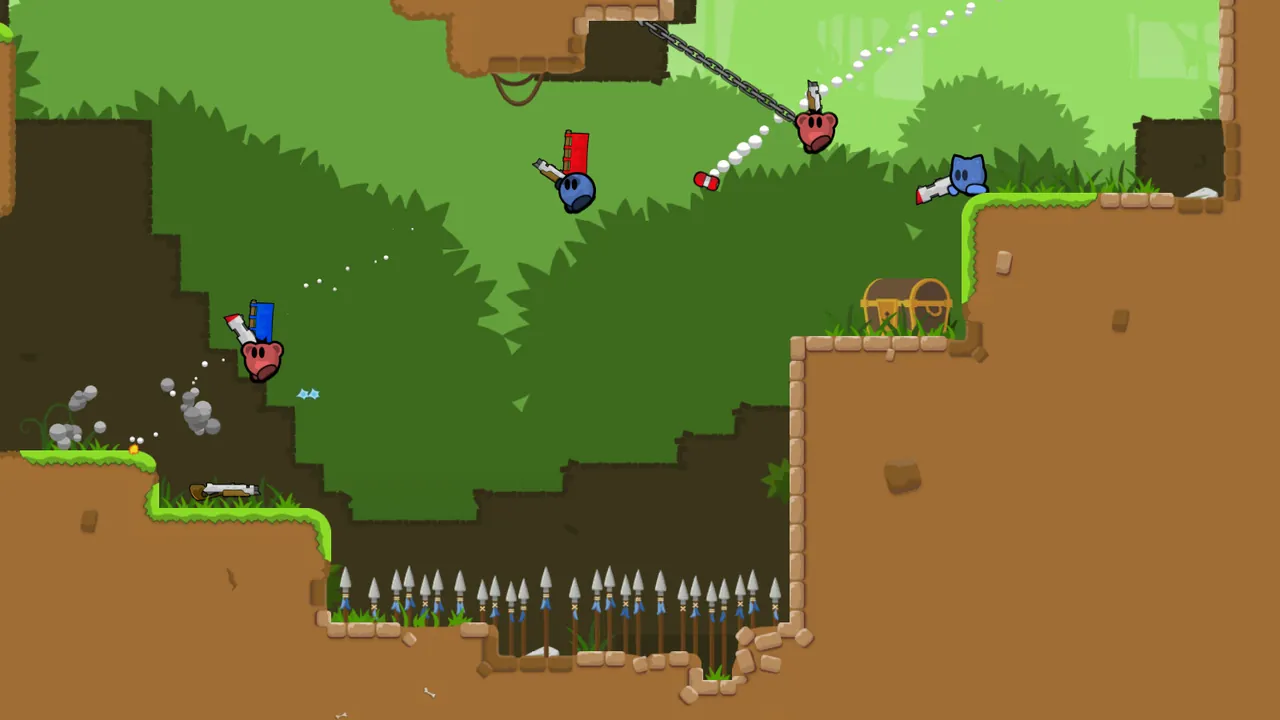
With sv_rcon_password set, press F2 in game to open the remote console, log in with the password, and you can run server commands:
| Command | Does |
|---|---|
change_map ctf5 |
Switch map now |
restart |
Restart the round |
kick <id> |
Kick a player, IDs come from status |
ban <id> <minutes> |
Ban a player |
say <text> |
Message everyone |
shuffle_teams |
Mix up the teams |
Use sv_rcon_mod_password for a second, limited password you can give to moderators.
Custom maps
Maps made in the built in editor are .map files. Put them in the server's maps folder (or data/maps), add their names to sv_maprotation, and players download them automatically on join. Keep custom maps small: big ones take a while to download on every new player's first visit.
Home PC or hosted
A Teeworlds server will run on almost anything, including an old laptop. What it cannot do on its own is stay up when that machine sleeps, or get through a router that will not forward UDP. If that is your situation, a hosted Teeworlds server from GamezServers installs the official 0.7 server, has its own address with nothing to forward, and puts the server name and message of the day in the panel. Everything else is autoexec.cfg in the file manager, and the live console shows kills, chat and joins. A full 16 player server fits in the 1 GB plan, and Sleep when empty can stop it on quiet weeks.
FAQ
What port does a Teeworlds server use?
UDP 8303 by default, set with sv_port. Use a different port for each server on the same machine.
How many players can a Teeworlds 0.7 server hold?
Up to 16 players in game, set with sv_player_slots. sv_max_clients can be higher to allow extra spectators.
Is Teeworlds still updated?
The official game's last release was 0.7.5 in 2020. It still works and servers still run, but most active development now happens in the DDNet fork.
How do I keep my Teeworlds server off the public list?
Set sv_register 0 in autoexec.cfg. Friends can still connect with the F1 console and your address.
Do players need to download custom maps?
No manual download is needed. The server sends custom maps to players when they connect.
Skip the setup. Your own Teeworlds server.
Then $2.99/mo. Just trying it? $0.75 for 3 days
 Minecraft