

How to Host a Return to Moria Server (2026 Guide)
Host a Return to Moria dedicated server: run MoriaServer.exe, edit MoriaServerConfig.ini, open UDP 7777, share the invite code and move your existing world.
Updated Oct 3, 2026 · 6 min read
On this page
- Why run a dedicated server for Return to Moria?
- What do you need to host a Return to Moria server?
- How do I install the dedicated server?
- What goes in MoriaServerConfig.ini?
- How do players join a Return to Moria dedicated server?
- What port does a Return to Moria server use?
- How do I move my existing world to the dedicated server?
- How much RAM does a Return to Moria server need?
- The easy option: host it with GamezServers
- FAQ
To host a Return to Moria server, install the free Return to Moria Dedicated Server (Steam Tools, or SteamCMD app 3349480) on a Windows machine and run MoriaServer.exe once to generate MoriaServerConfig.ini. Set the world name and password there, forward UDP 7777, and start it again. The console prints an invite code that every player, console players included, types on the Join World screen. Up to 8 players can be connected at once.
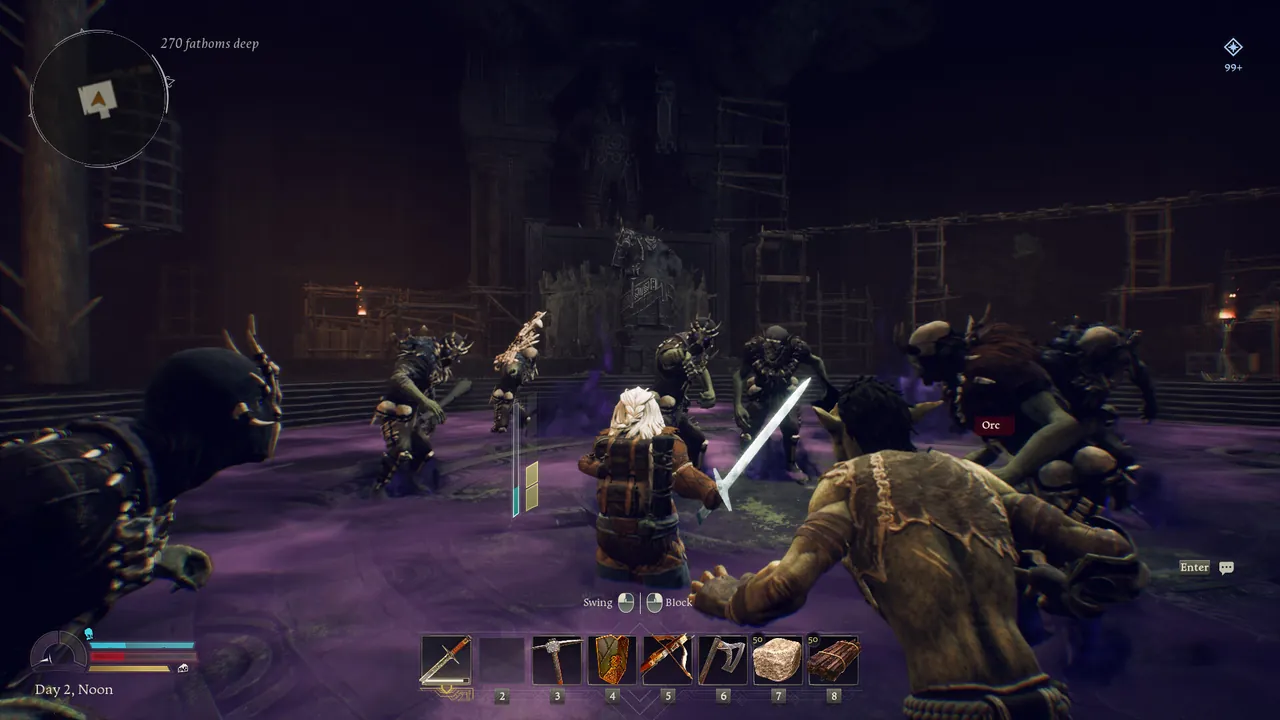
Why run a dedicated server for Return to Moria?
Without one, a Moria world lives on the host's machine and is only playable when that person is online. A dedicated server keeps the world up on its own, so anyone in the company can log in for a mining run while the others are away. It also takes the load off the host's gaming PC and, importantly for mixed groups, lets Steam, Epic, PS5 and Xbox Series X|S players share one world.
There is no limit on how many different people can use a server over time. The cap is 8 connected at once.
What do you need to host a Return to Moria server?
The developer's dedicated server guide lists the requirements:
| Minimum | Recommended (hosting and playing on one PC) | |
|---|---|---|
| CPU | Intel Core i5 or equivalent | Intel Core i7 or equivalent |
| RAM | 8 GB | 16 GB |
| Storage | SSD | NVMe SSD |
| OS | Windows 10 or 11 | Windows 10 or 11 |
Windows is the only supported platform. Community Docker images run it on Linux under Wine, which works but is not supported by the developer. Memory use climbs as the world is explored, because loaded areas stay in memory, so a long running world for a full company wants more than a fresh one.
How do I install the dedicated server?
- In Steam, open your Library, switch the filter to include Tools, and install The Lord of the Rings: Return to Moria Dedicated Server. Or use SteamCMD:
steamcmd +force_install_dir C:\MoriaServer +login anonymous +app_update 3349480 validate +quit
- Run
MoriaServer.exeonce. It creates three files next to it:MoriaServerConfig.ini,MoriaServerPermissions.txtandMoriaServerRules.txt. - Close the server. Config files must be edited while it is not running.
- Edit the config (next section), then start
MoriaServer.exeagain.
What goes in MoriaServerConfig.ini?
The file is split into sections. Each key is commented in the file itself, so read the comments as you go. The ones that matter:
| Section | Key | What it does |
|---|---|---|
[Main] |
OptionalPassword |
Password players need to join. Leave empty for none |
[World] |
Name |
World to load, or create if it does not exist |
[World] |
OptionalFileName |
A specific .sav file to load, for an existing world |
[World.Create] |
seed, difficulty, mode | Used only when a new world is created: seed, difficulty preset and Campaign or Sandbox mode |
[Host] |
ListenPort |
Game port, 7777 by default |
[Host] |
AdvertiseAddress |
The address the server tells players to use |
[Console] |
Enabled |
Show the console window |
[Performance] |
ServerFPS |
Server tick rate. 60 is the recommended value |
[Performance] |
LoadedAreaLimit |
How many areas can be loaded at once, 4 to 32 (default 12) |
A few tips:
- Difficulty presets are Story, Solo, Normal and Hard, plus Custom for your own tuning. Since
[World.Create]only applies to new worlds, choose before the first start. - LoadedAreaLimit is the main performance lever. Players spread across the mines load more areas. Raising it lets a company split up further, at the cost of RAM and CPU. Lowering it helps a weak machine.
- Crossplay is set in the same file, with options for PC only, PC and Xbox, or all platforms.
MoriaServerPermissions.txt and MoriaServerRules.txt
The permissions file controls what each player may do: construction (NoConstruction, QuickBuild, AllConstruction), storage access (NoStorage, AllStorage), and Blocked to keep someone out. It is useful for public servers where you do not want strangers emptying the shared chests. The rules file holds a message shown to everyone who joins, up to 1024 characters.
How do players join a Return to Moria dedicated server?
There are three ways in, all from the Join World screen:
- Invite code. When the world is up, the server console shows an invite code. Players type it on Join World. This is the only option for PS5 and Xbox players, who cannot type an address.
- Direct Join. PC players can open Advanced Join Options and enter the IP and port (or a domain).
- Join Locally Hosted Server, under Advanced Join Options, for a server on the same network.
Players need the password if you set one. Nobody needs a key or token beyond owning the game.
What port does a Return to Moria server use?
UDP 7777, set by ListenPort. Forward it on your router to the server machine and allow MoriaServer.exe through Windows Firewall. If you map a different external port (common with Docker or a second server), make sure the advertised address and port in [Host] match what players can actually reach. Our port forwarding guide covers the router side.
How do I move my existing world to the dedicated server?
Your worlds are .sav files whose names start with MW_:
- Steam:
C:\Users\<you>\AppData\Local\Moria\Saved\SaveGamesSteam - Epic:
C:\Users\<you>\AppData\Local\Moria\Saved\SaveGamesEpic
- Stop the server.
- Copy the world's
MW_...savfile into the server'sMoria\Saved\SaveGamesDedicatedfolder. - In
MoriaServerConfig.ini, set[World]Nameto the world's name, or put the file name inOptionalFileName. - Start the server and check the console shows your world loading, not a new one being created.
Back up the original save first. If the server and your game are on different versions, update both before you move anything. For the general approach, see how to move your world to a hosted server.
How much RAM does a Return to Moria server need?
At least 8 GB, which suits a small group in the early zones. A full company of 8 spread across the mines, or a long running world with bases in many areas, is more comfortable on 12 GB. Deep, fully explored worlds with bases everywhere are the case for 16 GB. If the server stutters when players split up, lower LoadedAreaLimit or move up a size.
The easy option: host it with GamezServers
A Windows machine with 8 GB or more running around the clock for one game is a big ask. Our Return to Moria server hosting sets the server name, password, world difficulty (Story, Solo, Normal, Hard or Custom) and auto update from the panel. MoriaServerConfig.ini is in the file manager, and you can upload an existing world with SFTP. Console friends join with the invite code shown in the console.
| Plan | RAM | Price a month |
|---|---|---|
| Starter | 8 GB | 19.99 USD |
| Standard | 12 GB | 29.99 USD |
| Pro | 16 GB | 39.99 USD |
New customers get 50% off the first month on monthly plans, a company can split the bill so each player pays their own share, and backups run before game updates.
FAQ
How many players can join a Return to Moria dedicated server?
Up to 8 at the same time. Any number of different players can use the server over time.
Can PS5 and Xbox players join a Return to Moria dedicated server?
Yes. Steam, Epic, PS5 and Xbox Series X|S players can join a PC dedicated server with the invite code. Crossplay scope is set in MoriaServerConfig.ini.
Where is MoriaServerConfig.ini?
Next to MoriaServer.exe, created the first time the server runs. Edit it only while the server is stopped.
Can I host a Return to Moria dedicated server on Linux?
Not natively. The server is Windows only, though community Docker images run it under Wine.
Where are dedicated server saves stored?
In Moria\Saved\SaveGamesDedicated inside the server folder, as MW_ prefixed .sav files.
 Skip the setup. Your own The Lord of the Rings: Return to Moria server.
Then $19.99/mo. Just trying it? $5.00 for 3 days