

 Minetest
How to Host a Luanti (Minetest) Server: Setup Guide 2026
Host a Luanti server, formerly Minetest: install a game from ContentDB, run luantiserver with --gameid, set minetest.conf, open UDP 30000 and get listed.
Updated Oct 7, 2026 · 5 min read
On this page
To host a Luanti server (the engine was called Minetest until late 2024), install Luanti, put a game such as Minetest Game, VoxeLibre or Mineclonia in the games folder, and start the server with luantiserver --gameid <game> --worldname <world> or luanti --server. Settings go in minetest.conf, the server listens on UDP port 30000, and server_announce = true puts it on the public server list. Set name to your player name first so that account becomes admin.
Luanti is free on Windows, macOS, Linux and Android, so anyone you invite can join without buying anything. That makes it a favorite for families, classrooms and small communities.
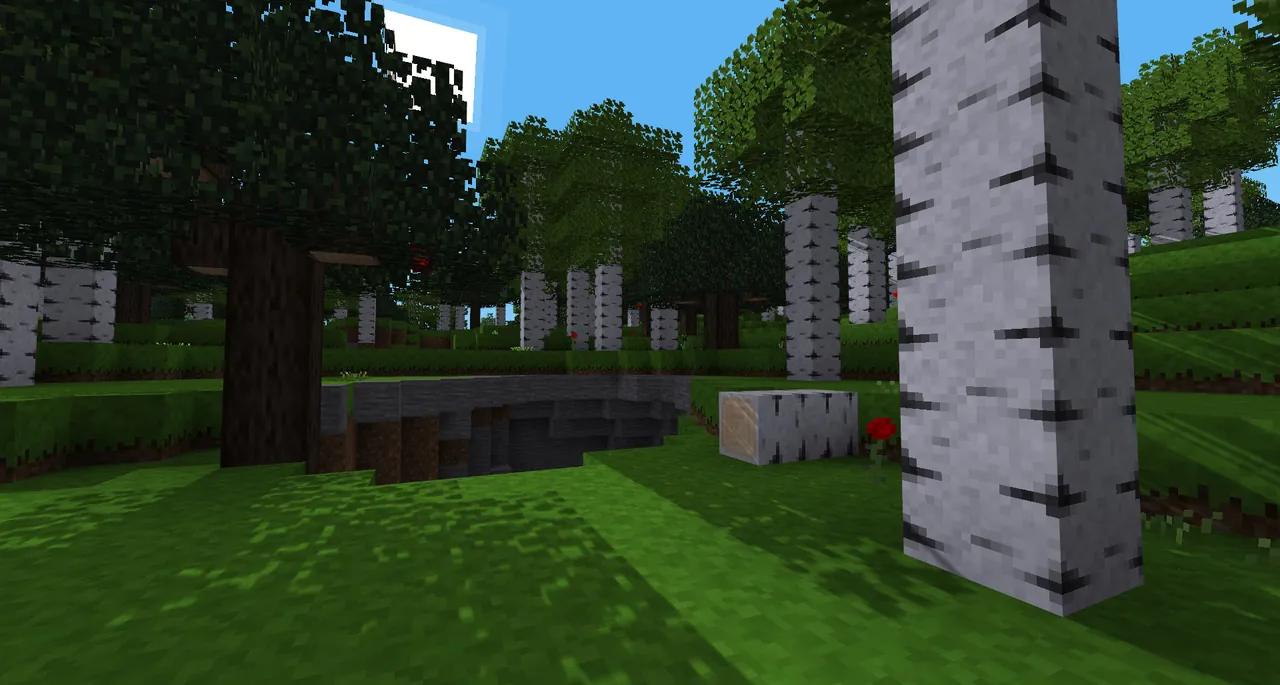
Engine, game, world: get the words straight
Luanti itself is only the engine. What people play is a game installed on top, and since version 5.8.0 Luanti no longer ships with a default one. Popular choices on ContentDB, the official content site:
| Game | What it is |
|---|---|
| Minetest Game | The classic open ended building game |
| VoxeLibre | A close take on Minecraft, formerly MineClone 2 |
| Mineclonia | Another Minecraft style game, forked from VoxeLibre |
| NodeCore | A puzzle survival game with its own logic |
A world is a save made with one game. Mods are added per world. Players do not need the game or mods installed: the client downloads everything from the server when it joins.
Step 1: Install Luanti
- Linux: install the server package from your distribution (
luanti-serveron recent releases, stillminetest-serveron older ones), or use the official Docker image. The headless binary isluantiserver; on older versions it isminetestserver. - Windows: download Luanti from luanti.org. The same
luanti.execan run as a server with--server.
Check the version with luantiserver --version. Players need a version the server accepts, and keeping the server on the current stable release avoids most join problems.
Step 2: Add a game
Download the game from ContentDB as a zip, extract it, and place the folder in the games directory of your Luanti user folder (on Linux typically ~/.minetest/games/; the folder kept its old name). The folder holds a game.conf; the game's ID is what you pass to --gameid. For Minetest Game it is minetest.
Step 3: Write minetest.conf
The config file is still called minetest.conf after the rename. A good starting point for a server:
name = YourPlayerName
server_name = Our Build Server
server_description = Survival with land protection. Be nice.
motd = Welcome! Type /help for commands.
max_users = 15
default_password =
server_announce = false
port = 30000
default_privs = interact, shout
enable_damage = true
creative_mode = false
What matters most:
nameis the admin account. Whoever joins with this name gets every privilege. Set it before you first join, and register that name yourself straight away.default_passwordis the password new players must enter to register. Leave it empty for an open server.server_announceset totruelists you publicly. Also fill inserver_address(a domain only, if you have one) andserver_url.max_userscaps concurrent players.default_privsdecides what new players can do.interact, shoutlets them build and chat.
The full list of options is in the engine's minetest.conf.example.
Step 4: Start the server
luantiserver --gameid minetest --worldname world --config ~/.minetest/minetest.conf --terminal
--gameidpicks the game for a new world.--worldname(or--worldwith a full path) picks the world. A new name creates a new world.--terminalgives you a console where you can type chat commands as the server.--logfilesends the log somewhere useful. By default problems land indebug.txt.
The first start generates the world folder with a world.mt file inside. That file is where mods get switched on.
Step 5: Open UDP 30000
Luanti uses one UDP port, 30000 by default. Forward it on your router to the server machine and allow it in the firewall. Running a second server means the next port up, 30001, and so on. TCP forwarding does nothing here; it has to be UDP.
Step 6: Join and claim admin
- Open Luanti and go to the Join Game tab.
- Enter your address and port 30000.
- Type the name you put in
name, choose a password, and click Register. - Type
/privsin chat. You should see a long list includingserverandprivs.
From there you hand out rights to others with /grant. The privilege system, protection and moderation commands are covered in Luanti server privileges and admin commands, and adding mods to the world in how to add mods to a Luanti server.
How much server you need
The engine is light. Memory depends on the game, the mods and how much of the map players have explored. Minetest Game with a few friends runs on 2 GB. VoxeLibre or Mineclonia with some mods and a growing map is happier with 4 GB. Public servers with big mod packs, heavy map generation and 30 or more players are where 8 GB starts to make sense.
Letting someone else keep it running
A Luanti server with GamezServers sets most of the above as fields in the control panel: your admin player name, server name, description, message of the day, server password, world name, whether it shows in the server list, and which game runs. Community download fetches a game straight from ContentDB when you give its name and author, so VoxeLibre or Mineclonia is a setting rather than an upload. Mods go in through the file manager or SFTP, and there is no UDP port to forward. Optional Sleep when empty stops the world after 4 days with nobody on and wakes it with one click, handy for a family or class server that sits idle over breaks.
FAQ
Is Luanti the same as Minetest?
Yes. Minetest renamed itself Luanti in October 2024. Old worlds and mods keep working, and many files and folders still use the minetest name.
What port does a Luanti server use?
UDP 30000 by default, set with port in minetest.conf. Extra servers usually use 30001, 30002 and so on.
Why does my Luanti server not start with a game?
Since 5.8.0 Luanti ships without a default game. Put a game from ContentDB in the games folder and pass its ID with --gameid.
Do players need to install mods to join my Luanti server?
No. The client downloads the game's and mods' media from the server when joining. The first join takes longer.
Skip the setup. Your own Minetest server.
Then $4.99/mo. Just trying it? $1.25 for 3 days
 Minecraft