

How to Host a Don't Starve Together Dedicated Server (2026)
Host a Don't Starve Together dedicated server: Klei cluster token, Master and Caves shards, cluster.ini, server.ini ports and Workshop mods, step by step.
Updated Oct 3, 2026 · 6 min read
On this page
- How does a DST dedicated server work?
- What files does a DST server need?
- How do I get a Klei cluster token?
- How do I set up cluster.ini?
- How do I set up the Master and Caves shards?
- How do I install and start the server?
- How do I add Workshop mods to a DST server?
- How do I become admin?
- FAQ
- The easy option: host it with GamezServers
To host a Don't Starve Together dedicated server, install the free server (SteamCMD app 343050), make a cluster folder with cluster.ini, a cluster_token.txt from your Klei account, and one subfolder per shard (Master for the surface, Caves for underground), each with its own server.ini. Start one server process per shard. Mods go in dedicated_server_mods_setup.lua and each shard's modoverrides.lua.
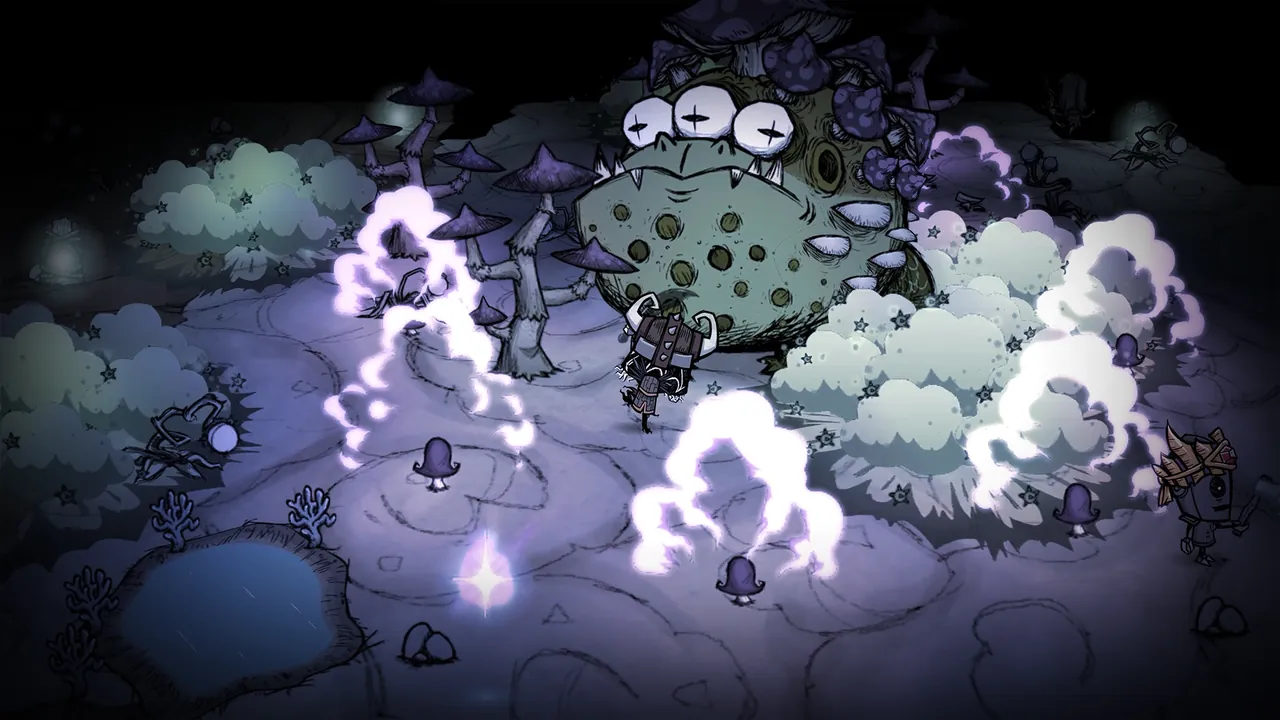
How does a DST dedicated server work?
Don't Starve Together runs a world as a cluster of one or more shards:
- The Master shard is the surface world. It is the one players join first.
- The Caves shard is the underground world. Players move between them through sinkholes.
Each shard is its own server process, and both must run for the caves to work. A vanilla setup with caves is two processes on one machine that talk to each other on a local port.
Every cluster needs a token from Klei tied to an account that owns the game. Everything else is free: the server itself does not need a copy of DST, but each player needs their own.
What files does a DST server need?
By default the server looks in your Documents folder:
Documents\Klei\DoNotStarveTogether\MyDediServer\
  cluster.ini
  cluster_token.txt
  adminlist.txt
  Master\
    server.ini
    modoverrides.lua
  Caves\
    server.ini
    worldgenoverride.lua
    modoverrides.lua
Linux servers use ~/.klei/DoNotStarveTogether/MyDediServer/ instead.
How do I get a Klei cluster token?
- Sign in at accounts.klei.com with the account that owns Don't Starve Together.
- Open Games, find the Game Servers section for DST and click Add New Server.
- Give it a name and copy the token. It starts with
pds-g. - Paste it as the only line in
cluster_token.txtin the cluster folder.
No token, or an invalid one, and the server refuses to go online. You can also generate one from the in game console with TheNet:GenerateClusterToken(), which writes the file into your Klei folder.
How do I set up cluster.ini?
cluster.ini holds the settings shared by the whole world:
[GAMEPLAY]
game_mode = survival
max_players = 8
pvp = false
pause_when_empty = true

[NETWORK]
cluster_name = Wilson's Weekend Camp
cluster_description = Friends only, caves on
cluster_password = changeme
cluster_intention = cooperative

[MISC]
console_enabled = true

[SHARD]
shard_enabled = true
bind_ip = 127.0.0.1
master_ip = 127.0.0.1
master_port = 10889
cluster_key = pick-a-secret-key
| Key | Values | Notes |
|---|---|---|
game_mode |
survival, endless, wilderness |
See the table below |
max_players |
1 to 64 | Most private servers run 6 to 12 |
pvp |
true or false |
Players damaging each other |
pause_when_empty |
true or false |
Stops days passing with nobody online |
cluster_password |
text | Leave out for an open server |
shard_enabled |
true |
Needed for caves |
bind_ip |
127.0.0.1 |
Both shards on one machine; 0.0.0.0 if on different machines |
cluster_key |
any text | Shared secret between shards |
The game modes:
| Mode | What happens |
|---|---|
| Survival | The world resets when everyone is dead |
| Endless | Players revive at the portal and the world never resets |
| Wilderness | Random spawns, and a dead player starts over as a new character |
How do I set up the Master and Caves shards?
Each shard's server.ini needs a different server_port, and only the Master sets is_master = true.
; Master/server.ini
[NETWORK]
server_port = 11000

[SHARD]
is_master = true

[STEAM]
master_server_port = 27018
authentication_port = 8768
; Caves/server.ini
[NETWORK]
server_port = 11001

[SHARD]
is_master = false
name = Caves

[STEAM]
master_server_port = 27019
authentication_port = 8769
Tell the Caves shard to generate a cave world with Caves/worldgenoverride.lua:
return {
  override_enabled = true,
  preset = "DST_CAVE",
}
The master_port in cluster.ini must not match any shard's server_port on the same machine. Our DST server with caves guide covers keeping both shards in sync.
How do I install and start the server?
- Install the server with SteamCMD:
steamcmd +force_install_dir C:\DSTServer +login anonymous +app_update 343050 validate +quit
- Start each shard from the server's
binfolder (the working directory must bebin). On Windows:
cd /D C:\DSTServer\bin
start dontstarve_dedicated_server_nullrenderer.exe -console -cluster MyDediServer -shard Master
start dontstarve_dedicated_server_nullrenderer.exe -console -cluster MyDediServer -shard Caves
On Linux, run the 64 bit binary from bin64 with the same -cluster and -shard options.
- Watch both consoles until the Caves shard reports it has connected to the Master. The fan wiki's DST dedicated server guide lists every option.
For players outside your network, forward each shard's server_port as UDP. See how to port forward a game server.
How do I add Workshop mods to a DST server?
Mods need two files:
- Download list. In the server install, edit
mods\dedicated_server_mods_setup.lua:
ServerModSetup("378160973")
ServerModCollectionSetup("1234567890")
- Enable list. In both
Master\modoverrides.luaandCaves\modoverrides.lua:
return {
  ["workshop-378160973"] = { enabled = true },
}
Restart both shards. Players download the mods automatically when they join. A mod that is downloaded but not enabled in both shards' modoverrides.lua is the most common reason mods do not load, or load above ground but not in the caves.
How do I become admin?
Add your Klei user ID, which starts with KU_, to adminlist.txt in the cluster folder, one per line, and restart. You can find your ID on your Klei account page. Admins can rollback, kick and ban from the in game menu and console.
FAQ
How many players can join a Don't Starve Together server?
max_players in cluster.ini accepts up to 64, but the game is balanced for small groups, and most private servers sit at 6 to 12.
Why won't my DST server come online?
Almost always the cluster token. Check cluster_token.txt holds a valid pds-g token from accounts.klei.com, with nothing else in the file.
Do I need two servers for caves?
You need two shard processes, Master and Caves, but they run on the same machine and form one world.
Can console players join a PC DST server?
No. Steam players on Windows, Mac and Linux play together, but console versions cannot join PC servers.
How do I set a password on a DST server?
Add cluster_password under [NETWORK] in cluster.ini and restart both shards.
The easy option: host it with GamezServers
Our Don't Starve Together server hosting runs the surface and caves together as two connected shards, ready minutes after you pay. You paste your Klei server token into the panel (it links straight to Klei's page), and set max players from 1 to 31, the cluster name and description, the game mode and auto update. cluster.ini and the mod files are in the file manager.
| Plan | RAM | Price a month |
|---|---|---|
| Starter | 4 GB | 9.99 USD |
| Standard | 6 GB | 14.99 USD |
| Pro | 8 GB | 19.99 USD |
| Elite | 12 GB | 29.99 USD |
A vanilla world for a few friends runs on Starter. New customers get 50% off the first month, and friends can split the cost with each paying their own share.
 Skip the setup. Your own Don't Starve Together server.
Then $9.99/mo. Just trying it? $2.50 for 3 days