

 Project Zomboid
How to Add Map Mods to a Project Zomboid Server
Add map mods to a Project Zomboid server: the Workshop ID, Mod ID and Map Folder lines, keeping Muldraugh, KY last, load order, spawn points and existing saves.
Updated Oct 3, 2026 · 6 min read
On this page
To add a map mod to a Project Zomboid server, stop it and edit three lines in <servername>.ini: put the map's Workshop ID in WorkshopItems=, its Mod ID in Mods= (with a leading backslash on Build 42, like \RavenCreekB42), and its Map Folder at the front of Map=, keeping Muldraugh, KY last: Map=MapFolderName;Muldraugh, KY. Add the map's required tile packs the same way, then start the server. On an existing save, map cells players already explored keep their old terrain.
What you are working with
Every map mod has three different names, and each goes in a different line. The Workshop page lists all three at the bottom of its description.
| Name | Example | Goes in |
|---|---|---|
| Workshop ID | 3484263516 (the number in the Workshop URL) |
WorkshopItems= |
| Mod ID | RavenCreekB42 |
Mods=, with \ in front on Build 42 |
| Map Folder | Raven Creek B42 |
Map= |
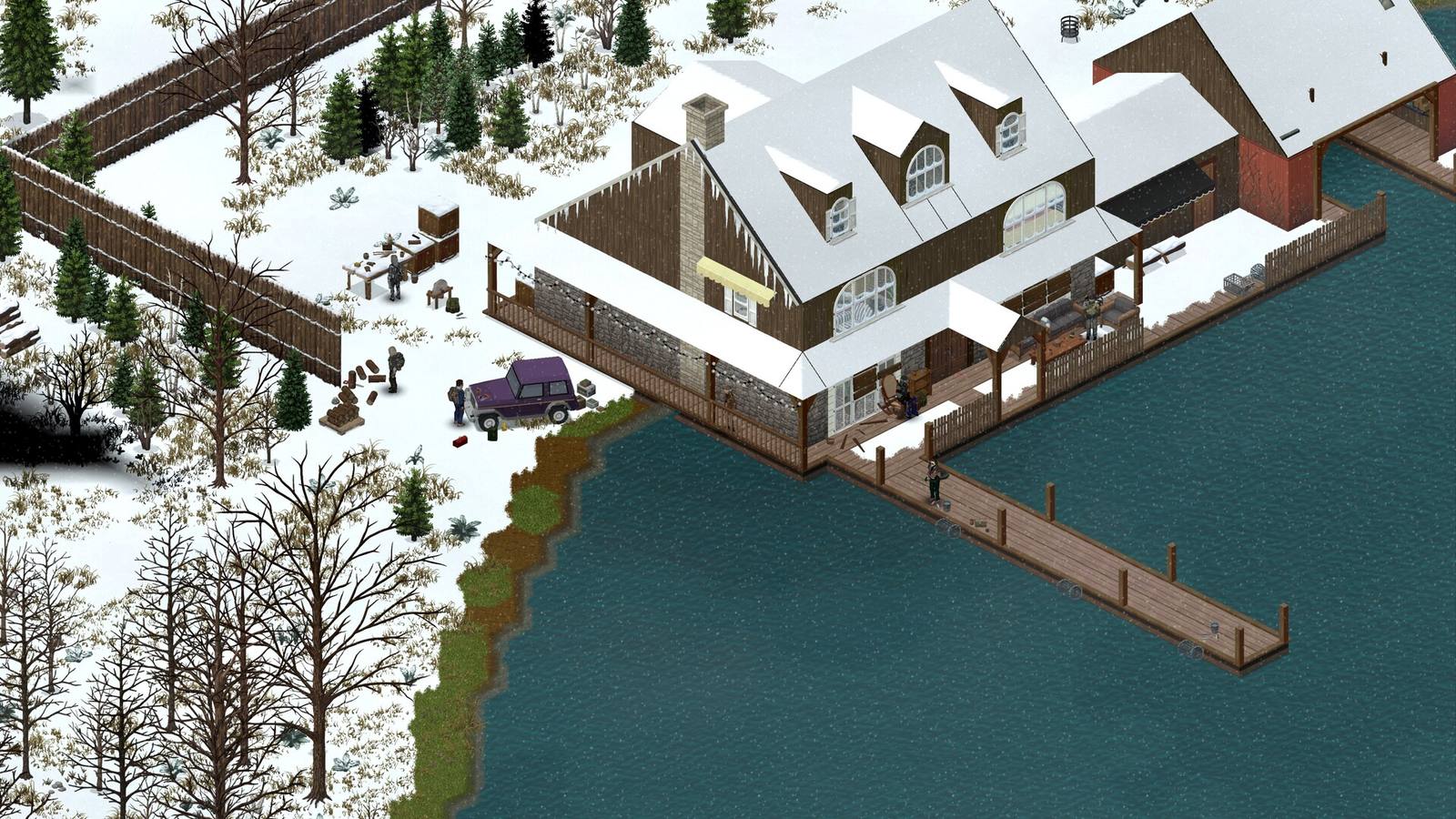
The example is the Build 42 port of Raven Creek on the Steam Workshop. Its Map Folder has spaces and is not the same as its Mod ID.
The Map Folder is the one people miss. It is often not the same as the Mod ID, and a map whose Mod ID is in Mods= but whose folder is not in Map= downloads, loads, and never appears in the world.
Where the files are
| File | What it holds | Self hosted (Windows, Linux) | Hosted server |
|---|---|---|---|
<servername>.ini |
WorkshopItems, Mods, Map |
C:\Users\<you>\Zomboid\Server\ or ~/Zomboid/Server/ |
The server's Zomboid/Server/ folder, or a panel setting |
<servername>_spawnregions.lua |
Which towns players can choose to spawn in | Same folder | Same folder |
| Save folder | The world | Zomboid/Saves/Multiplayer/<servername>/ |
Same structure |
<servername> is servertest unless you changed it.
Before you start
- Check the build. On Build 42 servers, the map mod must have a Build 42 version (a
42folder in its files). Build 41 only maps do not load on 42. See the Workshop guide to mod IDs and versions. - Read "Required items". Most maps depend on tile packs or other map mods. Each requirement needs its own Workshop ID and Mod ID too.
- Back up the save. The game warns that adding or removing maps on an existing world is not supported. A backup lets you undo it.
- Decide: new world or existing. Maps are easiest on a fresh save. See the gotcha below.
Step 1: Add the Workshop IDs
Add the map's Workshop ID and the Workshop IDs of all its required items, separated by semicolons. Order does not matter in this line:
WorkshopItems=3484263516
Step 2: Add the Mod IDs in load order
Mods=\RavenCreekB42
With more mods, order matters here. Tile packs and libraries a map requires go first, maps after them, and patches for those maps last, for example Mods=\SomeTilePack;\RavenCreekB42. On Build 41, drop the backslashes.
Step 3: Add the Map Folder, Muldraugh last
Map=Raven Creek B42;Muldraugh, KY
Spaces inside a folder name are fine. Copy it exactly as the Workshop page writes it.
Rules for this line:
- Custom maps first, the base map last. The game reads
Map=left to right, and where two maps cover the same cells, the earlier one wins. PuttingMuldraugh, KYfirst makes it overwrite your map mods. - Write
Muldraugh, KYexactly, with the comma and the space. It is the whole of Knox County, not only the town. - Map overhauls and edits of existing towns go before maps they modify. Their Workshop page usually gives the exact order.
- Several maps:
Map=MapA;MapB;MapC;Muldraugh, KY. If two of them overlap the same area, only one can win, so check the map pages for conflicts.
Step 4: Add spawn points (optional)
A map that is a new town far from the base map is useless if nobody can get there. Many map mods ship their own spawn points. To let players pick them, add an entry to <servername>_spawnregions.lua:
function SpawnRegions()
  return {
    { name = "Muldraugh, KY", file = "media/maps/Muldraugh, KY/spawnpoints.lua" },
    { name = "Raven Creek", file = "media/maps/Raven Creek B42/spawnpoints.lua" },
  }
end
The path uses the Map Folder name, and only works if the map actually ships a spawnpoints.lua there. Some maps put spawns in a separate mod instead. If the mod page gives a ready line for this file, use theirs.
The gotcha: existing saves keep explored cells
Project Zomboid only saves chunks once someone has visited them. When you add a map to an existing world, the new map appears in cells nobody has explored yet. Cells that players already walked through are stored in the save with the old terrain, and the map mod does not replace them. A town placed over a road you drove down last week can show up half built, with the old chunks cutting through it.
The Raven Creek B42 page says it plainly: for some of its fixes you must delete chunks of the visited areas or start a new game. So:
- Maps in remote, unexplored areas (most new towns) usually work fine on an existing save.
- Maps that edit areas you already explored (overhauls of Muldraugh or Louisville, for example) need a fresh save to look right, or advanced work deleting those cells from the save.
Common problems
- Map downloads but is not in the world: the Map Folder is missing from
Map=, or it is afterMuldraugh, KY. - Missing textures, purple or invisible tiles: a required tile pack is not in both
WorkshopItems=andMods=. - Server crashes on load: the map is Build 41 only on a Build 42 server, or two maps conflict. Remove maps one at a time to find it.
- Half the town is missing: the area was explored before the map was added. See the gotcha.
- "Workshop item version is different than server's": a map updated mid session. Restart. See the version mismatch fix.
Map mods on GamezServers
On a Project Zomboid server from GamezServers, you do not edit the ini. In Settings, paste Workshop IDs into Workshop IDs, Mod IDs into Mod IDs (we add the Build 42 backslash for you), and folders into Map, map mods first and Muldraugh, KY last. The settings files live in .cache/Server, named after your Save name, so the spawn regions file is there too. Click Backup, then Restart. Maps make the server hungrier, so big map lists suit the 12 GB plan.
FAQ
Where do I find a Project Zomboid map's folder name?
At the bottom of its Workshop page, listed as "Map Folder". It can differ from the Mod ID.
Why does Muldraugh, KY have to be last?
Maps listed earlier in Map= win where they overlap. With the base map last, your map mods load over it instead of under it.
Can I add a map mod to an existing save?
Yes, after a backup, but only unexplored cells get the new map. Areas players already visited keep their old terrain.
Do players need to download the map mod?
No. The game downloads every mod the server lists when they join, as long as they are on the same build.
Skip the setup. Your own Zomboid server.
Then $14.99/mo. Just trying it? $3.75 for 3 days