

 DDRaceNetwork
How to Add Custom Maps to a DDNet Server (Upload and Vote)
Upload .map files to a DDraceNetwork server, load them with sv_map or change_map, build a map vote menu with add_vote and test your own maps with friends.
Updated Oct 7, 2026 · 5 min read
On this page
To add a custom map to a DDNet server, upload the .map file into the server's maps folder (inside data on a standard install), then load it by its exact file name without the extension: set sv_map in autoexec_server.cfg for the starting map, or type change_map "Name" in the F2 remote console. Players do not need the map beforehand, because the server sends it to them when they join. To let players pick maps themselves, add each one to the vote menu with add_vote.
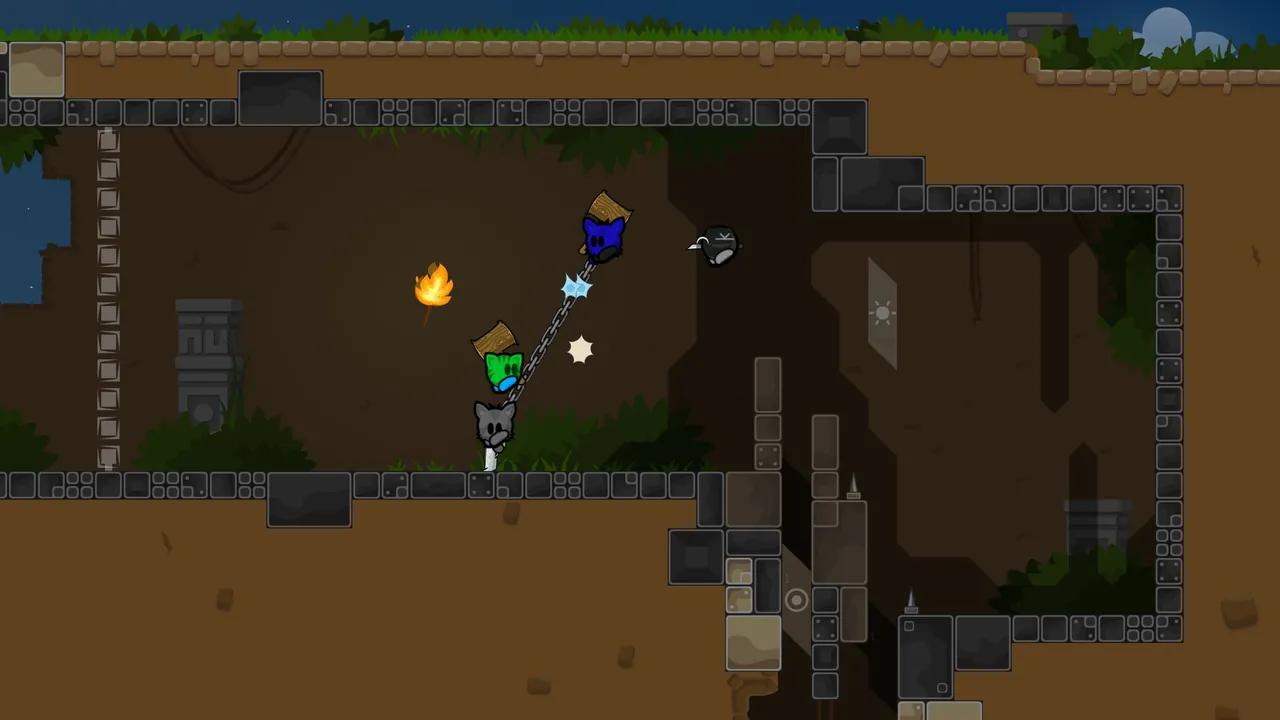
Where maps come from
DDNet maps are single .map files. You will usually get them from one of three places:
- Released DDNet maps. Every map on the official servers can be downloaded from the DDNet website's map releases. Useful when your team wants to grind one map on a quiet server.
- Community and unreleased maps. Shared in the DDNet Discord, on forums or by the mapper directly.
- Your own maps. Made in the editor built into the DDNet client. Saved maps go to the
mapsfolder in your DDNet user directory on your PC.
Map file names matter. The server loads maps by file name, case sensitive, and spaces are allowed. Kobra 4.map is loaded as Kobra 4, and kobra 4 will fail.
Step 1: Upload the file
On a standard install the server looks for maps in data/maps/, next to the server program. Copy your .map file there:
- At home, drag it into the folder.
- On a remote server, use SFTP or the host's file manager. If SFTP is new to you, our guide on what SFTP is explains it in two minutes.
You can create subfolders to keep a big collection tidy, for example data/maps/novice/. Maps in a subfolder are loaded with the folder in the name: change_map "novice/My Map".
Step 2: Load the map
There are two ways, and you will use both.
As the start map. In autoexec_server.cfg:
sv_map "Kobra 4"
The server loads this map every time it starts. Pick the one your group plays most.
On the fly. Log in to the remote console with F2 and your rcon password, then:
change_map "Kobra 4"
Everyone on the server is moved to the new map. Players who do not have it download it from the server, which takes a few seconds for most maps. If you have not set up rcon yet, our DDNet rcon and admin commands guide shows how.
Step 3: Build a vote menu
Nobody wants to wait for an admin to change maps. Add votes so players can do it:
add_vote "Novice: Tutorial" "change_map Tutorial"
add_vote "Moderate: Kobra 4" "change_map \"Kobra 4\""
add_vote "Ours: Rooftop WIP" "change_map \"Rooftop WIP\""
add_vote "Restart map" "reload"
Put the lines in autoexec_server.cfg, or better, in a separate votes.cfg and add exec votes.cfg to the main file. A separate file is easier to edit when your list grows to dozens of maps. Players then open the escape menu, choose Call vote and pick a map.
A few tips for a vote list that people actually use:
- Group by difficulty in the label:
Novice:,Moderate:,Brutal:. DDNet players think in these tiers. - Keep it short. Twenty maps people know beats two hundred nobody scrolls through.
- Name your own maps clearly, for example with an
Ours:prefix, so regulars can tell tested maps from work in progress.
Testing your own maps with friends
This is where a private server earns its keep. The usual mapper loop:
- Save the map in the editor on your PC.
- Upload the new version to the server, replacing the old file with the same name.
- In rcon, type
reload(if you are on that map) orchange_mapto it. - Play it as a team, note the broken parts, go back to the editor.
Two things trip people up. Players who already downloaded an older version get the new one automatically, because DDNet checks the map's checksum, not just the name. But if you rename the file between versions, old votes that point to the old name stop working, so keep one name while testing.
Keep the server passworded and unlisted (sv_register 0) during testing. An unfinished map on a public server collects confused visitors and bug reports you did not ask for.
Common problems
| Problem | Fix |
|---|---|
change_map says the map was not found |
Name is wrong or the case does not match. Use the exact file name without .map |
| Server will not load your start map | sv_map points to a file that is not there or is spelled differently |
| Vote does nothing | Quotes are wrong in add_vote. Map names with spaces need escaped quotes inside the command |
| Players stuck downloading | Very large map or a slow upload connection. Trim embedded images in the editor |
| Map works for you, broken for others | You tested an older local copy. Upload again and reload |
Custom maps on a hosted server
A GamezServers DDraceNetwork server has a Server map setting in the control panel for the starting map, so you change it without opening the config. Upload .map files to the data/maps folder through the file manager or SFTP, add your add_vote lines to the config, and restart from the panel. It stays online when you log off, so the team can practise a new map at any hour, and you can split the bill with up to 10 friends.
FAQ
Where do I put maps on a DDNet server?
In the maps folder inside data, next to the server program. Subfolders work too, and the folder becomes part of the map name.
Do players need to download my custom DDNet map?
No. The server sends the map to each player when they join or when the map changes.
Why does my DDNet server say map not found?
The name in sv_map or change_map does not exactly match the file name. It is case sensitive and leaves out the .map extension.
How do I let players vote for maps?
Add add_vote "Label" "change_map Name" lines to the server config and restart. They appear under Call vote in the escape menu.
Skip the setup. Your own DDRaceNetwork server.
Then $2.99/mo. Just trying it? $0.75 for 3 days
 Minecraft