

 ARK: Survival Ascended
How to Add a Mod Map to an ARK Survival Ascended Server
Run a CurseForge mod map on an ARK Survival Ascended server: add the map's project ID to -mods= and start the server on the map name from its page.
Updated Oct 3, 2026 · 6 min read
On this page
To add a mod map to an ARK: Survival Ascended server, make two changes: put the map's CurseForge Project ID in the mod list (-mods=965379 for Amissa) and start the server on the map's level name from its CurseForge page (Amissa_WP) instead of TheIsland_WP. The server downloads the map on the next start and players get it when they join. Both must match the same CurseForge project, and every mod in the list must support console if console players join.
What you are working with
| Piece | Example | Where to find it |
|---|---|---|
| Project ID | 965379 |
About Project box on the right of the CurseForge page |
| Map name | Amissa_WP |
The mod's description or install notes on CurseForge |
| Companion mods | Amissa Additions | Linked from the map page, added to the same -mods= list |
| Platforms | PC only, or PC and console | The platform icons and title on the CurseForge page |
| Free or premium | Amissa is free, Svartalfheim Premium is paid | The price button on the page |
There is no Steam Workshop and no files to upload for Survival Ascended. Steam Workshop maps from the old ARK: Survival Evolved do not work. Maps like Ragnarok and Valguero are official Survival Ascended maps now, which you load by name with no mod at all.
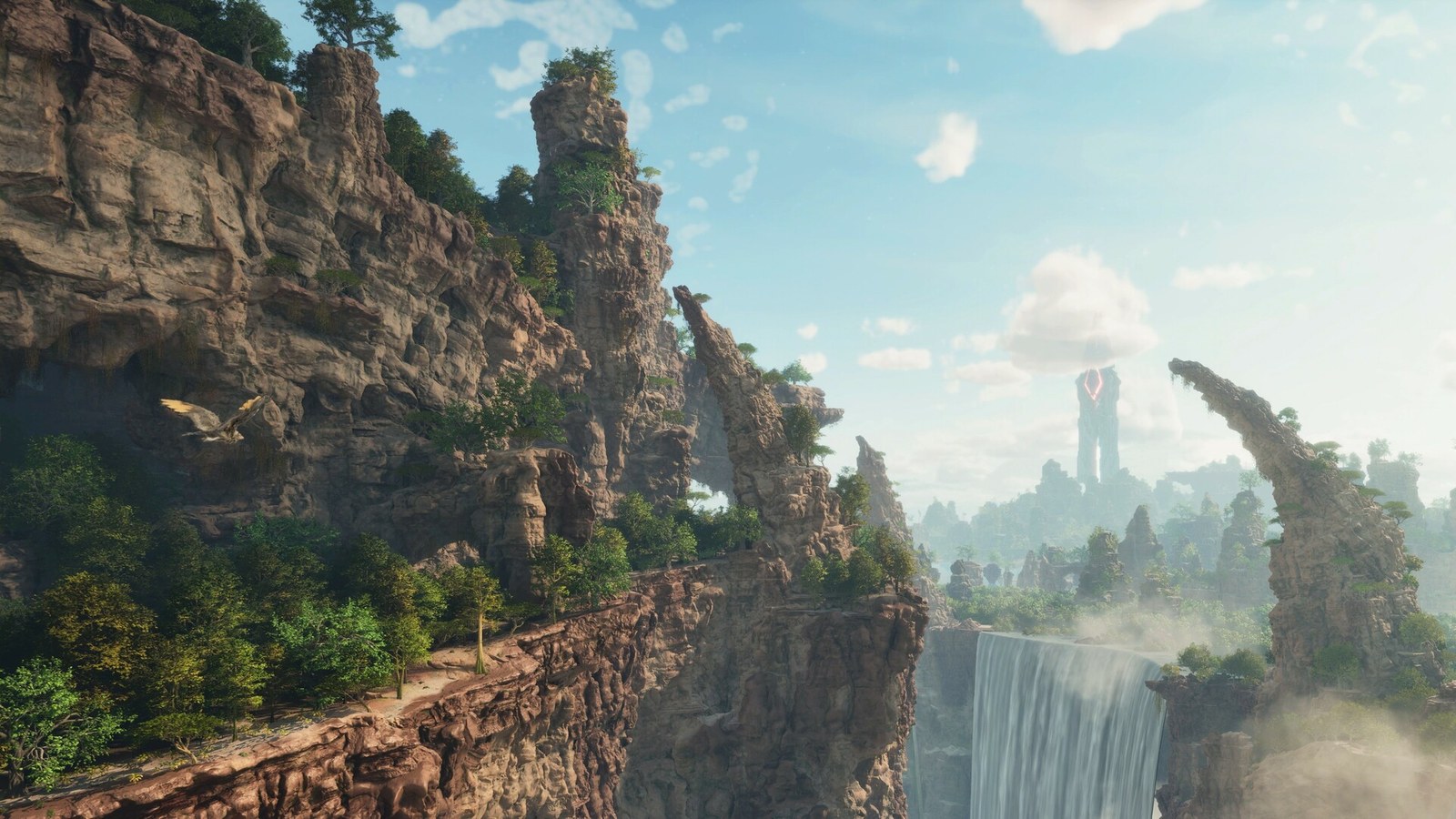
Mod maps to know
| Map | Project ID | Map name | Notes |
|---|---|---|---|
| Amissa | 965379 |
Amissa_WP |
Free, cross platform, fantasy map slightly larger than The Island |
| Svartalfheim Premium | 962796 |
Svartalfheim_WP |
Paid, PC and crossplay |
Check the CurseForge page before you copy anything: authors sometimes publish a map as several projects (a PC only test version, a crossplay version, a premium version), and each has its own project ID. Source: Amissa on CurseForge.
Before you start
- Back up the server. Your current map's save is not deleted, but it is the fastest way back if anything goes wrong.
- Pick the right version of the map. If any player is on Xbox or PlayStation, use the project marked crossplay or console.
- Check premium status. Players are offered the purchase of premium mods when they join a server that uses them, per CurseForge's premium mods article. For a paid map, assume every player has to buy it.
- Leave room in memory. Mod maps with custom creatures and big landmasses use more RAM than The Island. 16 GB suits most tribes on a mod map.
Step 1: Copy the project ID
Open the map on CurseForge and copy the number next to Project ID in the About Project box. It is a number, usually six or seven digits. It is not the file ID from a download link and not the map's name.
Step 2: Find the exact map name
Look in the mod description, install notes or the author's Discord for the level name the server starts on. Survival Ascended map names usually end in _WP. The display name and the level name often differ, and the server only accepts the level name.
Step 3: Add both to the start line
On a self hosted server, the map goes first, then the ? options, then the flags:
ArkAscendedServer.exe Amissa_WP?listen?SessionName=MyTribe -mods=965379 -WinLiveMaxPlayers=10
If the map has a companion mod, or you run other mods, add them to the same list, comma separated with no spaces:
-mods=965379,123456,234567
Use one -mods= flag only. A second one replaces the first.
Step 4: Start and join
Start the server and watch the log. You should see the map mod download and mount before the world loads. The first start takes longer than usual, because the map is a large download. Then join from Unofficial with Show Player Servers on. Your game downloads the map before you load in.
The map name and the mod ID only work together
This is where most mod map setups fail. The map is just another mod until the server starts on it, and the server cannot start on it until the mod is in the list:
- Only the ID added: the server downloads the map, then loads your old map as if nothing changed.
- Only the map name changed: the server cannot find the level and stops during start.
- ID from one version, name from another: a crossplay project and a PC only project of the same map can use different IDs. Copy both from the same CurseForge page.
If the server starts on the wrong map or hangs, check those three first.
What happens to your old world
Each map keeps its own save, so switching to a mod map starts a new world for that map and leaves your old map's save in place. Characters and tames do not carry between maps on a single server. Clusters are what move characters between maps, and on our servers each server runs one map on its own for now, so treat a mod map as a fresh start.
Common problems
- Server still loads The Island: the map name is still
TheIsland_WP. Change the map, not just the mod list. - Server stops during start: the map name is misspelled, missing
_WP, or belongs to a different version of the map. - Console players cannot see the server: the map, or another mod in the list, is PC only. One PC only mod hides the server from Xbox and PlayStation.
- Players asked to pay when joining: the map or a mod is premium. They buy it, or you switch to a free map.
- Crash after a game patch: the map has not been updated for the new version yet. Wait for the author's update on CurseForge, then restart. See ARK server crashing fixes.
Running a mod map on GamezServers
On a GamezServers ARK: Survival Ascended server, paste the project ID into CurseForge mod IDs, type the map name into Map, press Backup and then Restart. The panel builds the start line and the server downloads the map itself, so there is nothing to upload. For other mods, see how to install mods on an ARK Survival Ascended server, and for the official options, the best ARK maps for a server.
FAQ
Where do I find the map name for an ARK Ascended mod map?
On the mod's CurseForge page, in the description or install notes. It is the level name, usually ending in _WP, not the display name.
Do players need to download the mod map?
No. The game downloads the server's map and mods automatically when they join, as long as their platform is supported.
Can console players join a server running a mod map?
Yes, if the map and every other mod on the server are marked cross platform on CurseForge.
Will switching to a mod map delete my world?
No. Each map has its own save, so your old world stays and comes back when you switch the map back.
Skip the setup. Your own ARK server.
Then $29.99/mo. Just trying it? $7.50 for 3 days