

 Avorion
Avorion Server Lag? How to Fix a Slow or Stuttering Galaxy
Fix Avorion server lag: too many alive sectors, too few threads, huge ships, wrecks and stations piling up, save stutter and heavy mods. Settings and steps.
Updated Oct 7, 2026 · 5 min read
On this page
Avorion server lag almost always comes from the number of sectors the server simulates at once and what is inside them. Every player keeps several sectors alive, each full of ships, stations, asteroids and wrecks, and the server updates all of them. To fix it, lower aliveSectorsPerPlayer in server.ini, raise the worker thread count (--threads on the start line, or workerThreads), clean up wreckage and abandoned ships, and cap ship size with MaximumBlocksPerCraft. If stutter hits every few minutes like clockwork, it is the save interval.
Old galaxies get slower over time, so a server that ran fine at the start of a season can crawl a few hundred hours in. That is normal and fixable.
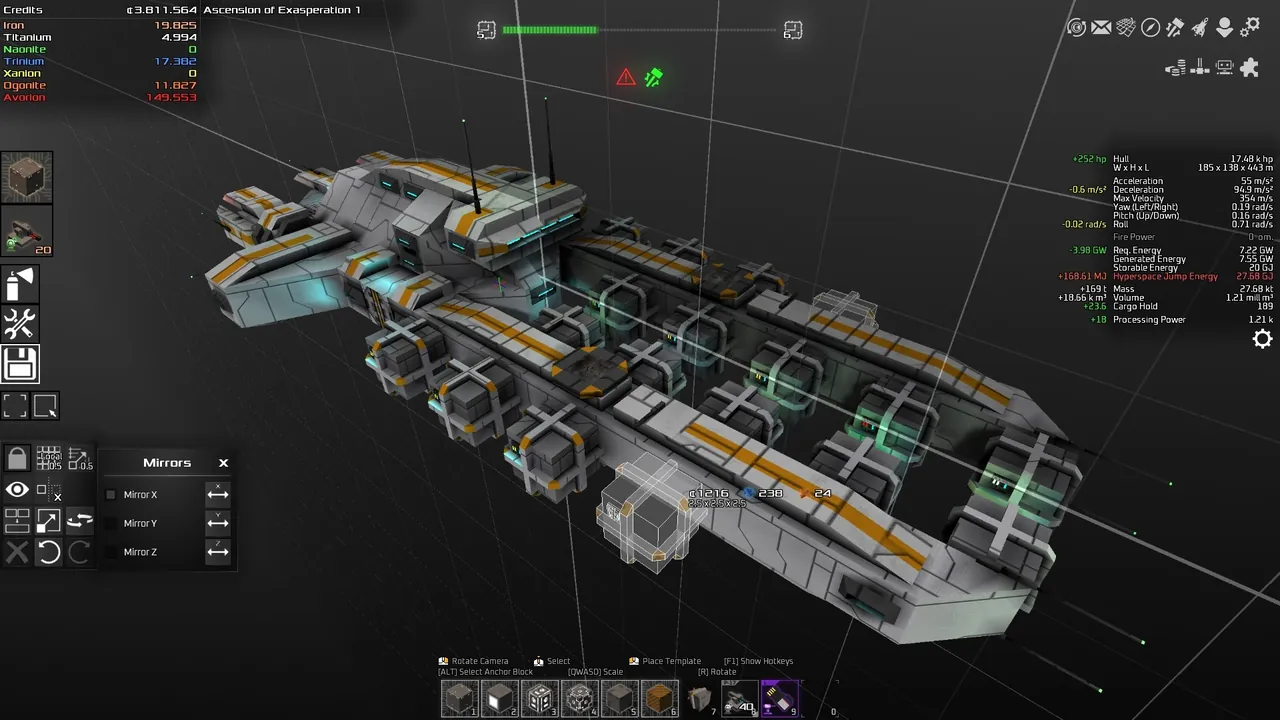
What lag looks like, and what causes each kind
| Symptom | Likely cause |
|---|---|
| Everyone lags all the time, worse as more people log in | Too many alive sectors for the CPU threads |
| Lag in one sector only | Too much in that sector: wrecks, giant ships, many stations |
| Freezes for a few seconds on a regular rhythm | Saving a large galaxy |
| Lag starts after adding mods | A script heavy mod |
| Jumping into new sectors is slow | Sector generation on a busy server |
| One player lags, others are fine | That player's connection or PC, not the server |
Start by asking who is affected and where. A problem in one sector needs a different fix than a problem everywhere.
Fix 1: fewer alive sectors
Avorion keeps sectors loaded and simulated around each player even when nobody is looking at them, so stations keep producing and ships keep flying. The setting that controls how many is in the [System] section of server.ini in your galaxy folder:
[System]
aliveSectorsPerPlayer=5
Each player multiplies this. Ten players with 5 alive sectors each means up to 50 sectors updating constantly, plus whatever their fleets keep busy. Dropping the value to 3 or 4 is often the single biggest improvement on a crowded server. The tradeoff: fewer of each player's remote sectors stay fully active while they are elsewhere.
Stop the server before editing server.ini, then start it again.
Fix 2: more worker threads
The server updates sectors on worker threads. With one thread, everything queues behind everything else. Raise it so the CPU cores you have get used:
- On the start line:
--threads 4 - In
server.ini:workerThreads=4
If a value is on the start line, that is the one that counts, so change it there. A good rule is one thread per CPU core you can dedicate to the server, without going past what the machine has. More threads than cores does not help.
Fix 3: clean up wrecks and junk
Battles leave wreckage. Wrecks are physics objects with blocks, and a sector full of them is heavy to simulate and send to clients. On long running galaxies, players' home sectors and popular battle zones fill up.
- Ask players to salvage or clear wrecks in their home and production sectors.
- Avoid parking dozens of idle ships in one sector.
- Look for sectors where players built enormous station complexes and decide together whether they are worth the cost.
As admin, deal with abandoned bases of players who left the server for good. Back up the galaxy first.
Fix 4: cap ship and fleet size
Huge ships with tens of thousands of blocks cost more to simulate, especially in combat and collisions. server.ini has limits for both:
[Game]
MaximumPlayerShips=-1
MaximumBlocksPerCraft=-1
-1 means no limit. On a server where one player's fleet makes everyone lag, a sensible cap on blocks per craft and ships per player keeps things fair. Agree on the numbers with your players before you set them, since existing ships above the cap can cause arguments.
Fix 5: save interval stutter
A large galaxy takes a moment to save. If everyone freezes briefly at a steady interval, that is the save. The interval is --save-interval on the start line (or saveInterval in server.ini), in seconds:
- Too short, for example 60, and saving runs constantly.
- 300 (5 minutes) or 600 (10 minutes) is the usual balance between smooth play and not losing much in a crash.
Fast storage also helps, since saving is mostly writing files.
Fix 6: check your mods
Some Workshop mods run scripts on every sector or every ship. If lag started after a mod was added, remove it from modconfig.lua in the galaxy folder, restart, and compare. Add mods back one at a time to find the heavy one. Always back up the galaxy before changing mods, since some mods leave data behind in the save.
Fix 7: enough memory
Every alive sector sits in memory. A galaxy with many players spread across the map, big stations and mods needs more RAM as it grows. If the server's memory use is near its limit, it slows down and can crash. As a guide, a few friends early on run on 4 GB, a full 10 player group exploring widely on 8 GB, and big or old galaxies with mods on 12 GB.
A tuned server.ini example
For a 10 player co-op galaxy on a 4 core server:
[System]
saveInterval=600
workerThreads=4
aliveSectorsPerPlayer=4
backups=true

[Game]
MaximumPlayerShips=20
MaximumBlocksPerCraft=15000
Treat the ship limits as starting numbers to discuss with your group, not rules.

Doing it on a GamezServers server
On an Avorion server with GamezServers, Threads and Save Interval are settings in the control panel, and they go on the start line, so change them there rather than in server.ini. Threads goes up to 20. server.ini and modconfig.lua are in the file manager for alive sectors, ship limits and mods, one click backups protect the galaxy before cleanups, and if the galaxy has simply outgrown its plan you can switch to more RAM any time, with the cost prorated. The Avorion hosting guide explains which settings live on the start line and which in server.ini.
FAQ
Why is my Avorion server so laggy?
Usually too many alive sectors for the server's threads. Lower aliveSectorsPerPlayer, raise the thread count, and clean up wrecks in busy sectors.
What does aliveSectorsPerPlayer do in Avorion?
It sets how many sectors the server keeps loaded and simulated for each player. Lower values reduce server load.
How many threads should an Avorion server use?
About one per CPU core available to the server. Set it with --threads on the start line or workerThreads in server.ini.
Why does my Avorion server freeze every few minutes?
That is the autosave on a large galaxy. Set the save interval to 300 or 600 seconds and make sure the server has fast storage.
Skip the setup. Your own Avorion server.
Then $9.99/mo. Just trying it? $2.50 for 3 days