

 Astro Colony
Astro Colony Sandbox Server: Free Construction and Sandbox Mode
Run an Astro Colony dedicated server in sandbox or free construction mode: the two ServerSettings.ini flags, what each unlocks, and how saves keep their mode.
Updated Oct 7, 2026 · 5 min read
On this page
To run an Astro Colony dedicated server in a creative style mode, set FreeConstruction=True (building costs nothing) and, for full sandbox, Sandbox=True (all technologies unlocked) in ServerSettings.ini, then start a new map. Every Astro Colony save remembers its gameplay mode, so the flags are best set before the world is created. Below is what each flag does, which combination suits which group, and how to keep a sandbox world and a normal one side by side.
The modes in short
Astro Colony has a normal progression mode and, since 2024, construction and sandbox modes. In July 2025 the developer added mode selection to multiplayer: a player hosting picks the mode in the lobby, and a dedicated server is configured with two flags.
| Mode | Flags | What players get |
|---|---|---|
| Normal | FreeConstruction=False, Sandbox=False |
Full progression: research, resource costs, oxygen and food to manage |
| Free construction | FreeConstruction=True |
Building costs nothing, research still matters |
| Sandbox | FreeConstruction=True, Sandbox=True |
All technologies unlocked and free building, pure creative play |
Other rules still apply on top. OxygenConsumption decides whether astronauts need oxygen, and SharedTechnologies gives the group one shared research tree.
Who each mode suits
Normal is the real game. The fun is the climb: from a harpoon and a first drill to a network of colonies across planets and universes. For a co-op group that wants to play Astro Colony properly, keep it here.
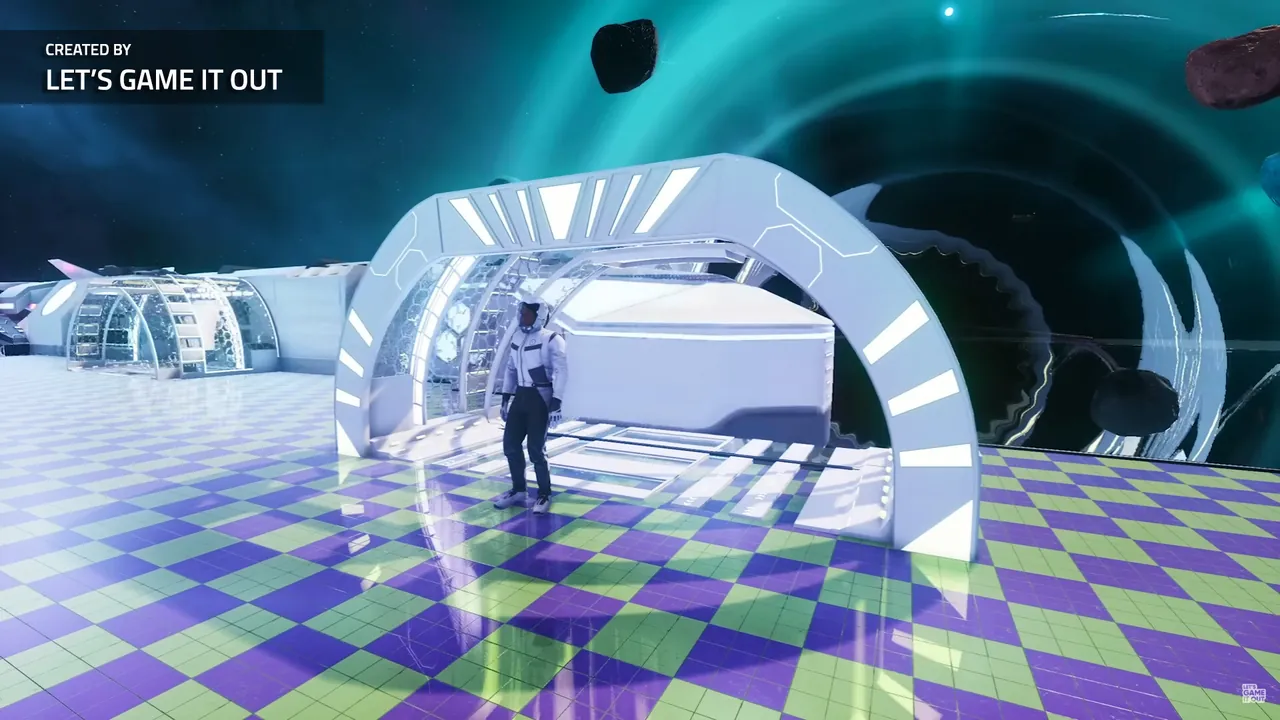
Free construction is the planning mode. Groups use it to design layouts together: a factory floor, a conveyor block that feeds a smelter line, a station that docks neatly. Research still gates what you can build, so it is not a total free for all. Our own advice on the server page applies: turn it off again before a normal run, or the colony stops feeling earned.
Sandbox is the creative server. Everything is unlocked and free, which suits:
- Builders who care about architecture and themes more than progression.
- Testing a design before committing to it in the real colony.
- Streaming or showing off large builds.
- New players learning what every device does without a long grind.
Setting the flags on your own server
The file is AstroColony/Saved/Config/WindowsServer/ServerSettings.ini on Windows, or LinuxServer on Linux. Everything sits under one section:
[/Script/ACFeature.EHServerSubsystem]
MapName=CreativeYard
Seed=4242
FreeConstruction=True
Sandbox=True
ShouldLoadLatestSavegame=True
SharedTechnologies=True
OxygenConsumption=False
- Stop the server.
- Set the flags.
- Give the new world its own
MapNameand, if you like, a newSeed. - Make sure the old save will not load over it: either move the old saves out of the save folder or set
ShouldLoadLatestSavegame=Falsefor the first start. - Start the server and join.
The full list of keys is in the Astro Colony server setup guide.
Why a new map matters: saves keep their mode
Since July 2025 every savegame stores its gameplay mode. When a save is loaded, the game continues the playthrough in a compatible mode. In practice that means flipping the flags on a server that loads an existing normal colony is not a reliable way to turn that colony into a sandbox, and the reverse is not either.
Treat the mode as part of the world:
- One
MapNamefor your real colony, played in normal mode. - A separate
MapNamefor the sandbox, with the sandbox flags.
Running a sandbox and a real colony side by side
You have two practical options.
Swap on one server. Keep both worlds' saves. Before switching, take a backup, change the flags and MapName, and make sure the right save is the one that loads. This works, but it is easy to load the wrong world, so name things clearly and keep backups. Our save transfer guide shows where saves live and how the server picks one.
Two servers. One normal, one sandbox, each with its own settings. This avoids mix ups entirely. Note that the developer's guide says the game port must stay 7777, so two servers on one public IP is not straightforward. Separate servers each with their own address are the clean way to do it.
Building in sandbox, then using it for real
Sandbox is a good drawing board. A common workflow:
- Design the layout in the sandbox world.
- Save it as a blueprint in the Blueprint Designer.
- Join the normal colony and place the blueprint there. Constructing an imported blueprint still needs every item unlocked in that world, so research comes first.
Performance in creative play
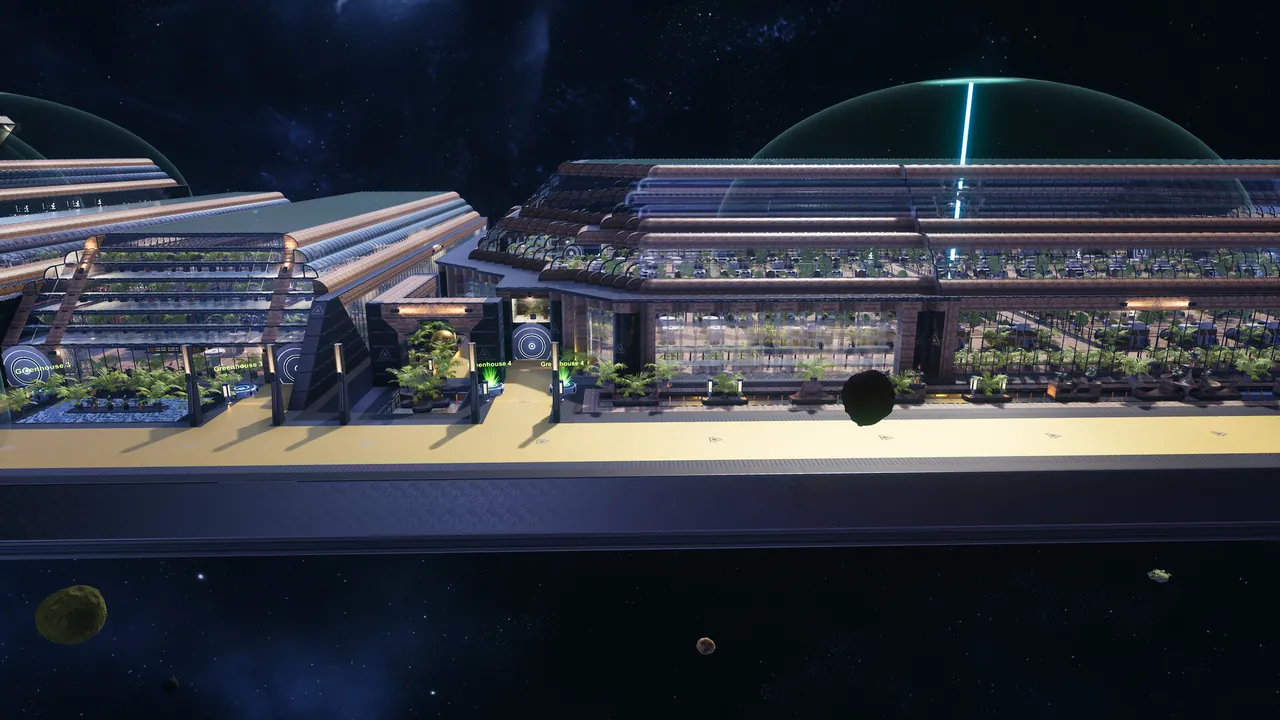
Sandbox worlds grow fast, because nothing slows building down. Long conveyor networks, many devices and big stations are what make an Astro Colony server heavy, not player count. A sandbox server where people build freely all evening can need as much memory as a late game normal colony. If the world gets sluggish, see our guide to game server lag.
On a GamezServers server
On an Astro Colony server from GamezServers, Free Construction, Map Name, Map Seed, Should Load Latest Savegame, Oxygen Consumption and Shared Technologies are toggles and fields in the panel, written into ServerSettings.ini on every start. The Sandbox flag is not a panel setting: set Sandbox=True directly in AstroColony/Saved/Config/LinuxServer/ServerSettings.ini with the file manager, and it stays as you left it. One click backups make switching between a creative world and your real colony safe. Plans start at 4 GB.
FAQ
How do I enable sandbox mode on an Astro Colony dedicated server?
Set FreeConstruction=True and Sandbox=True in ServerSettings.ini, give the world a new map name, and start a new map.
What is the difference between free construction and sandbox?
Free construction makes building cost nothing but keeps research. Sandbox also unlocks all technologies.
Can I turn an existing colony into a sandbox?
Not reliably. Saves store their gameplay mode, so start a separate sandbox map instead.
Does sandbox mode work in multiplayer?
Yes. Player hosts pick the mode in the lobby, and dedicated servers use the two flags in ServerSettings.ini.
Skip the setup. Your own Astro Colony server.
Then $9.99/mo. Just trying it? $2.50 for 3 days