

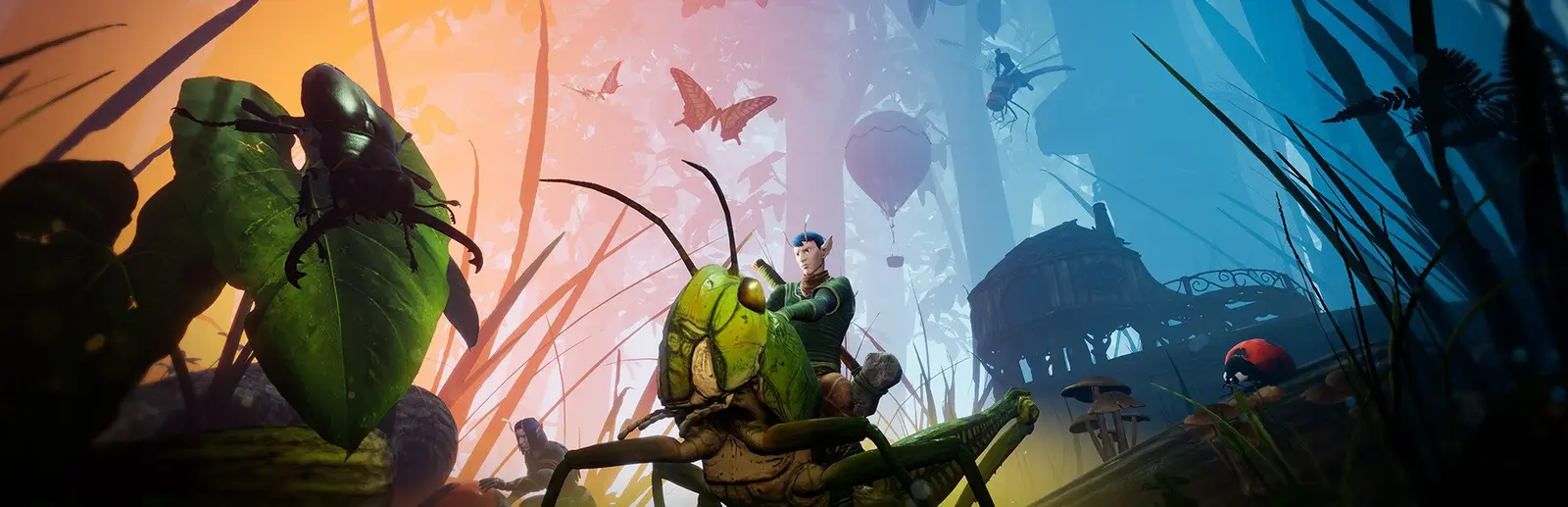
Smalland: Survive the Wilds server hosting
Insect scale survival for you and up to nine friends, always online
Host a Smalland: Survive the Wilds server for up to 10 tiny survivors. Tune creature damage, hunger, day and season length, or switch on peaceful mode.
Staying longer? Subscribe and get 50% off your first month
- DDoS protected
- 24/7 support
- Live the moment you pay

- Split the billUp to 10 friends, own cards
- Custom plansAny RAM up to 32 GB
- Prepaid or monthly3 days to 1 year
- Live in 60 secondsNo setup, no waiting
- Cancel any timeNo contracts, ever
Pick your Smalland: Survive the Wilds plan
Every plan is live the moment you pay. Upgrade or cancel from your dashboard any time.
Starter
6 GBThen $14.99/mo. $0.50 a day.
Splitting with 3 friends? $4.77 each/mo
- 6 GB RAM
- 2 vCPU cores
- DDoS protection included
- 24/7 support
Standard
8 GBThen $19.99/mo. $0.67 a day.
Splitting with 3 friends? $6.02 each/mo
- 8 GB RAM
- 2 vCPU cores
- DDoS protection included
- 24/7 support
Pro
12 GBThen $29.99/mo. $1.00 a day.
Splitting with 3 friends? $8.52 each/mo
- 12 GB RAM
- 3 vCPU cores
- DDoS protection included
- 24/7 support
What comes set up on a Smalland: Survive the Wilds server
Ten player co-op
Enough people to split the work between gatherers, builders and the one who keeps getting eaten by spiders.
Tune the difficulty
Percentage sliders for creature health, creature damage and hunger, plus friendly fire, keep inventory and item wear toggles.
Day and season length
Set how long a day and a season last in seconds, so a short evening session still sees the weather turn.
Sleeps when empty
Turn on Sleep when empty and the world saves and stops after 4 days with nobody on. One click wakes it.
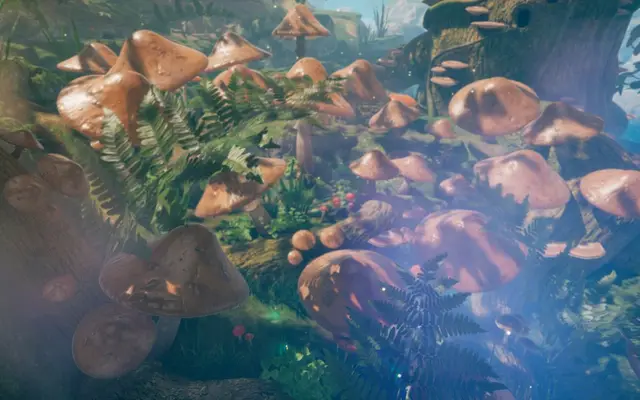
A look inside Smalland: Survive the Wilds
Real screenshots from the game. Click any of them to see it full size.
How much RAM does a Smalland: Survive the Wilds server need?
Find the row that sounds like your group and we will point you at the right plan.
| Your server | RAM | Plan |
|---|---|---|
| Two to four players on a fresh world | 6 GB | Starter$14.99/mo |
| Five to ten players with growing bases | 8 GB | Standard$19.99/mo |
| Full server with big bases and many tamed creatures | 12 GB | Pro$29.99/mo |
This is the panel. Click around.
This is the Smalland: Survive the Wilds panel you get. Click any button, or type a command.

Smalland: Survive the Wilds Server
play.gamezservers.com:7777
[12:00:00] Starting Smalland: Survive the Wilds server
[12:00:03] Loading world
[12:00:06] Server started on port 7777
[12:00:09] Ready for players. Try a button.
Power
How to join your Smalland: Survive the Wilds server
- 1
Launch Smalland and turn on Cross Play in the settings if it is off.
- 2
Click Play, then choose or create a character.
- 3
Click Join at the top of the menu to open the server browser.
- 4
Set the filter to Public and search for your server's name.
- 5
Select it, click Join, and enter the password from your panel if you set one.
Common problems
Can't see the server in the list? Turn on the Cross Play option in the game's settings. The developers confirmed both server and player need it to see dedicated servers.
There is no join by IP, so give the server a name your friends can search for and set the browser filter to Public.
Changed a modifier and nothing happened? Settings load on start, so restart the server from the panel after every change.
Bigger patches can change save data. Take a backup in the panel before you let the server update.
Server not responding
Make sure the server is online. Servers sleep after 4 days with nobody playing, and anyone with access can start them again from the dashboard in one click.
Use the server address
Do not use localhost, 127.0.0.1 or your own IP from a home hosting guide. Copy the exact address of the server.
No port forwarding or firewall changes
Opening ports on your router is only for hosting a server at home, so there is nothing to change to join this one. If Windows asks whether to let the game through the firewall, choose Allow.
Smalland: Survive the Wilds server hosting, explained
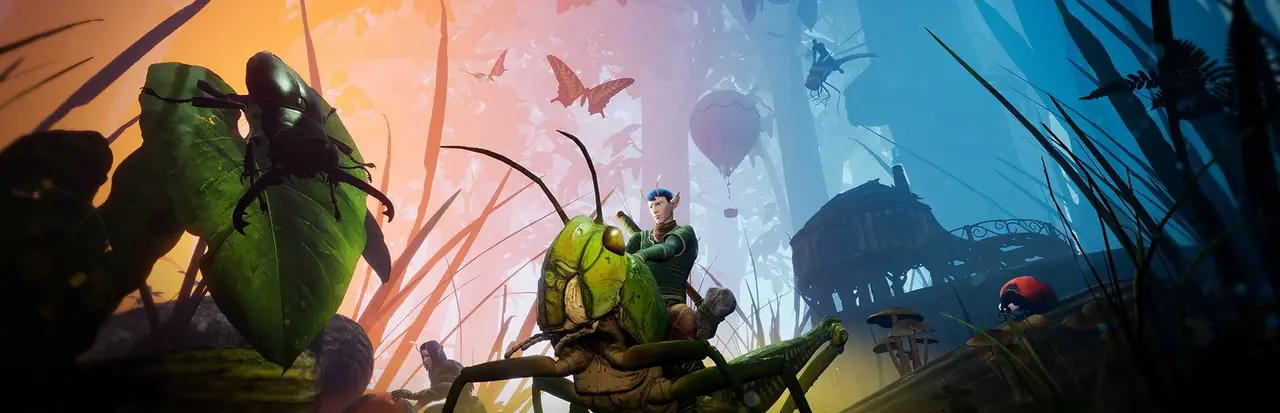
Smalland puts you at the bottom of the food chain, small enough that a patch of forest floor is a wilderness full of spiders, beetles and worse. You craft gear from bugs and plants, build camps in roots and mushrooms, tame creatures to ride, and push further out as you get stronger. Multiplayer is co-op survival for up to 10 players, a nice size for a friend group that wants to share one world.
A dedicated server keeps the world's progress between sessions, so nobody has to host from their own PC and everyone drops in when they like. Your camp, your mounts and the gear stored in chests are all still there the next evening. That matters in a game where losing a mount or a base to a bad night is part of the story.
Our panel gives you the knobs that matter: friendly fire, peaceful mode, keep inventory on death, item deterioration, day and season length, and percentage modifiers for creature health, creature damage and hunger. Set a password or mark the game private if it is just your crew, and pick a world name to keep separate saves. Auto update keeps the server in step with game patches.
Smalland's server is hungrier than the tiny theme suggests. A small group of two to four can start on 6 GB. Most groups of five or more are happiest on 8 GB. If you fill all 10 slots and build sprawling bases with lots of tamed creatures, 12 GB gives you room. You can change plans from the panel any time.
Smalland: Survive the Wilds server guides
Smalland: Survive the Wilds5 min readCan't Join a Smalland Server After an Update (Fixes)
Smalland server visible but joining fails after a patch? Match game versions, back up and update the server, check World Name, password and a full server.
ReadSmalland: Survive the Wilds4 min readSmalland Server Not Showing in Server Browser (Fixes)
Smalland server missing from the Join list? Turn on Cross Play, use the Public filter, search the exact name, and check ports and updates.
ReadSmalland: Survive the Wilds6 min readHow to Host a Smalland Server (Dedicated Server Guide 2026)
Host a Smalland Survive the Wilds dedicated server: SteamCMD app 808040, start-server.bat settings, port 7777, world saves, and why friends need Cross Play on.
ReadSmalland: Survive the Wilds5 min readHow to Move a Smalland World to a Dedicated Server
Move a Smalland Survive the Wilds world to a dedicated server: upload the .wld file to SaveGames/Worlds, match WORLDNAME, and what happens to Great Tree bases.
ReadIncluded on every plan
- Always on DDoS protection
- 24/7 support from real people
- Low ping game hardware
- Live the moment you pay
- Your own address and port
- Live console with full access
- One click game actions
- One click backups
- Upgrade or cancel any time
Common questions
How many players can join a Smalland server?
Up to 10. That is the game's cap, so a Smalland server suits a friend group more than a big public community.
Can I join a Smalland server by IP?
No. Smalland has no direct connect option. Find the server in the in-game browser by searching its name.
Why can't my friends see the server?
Make sure Cross Play is turned on in their game settings and the browser filter is set to Public. Then search for the exact server name.
Can I make Smalland easier for a casual group?
Yes. Turn on Peaceful Mode or Keep Inventory, or lower the creature damage and hunger modifiers in the panel. Restart the server after changing them.
How do I keep strangers out?
Set a Server Password, or turn on Is Private Game in the panel. Friends still find it by name and enter the password.
Can I upload my existing world?
Yes. Upload the save through the file manager or SFTP and set World Name in the panel to match the save's name.
How much RAM does a Smalland server need?
6 GB for a small group, 8 GB for most groups, and 12 GB for a full ten player server with large bases.
Is GamezServers affiliated with Smalland: Survive the Wilds?
No. You rent and control your own dedicated Smalland: Survive the Wilds server. GamezServers is not affiliated with the game's developer or publisher.
Can my friends and I split the cost?
Yes. At checkout choose "Me and my friends" and up to 10 people each pay their own share with their own card, on any plan length, from 3 days to a year. It is not a payment plan: nobody pays in parts over time, each friend simply pays their own share. You pay yours, send each friend their link, and the server starts straight away. Each share includes a $1 payment fee.
Can I build a custom plan?
Yes. Every game has a Build your own page: pick any amount of RAM up to 32 GB, any length from 3 days to 1 year, prepaid or a subscription, plus your server type and settings. A custom size costs 15% more per GB than the standard plans next to it.
Can I pay once instead of a subscription?
Yes. Pick Prepaid and pay once for 3 days, 30 days, 6 months or a year. Nothing renews: when the time is up the server pauses and keeps its world for 14 days. Add time or switch to a subscription from your panel any time. Short rentals cost more per day, since every server is set up from scratch.
How fast is setup, really?
Your server starts building the moment Stripe confirms payment. Most are online in under a minute, and the address and login appear on your dashboard automatically.
Players who host Smalland: Survive the Wilds also host
Your Smalland: Survive the Wilds server is a minute away
Insect scale survival for you and up to nine friends, always online
Deploy Smalland: Survive the Wilds nowLive in 60 seconds · Cancel any time
GamezServers is not affiliated with Merge Games. Smalland: Survive the Wilds and its art are trademarks of their respective owners.